Quick Answer
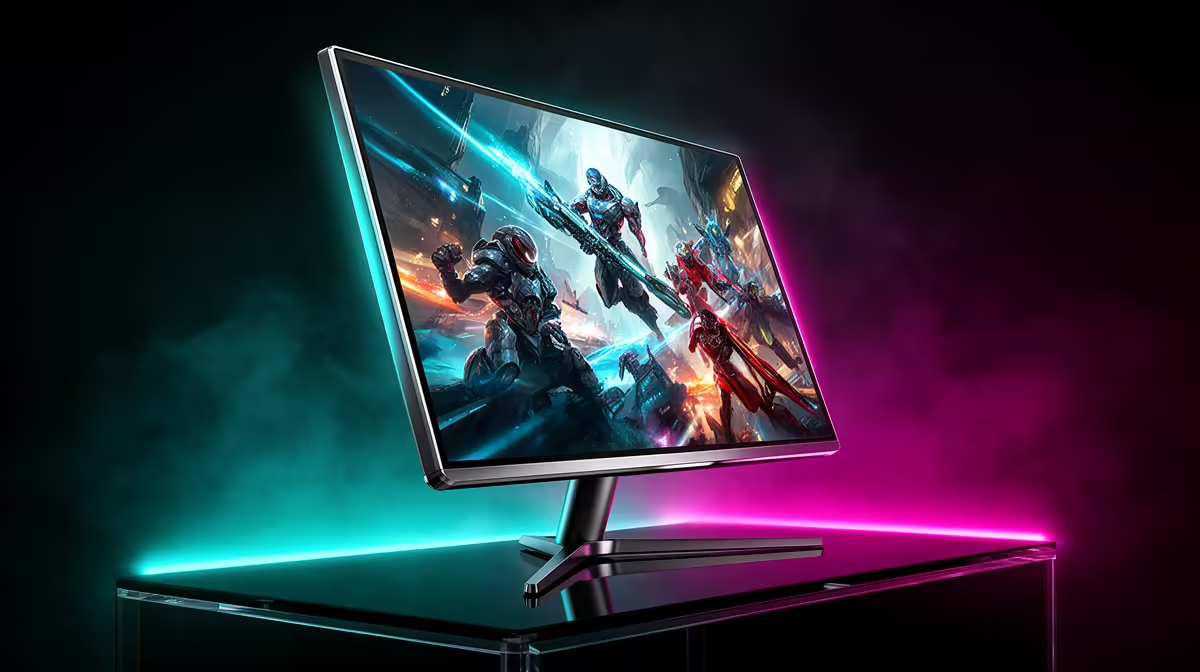
Dual-mode gaming monitors let you switch between a native 4K resolution at lower refresh rates and a downscaled FHD or QHD mode at much higher refresh rates, typically 240Hz or above. This means one display serves both cinematic 4K gaming and competitive esports without compromise.
What Dual-Mode Actually Does to Your Signal 🖥️
When you activate the esports mode on a dual-mode panel, the monitor renders pixels at a lower resolution natively rather than simply scaling. On a 4K panel switching to FHD mode, the display operates at 1920x1080 with the pixel grid remapped, which eliminates the blur that software upscaling introduces. The result is that input lag drops, refresh rate climbs, and motion resolves more sharply. Monitors such as the ASUS ROG Swift OLED PG27UCDM combine a native 4K 240Hz panel with a switchable 1080p 480Hz esports mode, targeting players who want a single display for both Cyberpunk 2077 at full resolution and a competitive CS2 session at maximum frame rates.
Resolution, Refresh Rate and What You Trade Off 🎮
At 4K 240Hz you need DisplayPort 2.1a UHBR20 bandwidth, roughly 77.4 Gbps, to carry an uncompressed signal. In 4K mode at 240Hz, even an RTX 5090 will push around 80 to 120 fps in demanding titles at maximum settings. Switching to the FHD esports mode drops the GPU load substantially, and frame rates in games like Valorant or CS2 easily exceed 400 fps on a mid-to-high-end rig, which is where the high-refresh esports mode pays off. SA gamers should note that many competitive titles cap frame generation at specific modes, so matching the monitor mode to the game genre is important.
Sync Technology, HDR and Panel-Level Features ✨
Dual-mode monitors almost always carry G-Sync Compatible or FreeSync Premium Pro certification, ensuring adaptive sync works in both resolution modes. HDR support is typically DisplayHDR 400 or higher on IPS variants, while QD-OLED dual-mode panels can hit DisplayHDR True Black 400, which delivers around 1,000 nits peak brightness with infinite contrast for dark scenes. ELMB Sync (backlight strobing combined with adaptive sync) and Aura Sync RGB are common extras on premium models priced between R12,000 and R22,000 locally.
Match Your Mode to Your Game ⚡
Before launching a session, switch to esports mode for competitive multiplayer titles and back to 4K mode for open-world single-player games. Keeping a desktop shortcut to the monitor OSD toggle software, like ASUS DisplayWidget or LG OnScreen Control, saves you from digging through physical menus each time.
FAQ
Does switching modes require a cable change?
No. Dual-mode switching is handled through the monitor's OSD or companion software, so the same DisplayPort 2.1a or HDMI 2.1 cable stays plugged in throughout. The GPU driver detects the resolution change automatically and adjusts the signal.
Will dual-mode monitors work with a PlayStation 5 via HDMI?
Yes, but the PS5 is limited to HDMI 2.1, which supports 4K at 120Hz. The esports high-refresh modes beyond 240Hz require a PC with a GPU that supports DisplayPort 2.1a, so console users only access the lower refresh portion of the dual-mode feature set.
Are dual-mode monitors worth the price premium in South Africa?
For players who genuinely switch between immersive single-player 4K titles and competitive multiplayer gaming, yes. The price range of R14,000 to R22,000 is steep, but it replaces two separate monitors and the desk space they would occupy.
Ready to pick your dual-mode display?
Evetech stocks a range of high-refresh 4K gaming monitors suited to both esports and cinematic play. Browse the monitor section at Evetech to find the spec that matches your GPU and game library.