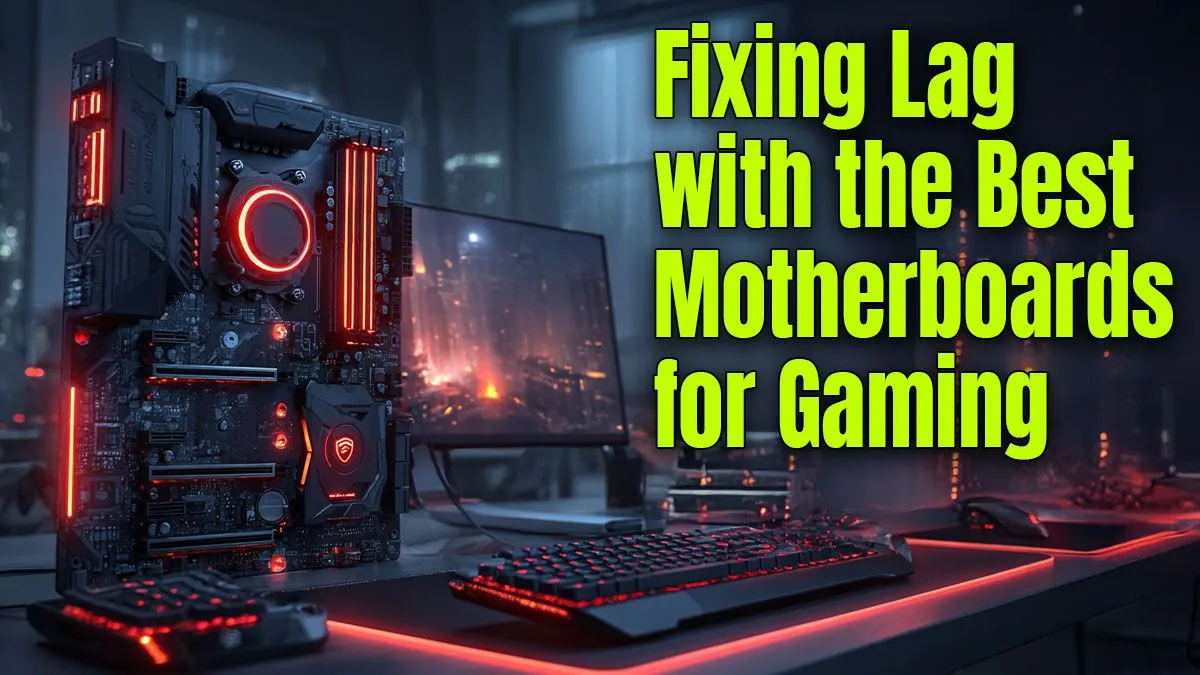
Stuttering, lag, and random FPS drops... sound familiar? You've got a powerful graphics card and a top-tier CPU, but your games still feel choppy. It’s a classic South African gamer headache. Many builders overlook the one component that connects everything: the motherboard. Choosing the best motherboard for gaming lag isn't just about flashy RGB; it's about building a stable foundation that lets your expensive parts actually perform at their peak. Let's fix that stutter for good.
Can a Motherboard Really Cause Stutter and Lag?
Absolutely. While your motherboard doesn't render graphics, it acts as the central nervous system for your entire PC. If it can't supply clean, stable power or transfer data quickly enough between your components, you're going to experience performance bottlenecks that feel exactly like lag or stutter.
Think of it like the N1 highway at rush hour. It doesn't matter if you have a Ferrari (your GPU); if the road (your motherboard) is congested and full of potholes, you're not going anywhere fast. A cheap or poorly designed motherboard can throttle your CPU, limit your RAM speed, and create data traffic jams, all of which kill your gaming experience. For many, upgrading from a basic board is the first step on a better upgrade path.
Key Features in a Motherboard to Fix Gaming Lag
Finding the best motherboard for gaming performance means looking beyond the box art and focusing on the features that deliver stability and speed. Here’s what truly matters. 🔧
Strong VRMs and Heatsinks
The Voltage Regulator Module (VRM) is crucial. It takes power from your PSU and delivers a clean, stable voltage to your CPU. A motherboard with weak VRMs can overheat when a powerful CPU is under load, causing the CPU to throttle (slow itself down) to prevent damage. This throttling is a primary cause of in-game stutter. Look for motherboards with robust heatsinks over the VRM area, as this indicates better thermal management and more consistent performance.
Quick Check Before You Buy ⚡
Always look up independent reviews for the motherboard you're considering. Pay close attention to VRM thermal tests. A board that keeps its power delivery components cool under load will provide a more stable and consistent gaming experience, preventing your CPU from throttling during those intense moments in Apex Legends or Warzone.
The Right Chipset for Your CPU
The chipset is the motherboard's traffic controller. For Intel users, a Z-series chipset (like Z790) unlocks CPU and memory overclocking, giving you the tools to squeeze out extra performance. If you're not planning to overclock, a B-series board (like B760) offers fantastic value. Choosing the right one from a range of Intel motherboards ensures you're not paying for features you won't use.
Similarly, for Team Red, X-series chipsets (like X670E) are the top-tier choice for enthusiasts who want maximum connectivity and overclocking headroom. B-series boards (like B650) are the sweet spot for most gamers, offering a brilliant balance of features and price across a wide selection of AMD motherboards, many of which come standard with features like PCIe 5.0 support.
Fast Connectivity for Storage and Networking 🚀
Modern games are huge, and loading assets from a slow drive can cause texture pop-in and stutter. A good gaming motherboard should have at least one PCIe 4.0 (or even 5.0) M.2 slot for a super-fast NVMe SSD. This drastically cuts down on loading times and ensures a smoother open-world experience.
Don't forget networking! While Wi-Fi has improved, a stable wired connection is king for competitive gaming. Look for a motherboard with a 2.5Gbps LAN port. This reduces network latency (ping), which is essential for eliminating the "online" type of lag.
A quality motherboard is the unsung hero of a smooth, high-FPS gaming rig. It's the critical investment that ensures your CPU, GPU, and RAM can all work together in perfect harmony, finally putting an end to frustrating performance issues.
Ready to Build a Lag-Free Foundation?
Choosing the best motherboard for gaming isn't about spending the most; it's a smart investment in stability. Stop chasing stutter and give your components the high-speed platform they deserve. Explore our massive range of PC components and find the perfect motherboard to conquer lag for good.