


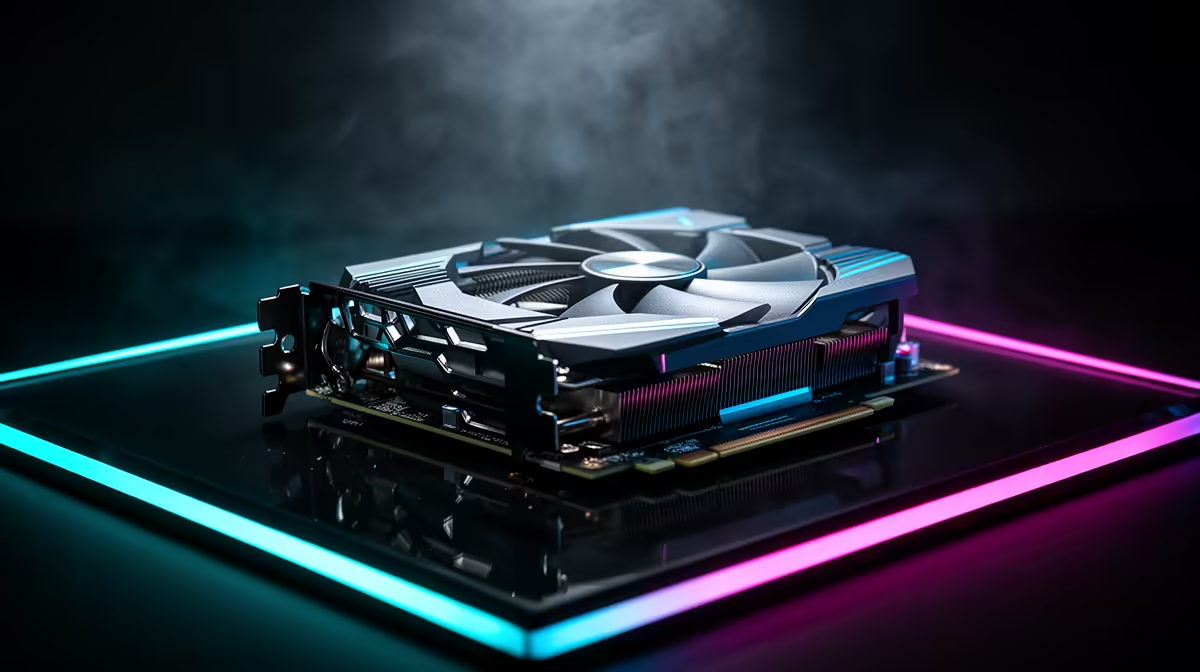
You scrimped, you saved, and finally, that budget graphics card landed in your rig. Awesome! But in Mzansi’s dusty conditions, just plugging it in and forgetting about it is a shortcut to disappointment. Consistent frame delivery matters most when the action gets busy. Mastering budget graphics card maintenance isn't just about extending lifespan; it’s about squeezing every last drop of performance from your prized pixel pusher. Ready to keep your rig running like new? Let’s dive in.
Why Budget Graphics Card Maintenance Matters for Your Rig 🔧
Think of your graphics card as the heart of your gaming PC. Without it, you're looking at spreadsheets, not epic battles. For those of us rocking more affordable GPUs, proper care is even more crucial. These cards often run hotter, their cooling systems might be less elaborate, and pushing them to their limits without regular upkeep can lead to premature failure or, at best, performance throttling. Investing a little time in graphics card care now saves you big bucks later – preventing that dreaded scenario of needing to replace your entire NVIDIA or AMD graphics card much sooner than anticipated.
Keeping Your GPU Cool & Clean: Essential Care Tips
Dust, the silent killer of PC components, is especially a menace to your GPU. It clogs heatsinks, impedes airflow, and makes your fans work overtime, leading to higher temperatures and lower performance.
Dusting Like a Pro
Regular cleaning is non-negotiable. Aim for a gentle dusting every 3-6 months.
- Power Down: Always switch off your PC and unplug it before opening the case.
- Compressed Air: Use short bursts to dislodge dust from heatsinks and fan blades. Hold the fan blades gently to prevent them from spinning too fast, which can damage their bearings.
- Microfibre Cloth: Gently wipe down accessible surfaces. For stubborn grime, a cotton swab with a tiny amount of isopropyl alcohol (90%+) can work wonders on non-conductive parts.
Thermal Paste Refresh
After a couple of years, the thermal paste on your GPU’s die can dry out, losing its effectiveness. Replacing it can shave off crucial degrees, especially on a budget GPU. This is a more advanced step, so proceed with caution or consult a professional. You'll need to remove the cooler shroud, clean off the old paste, and apply a fresh, high-quality non-conductive thermal paste. This significantly contributes to effective budget graphics card maintenance.
Optimise Fan Curves
your fan curve by 5 % at idle to shave off a few decibels… quieter rig, same gaming thrills. Use software like MSI Afterburner (even if you don't own an [MSI graphics card](https: www.evetech.co.za components nvidia-ati-graphics-cards-21?brands=MSI)) for precise control and monitoring.
Software Savvy: Optimising Your Budget Graphics Card Performance ⚡
Hardware maintenance is only half the battle. Your GPU's software ecosystem plays a massive role in its stability and performance.
Driver Updates: Your Best Friend
Graphics drivers are constantly being optimised for new games and hardware. Keeping them up-to-date is probably the easiest and most impactful form of GPU maintenance.
- Check Regularly: Both NVIDIA and AMD release drivers frequently. Set a reminder to check for updates monthly.
- Clean Installs: When updating, consider doing a "clean install" to remove old driver files that might cause conflicts.
- New Architectures: For newer cards, like the exciting Intel Arc series, driver development is rapid and crucial for unlocking their full potential.
Monitoring Your GPU's Health
Knowledge is power. Monitoring your GPU's temperatures, clock speeds, and fan RPMs can give you early warnings of potential issues.
- Tools: MSI Afterburner, HWMonitor, or GPU-Z are excellent, free tools.
- Baseline: Know what "normal" temperatures look like for your card under load (e.g., 65-75°C is generally good; 80°C+ under load might warrant investigation).
Beyond the Basics: Advanced GPU Care for Longevity ✨
True budget graphics card maintenance goes beyond just cleaning. It's about creating an optimal environment for your component.
Powering Your Pixel Pusher Correctly
A stable and sufficient power supply unit (PSU) is critical. Under-powering or using a low-quality PSU can lead to instability, crashes, and potentially damage your GPU over time. Ensure your PSU has enough wattage and appropriate connectors for your specific graphics card. While a high-end workstation graphics card demands robust and consistent power, the principle of stable, clean power applies universally to all GPUs, regardless of their intended use.
Airflow is Everything
Your PC case needs good airflow to get cool air in and hot air out.
- Cable Management: Tidy cables improve airflow significantly.
- Case Fans: Ensure you have enough intake and exhaust fans, properly configured. A positive pressure setup (more intake than exhaust) can help keep dust out.
- Room Temperature: A cooler room helps. While you can't control the Durban humidity or Jozi's summer heat, keeping your PC away from direct sunlight or cramped spaces helps.
Remember, every bit of effort you put into maintaining your affordable GPU extends its life and keeps your gaming experience smooth. This isn't just about preventing breakdowns; it's about getting the most out of your hardware investment. Whether you're rocking an AMD Radeon graphics card or another brand, these simple steps can make a world of difference.
Upgrade Your Gaming Experience Maximise your current setup's life, but when the time comes for an upgrade, you know where to look. Explore the latest GPUs and power your next adventure. Shop now at Evetech for performance that leaves lag in the dust.









