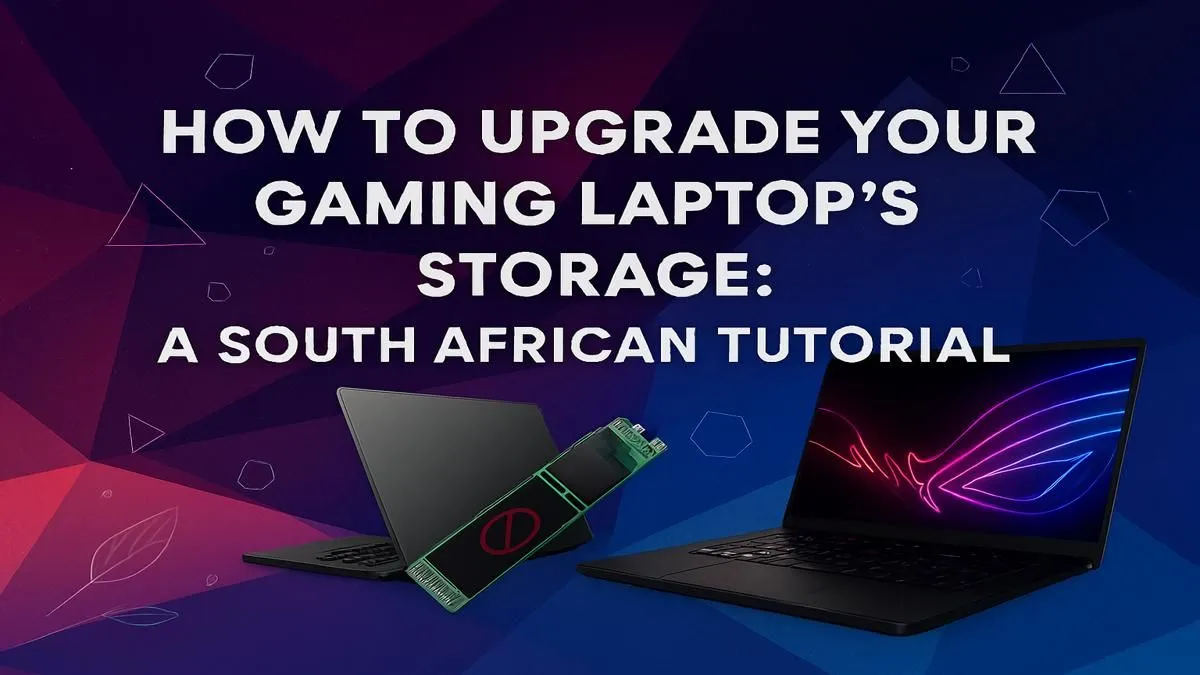
We’ve all been there. You’re downloading the latest update for Warzone or installing Baldur's Gate 3, and that dreaded notification pops up: "Disk Space Low." For South African gamers, this is more than an annoyance… it’s a roadblock to victory. But what if the best performance boost for your machine wasn't a new GPU, but a simple gaming laptop storage upgrade? It’s faster, cheaper, and more accessible than you think. 🚀
Why Your Gaming Laptop Storage Upgrade is a Must-Do
Let's be honest, the default hard drive in many laptops just can't keep up. Modern games have massive file sizes, and slow loading screens can pull you right out of the action. A gaming laptop storage upgrade tackles this problem head-on, delivering near-instant load times for your operating system, applications, and most importantly, your games.
Think about the difference between waiting minutes for a map to load versus jumping in within seconds. That’s the power of switching from an old-school Hard Disk Drive (HDD) to a modern Solid-State Drive (SSD). If your current machine is struggling with more than just storage, it might be time to check out some of the best gaming laptop deals available right now.
Understanding Your Options: SSD vs. HDD
The core of any laptop storage upgrade comes down to choosing the right technology.
The Speed Demon: Solid-State Drives (SSDs)
SSDs use flash memory (like a giant USB stick) to store data, with no moving parts. This means they are incredibly fast, durable, and quiet. There are two main types you'll encounter:
- SATA SSDs: These come in a 2.5-inch form factor, resembling a traditional laptop HDD. They are a massive improvement over HDDs and are widely compatible.
- NVMe M.2 SSDs: These look like a small stick of RAM and plug directly into the motherboard. They offer mind-blowing speeds, often 5-7 times faster than SATA SSDs, making them the ultimate choice for a gaming laptop SSD upgrade.
The blistering speed of an NVMe drive pairs perfectly with a powerful graphics card, ensuring your whole system is lightning-fast. Many of the latest GeForce RTX gaming laptops on special come standard with NVMe SSDs for this very reason.
The Old Faithful: Hard Disk Drives (HDDs)
HDDs use spinning magnetic platters to store data. While they offer huge capacities for a low price, their speed is a major bottleneck for gaming in 2024. They’re great for archiving old files or media, but not for running your favourite titles.
Cloning Made Easy 🔧
Don't want to reinstall Windows from scratch? Use free software like Macrium Reflect or Clonezilla. These tools can create an exact copy (a "clone") of your old drive onto your new SSD, transferring your OS, games, and files seamlessly. Just make sure your new drive has enough capacity!
Your Quick Guide to Upgrading Laptop Storage
Ready to make the jump? A gaming laptop storage upgrade is a straightforward process if you follow a few key steps.
1. Check Your Laptop's Compatibility:
First, find out what your laptop can support. Does it have a spare M.2 slot for a speedy NVMe drive, or does it use a 2.5-inch SATA bay? A quick search for your laptop model number online will usually give you the specs. Whether you're running one of the latest all-Intel gaming laptops or a powerful machine from the team red, this step is crucial.
2. Choose the Right Drive:
For most gamers, a 1TB NVMe SSD is the sweet spot, offering a great balance of speed and space for your OS and a healthy library of games. High-performance systems, like many AMD Ryzen gaming laptops, can often accommodate multiple drives, giving you even more flexibility.
3. The Installation:
The physical installation usually involves opening the back panel of your laptop, locating the storage slot, and securing the new drive. While it's a DIY-friendly task for many, if you're not comfortable opening up your machine, the Evetech team can always assist. ✨
When to Upgrade vs. When to Buy New
Sometimes, a storage upgrade isn't the whole answer. If your laptop's processor, RAM, and GPU are also showing their age, a new SSD might feel like putting a jet engine on a horse cart. You'll see an improvement, but other components will still hold you back.
Consider a new machine if:
- Your CPU is more than 4-5 years old.
- You have less than 16GB of RAM.
- Your storage or RAM is soldered to the motherboard, making an upgrade impossible.
For many, investing in a modern laptop is a more cost-effective long-term solution. You can find excellent value in gaming laptops under R20k that deliver a fantastic 1080p gaming experience. For those who want to crank every setting to ultra, the range of gaming laptops above R20k offers unparalleled power. A machine from the current lineup of Intel Core i7 gaming laptops, for example, will provide a massive leap in overall performance, not just loading times.
Ready for a Speed Boost?
Whether it's a lightning-fast SSD or a brand-new rig, eliminating lag is key to a great gaming experience. A gaming laptop storage upgrade is a powerful first step, but a new machine is the ultimate solution. Explore our massive range of gaming laptop deals and find the perfect machine to conquer your world.