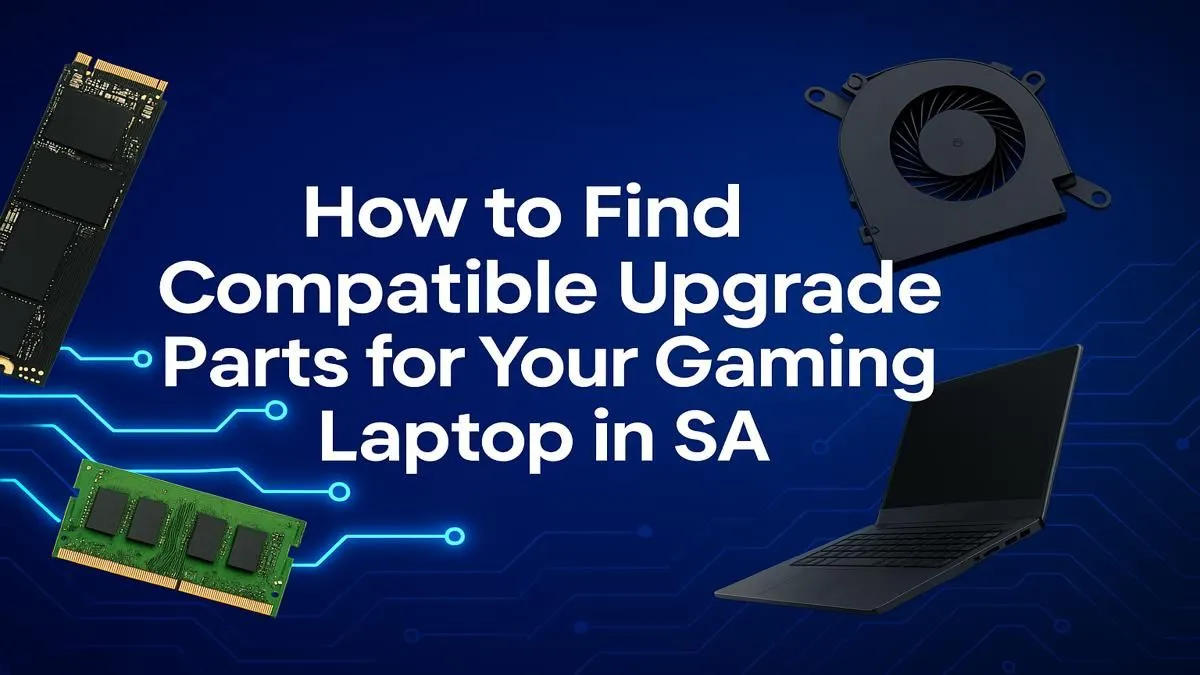
That trusty gaming laptop that’s seen you through countless raids and victory royales is starting to feel… a bit slow. Before you start browsing for a whole new machine, let’s talk upgrades. The world of gaming laptop upgrade compatibility can seem tricky, but for many South African gamers, a strategic boost is all you need to get back in the fight. So, what can you actually swap out, and when is it time for a new rig? 🤔
Let's demystify the process. While you can't rebuild a laptop like a desktop PC, understanding what's possible can save you thousands of Rands. Knowing your options is the first step to making a smart decision, whether that means a simple DIY project or checking out the best gaming laptop deals for a complete refresh.
What You Can Actually Upgrade in a Gaming Laptop 🔧
Unlike their desktop cousins, gaming laptops are tightly integrated systems where most core components are permanently attached. However, manufacturers usually leave access to two key areas that offer the biggest performance boost for your buck: RAM and Storage.
Random Access Memory (RAM)
Laggy multitasking or stuttering in open-world games can often be traced back to insufficient RAM. Most gaming laptops come with 8GB or 16GB, but many have a second, empty SODIMM slot allowing you to double your capacity. A laptop RAM upgrade is often the easiest and most cost-effective way to make your machine feel snappier.
Storage (SSD/HDD)
Is your laptop still running on a clunky old Hard Disk Drive (HDD)? Swapping it for a Solid-State Drive (SSD) is the single biggest speed improvement you can make. Games will load faster, Windows will boot in seconds, and the whole system will feel more responsive. Many laptops also have an extra M.2 slot, letting you add a super-fast NVMe SSD while keeping your old drive for extra storage. A laptop SSD upgrade is a true game-changer.
The Non-Negotiables: CPU and GPU
Here's the hard truth about gaming laptop upgrade compatibility: the two most important components for gaming performance, the Central Processing Unit (CPU) and the Graphics Processing Unit (GPU), are almost always soldered directly onto the motherboard.
This means you can't just swap out your old NVIDIA card for one of the latest models from our range of GeForce RTX gaming laptops on special. The processor and graphics chip you buy your laptop with are the ones you'll have for its entire lifespan. This makes your initial choice critical, whether you lean towards the performance of Intel gaming laptops or the efficiency of AMD Ryzen gaming laptops.
Check Before You Buy! ⚡
Before attempting any upgrade, open Windows Task Manager (Ctrl+Shift+Esc), go to the 'Performance' tab, and click on 'Memory'. It will show you your current RAM speed and, crucially, how many 'Slots used' you have. If it says '1 of 2', you're in luck for an easy upgrade!
A Practical Guide to Checking Your Laptop's Upgrade Potential
So, how do you confirm your specific model's upgrade options? Don't just start unscrewing things! Follow these steps to check your gaming laptop upgrade compatibility safely.
- Consult the Source: Visit the manufacturer’s official website (e.g., ASUS, MSI, Dell) and look up the product page or support section for your specific model number. They often provide detailed specifications, including the maximum supported RAM and available storage slots.
- Watch a Teardown: A quick search on YouTube for your laptop model followed by "upgrade" or "teardown" will likely reveal dozens of videos. This is a brilliant way to see the internal layout and judge the difficulty of the upgrade before you even touch a screwdriver.
- Consider Your Budget: A RAM or SSD upgrade can be a fantastic way to revitalise a machine. But it's also wise to weigh the cost against the price of a new laptop. With fantastic gaming laptops under R20k, sometimes the smarter financial move is a fresh start with a full warranty.
When Is It Better to Buy a New Laptop? 🚀
Upgrading your gaming laptop is a great option if your CPU and GPU are still reasonably powerful, but you're being held back by RAM or storage speed.
However, if your core components are several generations old, no amount of memory will help you run the latest AAA titles smoothly. If you're struggling to hit 60 FPS on low settings because your processor is the bottleneck, it's time to look at a new machine. The performance leap from an older i5 to one of the latest Intel Core i7 gaming laptops or one of the beastly gaming laptops above R20k is immense and will set you up for years of high-end gaming. ✨
Ready for a Performance Boost?
Whether you're planning a DIY upgrade or realising it's time for a new beast, understanding your options is key. A simple SSD or RAM upgrade can breathe new life into your machine, but sometimes a fresh start is the ultimate power-up. Explore our massive range of laptop specials and find the perfect machine to conquer your world.