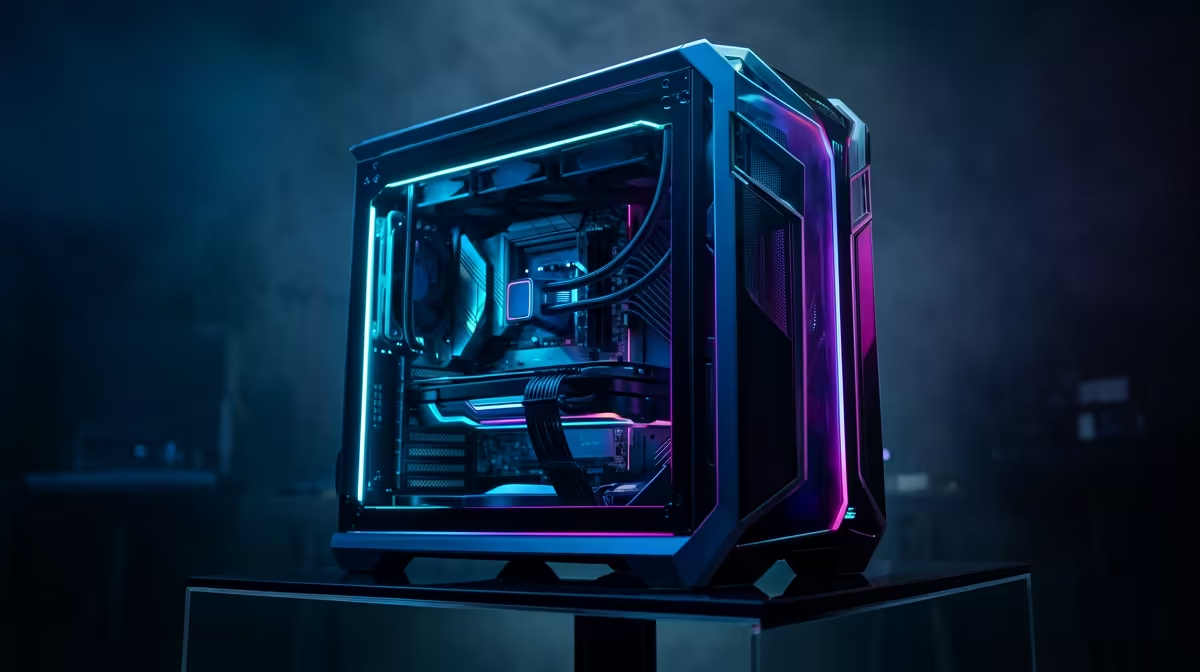
Is your gaming rig feeling a bit... sluggish? That PC that once blitzed through the latest titles now stutters and chugs, turning epic boss fights into a slideshow. You're not alone. For gamers across Mzansi, keeping a machine at peak performance is a constant battle. This isn't just another list; it's your complete maintenance and upgrade guide, designed to give you the best possible performance for your rand and make your next gaming PC upgrade in South Africa a massive success.
The Foundation: Essential PC Maintenance
Before you even think about spending money, let's cover the "free" performance boosts. Proper maintenance is the bedrock of a healthy gaming PC. It won’t magically turn a GTX 1050 into an RTX 4090, but it will ensure you're getting every drop of power you paid for. A well-maintained system is crucial for planning effective gaming PC upgrades in South Africa.
Dust Bunnies are Performance Killers 🔧
That layer of dust inside your case isn't just ugly; it's a performance thief. Dust insulates components, causing them to run hotter. When your CPU or GPU gets too hot, it throttles (slows itself down) to prevent damage.
Your simple cleaning checklist:
- Power Down: Completely unplug your PC.
- Get Outside: Take your case somewhere well-ventilated.
- Compressed Air: Use short, controlled bursts to blow dust out of fans, heatsinks, and vents. Never use a vacuum cleaner!
- Wipe Down: Use a microfibre cloth to clean the case panels and exterior.
Regular cleaning can genuinely lower your temperatures and restore lost performance. If your lag isn't just in-game but also during heavy creative work, exploring our range of custom-built workstation PCs might reveal what true power feels like.
Software Spring Clean
Your PC's digital hygiene is just as important. A cluttered system is a slow system.
- Update Your Drivers: Your graphics card driver is the most important. Use NVIDIA GeForce Experience or AMD Software: Adrenalin Edition to keep it fresh.
- Manage Startup Programs: Press
Ctrl+Shift+Esc to open Task Manager, click the "Startup" tab, and disable anything you don't need running the second your PC boots. - Clear Temp Files: Windows' built-in Disk Cleanup tool works wonders.
Find Your Bottleneck ⚡
Not sure what to upgrade first? Install a tool like MSI Afterburner with RivaTuner Statistics Server. It displays your CPU, GPU, and RAM usage on-screen while you game. If your GPU is constantly at 99-100% usage while your CPU is chilling at 50%, your graphics card is the bottleneck. This is the most crucial step in planning your gaming PC upgrade path.
Knowing When to Upgrade Your Gaming PC
Maintenance can only take you so far. Eventually, the hardware itself becomes the limitation. So, how do you know when it's time for a proper upgrade?
Ask yourself these questions:
- Can I still hit a stable 60 frames per second (FPS) in my favourite games, even on medium settings?
- Are new game releases completely unplayable on my current setup?
- Do I spend more time on loading screens than actually playing?
If you answered "yes" to any of these, it's time to consider a hardware refresh. Whether you're team blue or team red, a new processor can breathe new life into your system. Check out our latest powerful Intel PC deals for some serious single-core performance inspiration.
Smart Gaming PC Upgrades for South African Budgets
Upgrading doesn't have to mean buying a whole new R30,000 rig. A strategic component swap can deliver a massive performance uplift. This is the core of planning smart gaming PC upgrades in South Africa; focus on what gives you the most bang for your buck.
The Big Three: GPU, CPU, and RAM
For gamers, these components are the holy trinity of performance.
- Graphics Card (GPU): This is the #1 upgrade for boosting FPS. The GPU does the heavy lifting of rendering the beautiful graphics you see on screen. Our selection of NVIDIA GeForce gaming PCs offers cutting-edge features like DLSS and ray tracing, while our AMD Radeon gaming rigs are famous for their incredible price-to-performance ratio.
- Processor (CPU): If your games are stuttering or you love to stream, a CPU upgrade might be in order. Of course, if you're looking for a complete overhaul, a pre-built system often provides the best value. Our range of AMD Ryzen gaming PCs is packed with the latest multi-core processors perfect for gaming and streaming.
- Memory (RAM): Moving from 8GB to 16GB is a night-and-day difference for modern gaming. It's one of the easiest and most affordable upgrades you can make.
Don't Forget Storage! 🚀
Still running your games from a clunky old hard disk drive (HDD)? The single most impactful quality-of-life upgrade you can make is switching to a Solid State Drive (SSD), specifically an NVMe M.2 SSD. Game load times will vanish, and the whole system will feel snappier. It’s an essential part of any modern gaming PC build.
Ready to Unleash Peak Performance?
Regular maintenance is key, but a strategic hardware upgrade is the ultimate way to conquer new games and high refresh rates. Whether you need one component or a whole new rig, we've got you covered. Explore our legendary PC Upgrade Kits and find the perfect bundle to dominate the competition.