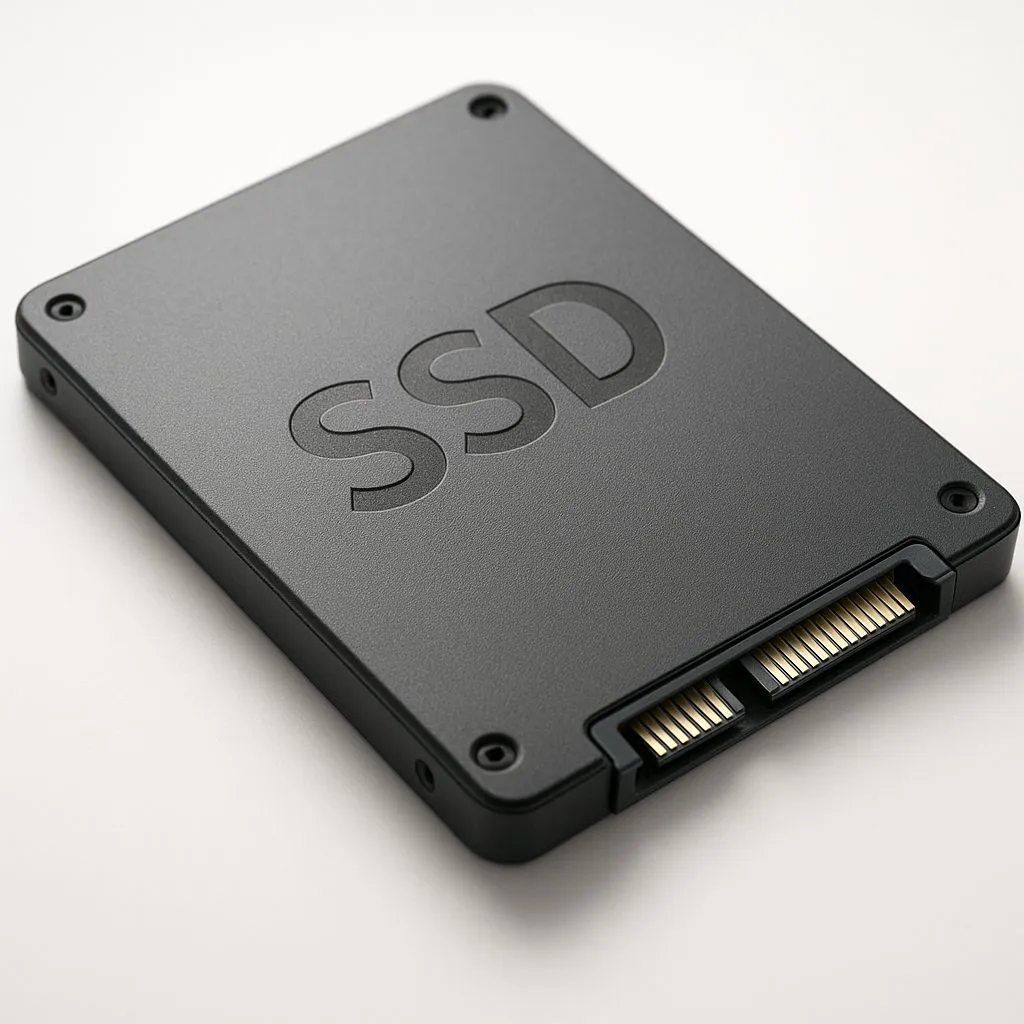
Is your laptop battery life a joke? Before you blame the battery, look at your storage. That’s where low-power SSDs for laptops come in, offering a killer combo of speed and endurance. This guide is your key to unlocking longer unplugged sessions and a snappier machine in 2025, giving your trusty laptop a second wind without being chained to the wall. ⚡
Why Low-Power SSDs are a Big Deal for Laptops
When we talk about laptop upgrades, speed is usually the main event. But for a portable machine, battery life is just as critical. An energy-efficient SSD tackles both. The core benefit is simple: less power consumed by your storage drive means more power available for everything else, extending your time away from the plug.
But it’s not just about endurance. A drive that uses less power also generates less heat. In the cramped chassis of a modern laptop, lower temperatures can lead to more consistent performance, as other components like your CPU and GPU are less likely to thermal throttle. Upgrading to one of the modern solid-state drives is one of the most impactful changes you can make.
Key Features of Energy-Efficient SSDs
So, what makes a particular SSD a "low-power" option? It’s not just one thing, but a combination of modern technologies working together. When you’re shopping for low-power SSDs for laptops, here are a few things to look for:
- The Controller: This is the brain of the SSD. Newer, more advanced controllers are built on smaller manufacturing processes (like 12nm or less), which makes them inherently more efficient.
- DRAM-less Designs: While high-performance desktop SSDs use a DRAM cache for lightning-fast access, many energy-efficient laptop SSDs use Host Memory Buffer (HMB) technology instead. This allows the SSD to borrow a tiny amount of your system's RAM, eliminating the need for a power-hungry onboard DRAM chip.
- Advanced Power States: Modern SSDs can enter ultra-low power "sleep" states almost instantly when not in use. This feature, often called DevSlp (Device Sleep), can drop power consumption to mere milliwatts, saving significant battery over a day's use.
Recycle Your Old Drive! 🔧
you've upgraded your internal SSD, don't let the old one gather dust. Buy an inexpensive USB enclosure and pop it in. In just a few minutes, you'll have a surprisingly fast [external SSD](https: www.evetech.co.za PC-Components buy-external-ssd-199) perfect for game backups, transferring files, or even running a portable OS. It's a brilliant way to get more value from your hardware.
NVMe vs. SATA: The Power Consumption Question
For years, the 2.5-inch SATA SSD was the go-to upgrade. Today, the landscape is dominated by the much smaller and faster M.2 format, which can run either the SATA or NVMe protocol.
While the fastest NVMe SSDs offer incredible performance, the most powerful models can draw more power under heavy load. However, for typical laptop use—browsing, office work, and light gaming—many modern NVMe drives are actually more efficient. They complete tasks so quickly that they can return to an idle, low-power state faster than a slower SATA drive. For most laptops made in the last five years, a quality Gen3 or Gen4 NVMe drive is the best choice for a low-power SSD upgrade.
Choosing the Right Drive for Your Laptop in 2025
Ready to make the jump? Here’s a quick checklist to guide your purchase:
- Check Compatibility: First, confirm what your laptop supports. Is it a 2.5-inch SATA bay or an M.2 slot? If it's M.2, is it SATA or NVMe? A quick search for your laptop model's specs will tell you what kind of SSDs you can install.
- Read Reviews: Look for reviews that specifically test power consumption at idle and under load. A drive that’s efficient at idle is perfect for extending battery life during everyday tasks.
- Don’t Overspend: You don't need the fastest, most expensive drive on the market. A mid-range, energy-efficient NVMe SSD will provide a massive real-world performance and battery boost over an old hard drive or early-generation SSD.
Finding the sweet spot between price, performance, and power efficiency is the goal. Before you make a final decision, it's always worth checking out the best SSD deals to see if you can snag a premium model for a great price. An upgrade to a low-power SSD is a smart investment in your laptop's future. 🚀
Ready to Unleash Your Laptop's True Potential?
An energy-efficient SSD is more than a speed boost... it's a battery-life revolution. Stop being chained to your charger. Explore our massive range of SSDs and find the perfect low-power drive to supercharge your laptop today.