


So, you’re mapping out your next PC build. You’ve got the CPU and GPU sorted, but the motherboard choice is tripping you up. You see "PCIe 5.0" plastered everywhere, promising futuristic speeds. But then you spot a killer deal on a Gen 4 board, saving you a good chunk of ZAR. The big question hits: is banking on PCIe 4.0 longevity a smart move in 2024, or are you just buying yesterday's tech? Let's clear that up.
Gen 4 vs Gen 5: What’s the Real-World Speed Difference?
On paper, PCIe 5.0 doubles the bandwidth of PCIe 4.0. It's a massive technical leap, going from 64 GB/s to 128 GB/s on a full x16 slot. But here’s the secret the spec sheets don’t shout about: almost nothing you use today can actually use all that speed. 🚀
For gamers, the most important component is the graphics card. Top-tier cards like the NVIDIA RTX 4090 are PCIe 4.0 devices. When tested, they show a negligible performance difference—often less than 1-2%—between a Gen 4 and a Gen 5 slot. Your frame rates won't suddenly double. This reality is crucial when considering PCIe 4.0 longevity; the standard is far from being a bottleneck for current gaming hardware. Making the right choice often comes down to finding the right motherboard that balances features with price.
Is Gen 4 Still a Smart Buy for Gaming Rigs?
Absolutely. For a dedicated gaming PC, PCIe 4.0 is the undisputed value king. The performance ceiling of Gen 4 is so high that by the time graphics cards genuinely require Gen 5 speeds to avoid bottlenecks, your entire platform will likely be due for an upgrade anyway.
Think about it this way: the money you save by choosing a solid B650 or B760 motherboard over a premium Gen 5 model could be the difference between an RTX 4070 and an RTX 4070 SUPER. Which one do you think will give you more frames? It’s a no-brainer. This makes the discussion about PCIe 4.0 longevity less about future-proofing for a decade and more about building the most powerful PC for your budget right now. Many of the latest Intel motherboards offer a smart mix, providing Gen 5 for one M.2 slot while keeping the rest Gen 4 to manage costs. ✨
Check Your M.2 Slots! 🔧
When buying a motherboard, don't just look at the main PCIe x16 slot. Check the specs for the M.2 slots. Some boards might have a Gen 5 GPU slot but only Gen 4 M.2 slots, or vice versa. Match the M.2 slot speed to the NVMe SSD you plan to buy to avoid paying for speed you can't use.
Where PCIe 5.0 Makes a Genuine Impact
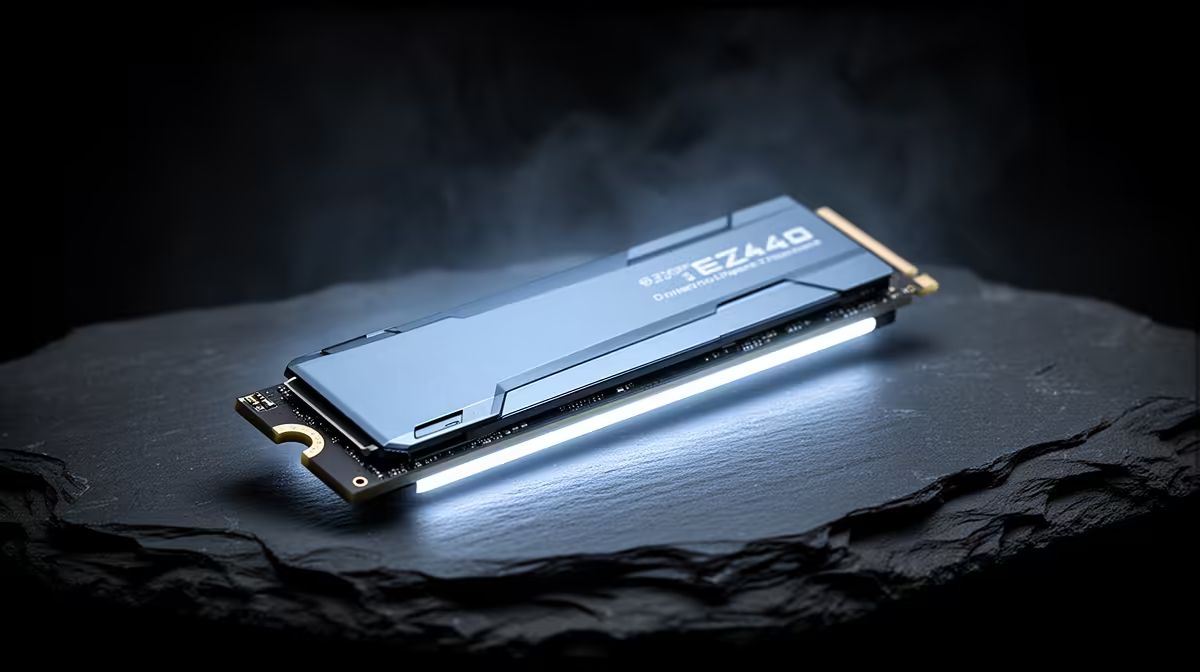
While gaming performance isn't a factor yet, there is one area where Gen 5 shines: NVMe SSDs. A PCIe 5.0 SSD can achieve read/write speeds exceeding 12,000 MB/s, which is mind-blowingly fast.
Who needs this? Professional video editors, 3D artists, and data scientists who move massive files (we're talking hundreds of gigabytes) daily. For them, cutting down file transfer and project load times translates directly into productivity. For a gamer, the difference in loading screens between a fast Gen 4 SSD and a top-tier Gen 5 SSD is often just a second or two. It's a luxury, not a necessity. Many value-packed AMD motherboards focus on robust Gen 4 support, delivering everything a gamer needs without the premium price tag.
So, the verdict on PCIe 4.0 longevity is clear. It’s not a compromise; it's a strategic choice. For the vast majority of South African gamers and PC builders, PCIe 4.0 offers all the performance you need for years to come, allowing you to invest your hard-earned cash where it delivers real, tangible results.
Ready to Build Smarter, Not Harder? The debate over PCIe 4.0 longevity is clear for most: it offers incredible value and performance for today's games and tomorrow's. Instead of overspending on features you won't use, invest in what matters. Explore our massive range of PC Components and build a rig that's powerful, balanced, and perfectly priced for you.










