


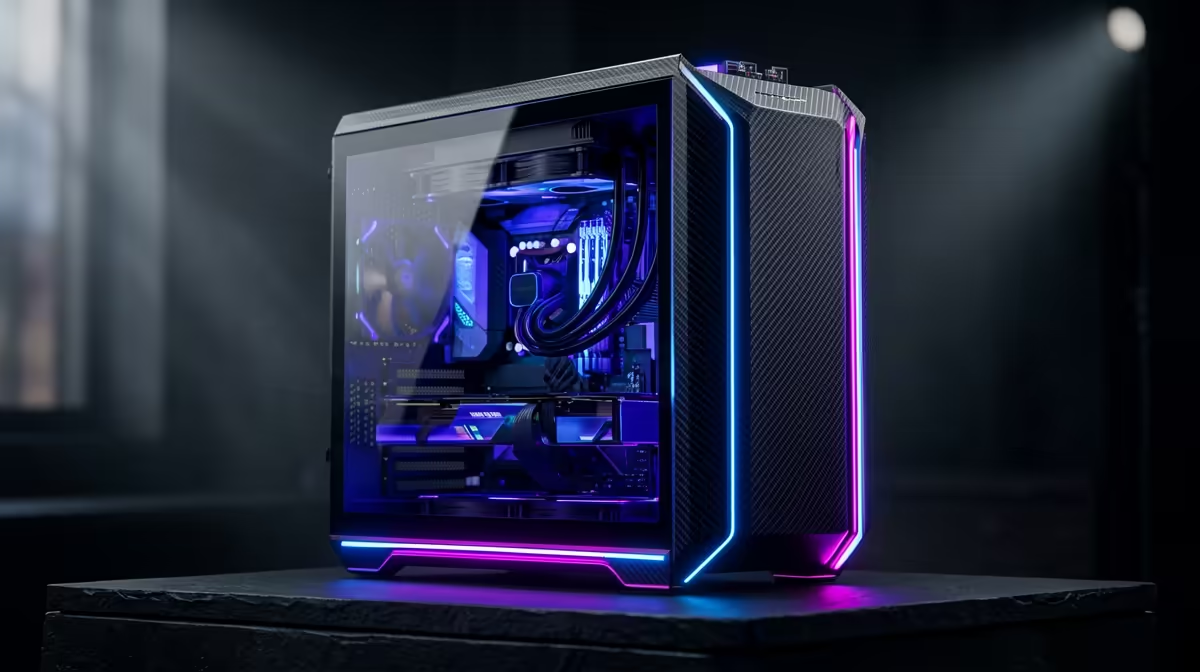
Tired of seeing blurry textures in Sandton while dropping into Warzone? Dreaming of exploring the vibrant streets of Night City in breathtaking detail? A proper 4K gaming PC build in South Africa feels like upgrading from an old CRT to a cinema screen. It’s not just about more pixels… it’s about total immersion. And guess what? Assembling your own high-performance rig is more achievable than you think. Let's break it down, step-by-step. 🚀
The Heart of Your 4K Rig: The Graphics Card (GPU)
Let's be clear: for a smooth 4K gaming experience, the Graphics Processing Unit (GPU) is king. This single component does the heavy lifting, rendering every single one of those 8.3 million pixels that make up a 4K image. Skimp here, and your dream build will stutter and crawl.
You're looking for a card with serious power and, crucially, enough video memory (VRAM). For 4K, 12GB of VRAM is the recommended minimum to handle the massive, high-resolution textures in modern games. Cards like NVIDIA's GeForce RTX 4070 Ti SUPER or AMD's Radeon RX 7900 XT are fantastic starting points for a powerful 4K gaming PC build in South Africa, offering a great balance of price and performance. Pushing for an RTX 4080 SUPER or RX 7900 XTX will give you more headroom for future titles.
The Brains of the Operation: CPU & RAM
While the GPU renders the graphics, the Central Processing Unit (CPU) runs the game's logic, physics, and AI. It needs to be fast enough to prepare all the data frames and send them to your GPU without delay. A mismatch here, known as a "bottleneck," means your expensive GPU will be sitting around waiting for instructions.
For a modern 4K gaming rig, you don't need the absolute top-of-the-line CPU, but you can't neglect it either. A processor like an Intel Core i5-14600K or an AMD Ryzen 5 7600X provides more than enough power to keep up.
As for RAM, 16GB is the old standard. For a new build aimed at 4K, 32GB of fast DDR5 memory is the smart choice. It ensures your system has plenty of breathing room for gaming, streaming, and background apps.
Seeing is Believing: Choosing Your 4K Monitor 🖥️
Building a monster PC is pointless if you can't see the glorious results. Your monitor is your window into the game world, so choosing the right PC monitor is a critical step in any 4K build guide.
Of course, the first requirement is a 3840x2160 resolution. You'll find an incredible selection in our category of dedicated 4K monitors, but resolution isn't the only spec that matters. Look for a refresh rate of at least 120Hz for fluid, responsive gameplay. A low response time (1ms is ideal) will also prevent ghosting and motion blur in fast-paced action.
For an even more engrossing experience, many gamers in SA are opting for curved gaming monitors, which fill your peripheral vision and make you feel like you're right in the game. It's worth browsing our full range of gaming monitors to see what fits your space and budget.
4K Multitasking Pro Tip ⚡
your main 4K screen with a secondary display for a massive productivity boost. Use it to keep Discord, OBS, or a game guide open without alt-tabbing. You don't need another giant screen; [a slick portable monitor](https: www.evetech.co.za buy-portable-monitors x 1590) is perfect for this, saving desk space while keeping crucial info at a glance. It’s a setup many South African streamers swear by.
The Foundation: Motherboard, PSU, and Storage
These components are the unsung heroes of your build.
- Motherboard: Choose a modern motherboard (like a B760 for Intel or B650 for AMD) that is compatible with your CPU and has the features you need, like Wi-Fi 6E and enough M.2 slots.
- Power Supply (PSU): Never, ever cheap out on your PSU. A high-end GPU and CPU are power-hungry. A quality 850W 80+ Gold rated power supply will provide clean, stable power and last you for years.
- Storage: A fast NVMe SSD is non-negotiable. Game load times will be virtually instant. A 2TB drive is a great starting point for your operating system and a healthy library of games.
Once you have your screen, remember that the right setup makes all the difference. Investing in quality monitor accessories like an adjustable arm can perfect your viewing angle and free up valuable desk space. ✨
Putting It All Together: The Final Step
Assembling your PC is an incredibly satisfying experience. It's like building with high-tech LEGO. Take your time, follow the manuals, and watch plenty of guide videos. The moment it powers on for the first time is pure magic.
However, if the thought of matching components and routing cables feels a bit daunting, that's perfectly okay. The goal is to get you gaming in glorious 4K, not to give you a headache. Sometimes the best path to completing your 4K gaming PC build in South Africa is getting the experts to handle the assembly. And while you're finalising your parts list, it never hurts to see if you can score one of the best PC monitor deals to complete your dream setup.
Ready to Build Your Ultimate 4K Machine? Building a PC is a rewarding journey, but matching the perfect parts can be complex. Whether you're grabbing components for a DIY project or want an expert-built rig delivered to your door, we've got your back. Design your dream rig with our Custom PC Builder and start your 4K adventure today.










