You’ve done it. The RGB is synced, the cable management is immaculate, and your rig is purring like a lion. But something’s... off. Those standard, dull black rubber tubes on your liquid cooler stick out, breaking the clean aesthetic of your build. For South African PC builders who crave that next-level look, AIO tube sleeving is the final, affordable touch that transforms a great PC into a masterpiece. ✨
Why Your AIO Tubes Deserve a Makeover
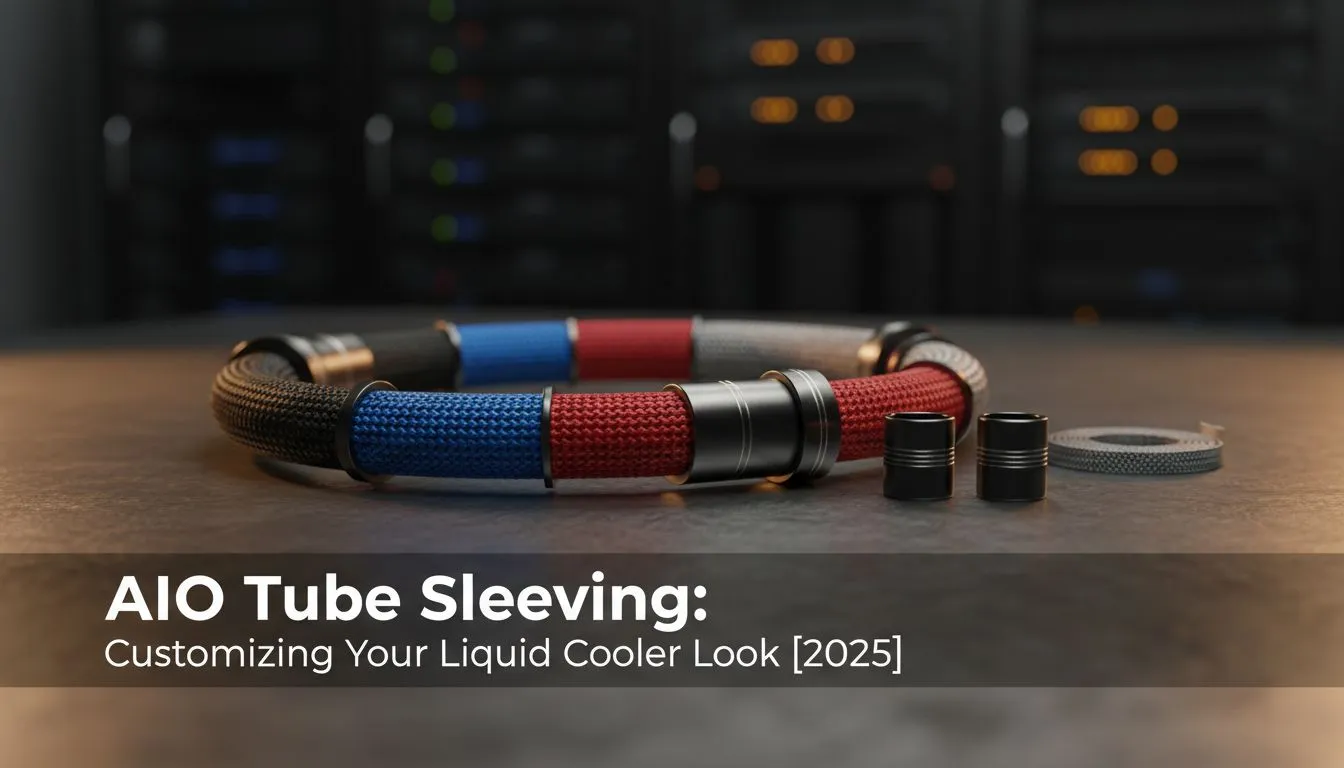
So, what exactly is AIO tube sleeving? Think of it as a custom-tailored suit for your cooler's tubes. These are high-quality fabric or nylon sleeves that slide over the existing tubing of your All-in-One cooler. The goal is purely aesthetic, but the impact is massive. It���s an easy and cost-effective way to introduce your theme’s accent colour (like crisp white, vibrant red, or sleek carbon fibre) to the heart of your build.
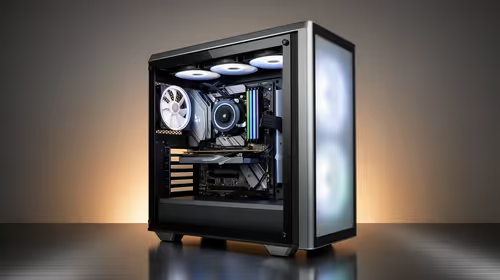
This simple modification helps tie your entire visual theme together, matching your motherboard, RAM, and GPU accents. It’s a detail that separates a standard build from a carefully curated one, giving it a professional, custom-modded feel without the complexity or cost of a full custom water-cooling loop. If you're looking for a new cooler to customise, you can find a huge variety of CPU coolers to start with.
Choosing the Right Sleeving for Your Cooler
Not all sleeving kits are created equal. The most important factor is compatibility. Different AIO coolers have different tube diameters and lengths, so you need a kit designed for your specific model or a universal kit with adjustable fittings. Brands like CableMod and Corsair offer high-quality kits designed to work seamlessly with their hardware.
When selecting a kit, consider:
- Colour & Material: Do you want a solid colour to match your case, or a patterned design? Most sleeves are made from a dense, premium-feeling weave similar to paracord.
- Brand Compatibility: Some kits are tailor-made for specific models. For example, if you own a cooler from Corsair's range, getting their official sleeving kit ensures a perfect fit.
- Ease of Installation: Look for kits with simple, tool-free plastic clips that snap on easily.
Pro Measurement Tip 🔧
Before buying a universal kit, quickly measure the length of your AIO tubes from the radiator fitting to the CPU block fitting. This ensures you buy sleeves that are long enough. Also, check that the sleeves won't be too tight, which could cause unwanted kinks in the tubing after installation.
Installing Your AIO Tube Sleeves: A Quick Guide
The beauty of customizing your liquid cooler look with sleeves is its simplicity. You typically don’t even need to remove the cooler from your PC.
Here’s the basic process:
- Power Down: Completely shut down your PC and unplug it from the wall for safety.
- Attach the First Clip: Snap one of the plastic mounting clips onto the tube, right next to the fitting on your radiator or CPU block.
- Slide the Sleeve: Gently slide the fabric sleeve over the tube until it meets the clip you just attached.
- Secure the End: Attach the second clip to the other end of the tube to hold the sleeve firmly in place.
- Repeat & Admire: Do the same for the second tube, and you're done! Power up and enjoy your rig's fresh new look. 🎨
This easy upgrade works on almost any All-In-One liquid cooler (AIO), making it one of the most accessible mods available.
Taking Your PC's Look to the Next Level
AIO tube sleeving is often the gateway to further aesthetic customisation. Once you see the difference it makes, you might start looking at other ways to enhance your PC's cooling system. Perhaps you'll upgrade your fans to an RGB set that matches your new sleeve colour, or even step up to a larger 360mm radiator AIO for a more commanding presence inside your case.
While the visual appeal of a sleeved AIO is undeniable, it's worth remembering that performance is king. For some builders, the raw simplicity and reliability of powerful Air Coolers remain the top choice. Ultimately, it’s all about building a machine that performs how you need it to and looks exactly how you want it to.
Ready to Elevate Your Build?
AIO tube sleeving is a small detail that makes a huge difference. Whether you're upgrading your current setup or planning a brand new build, having the right cooling is essential. Explore our massive range of CPU coolers and find the perfect foundation for your masterpiece.