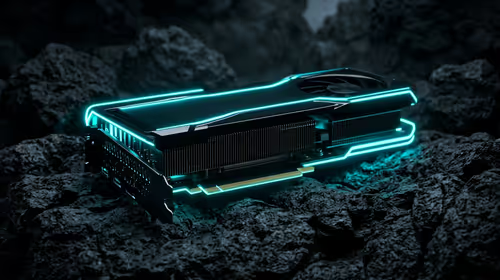
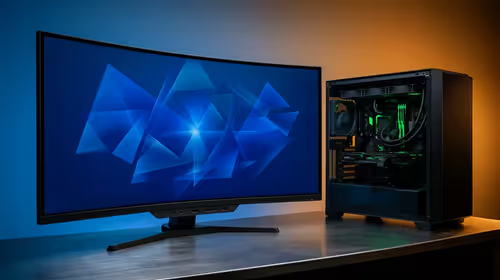
Building a new gaming PC in South Africa? You want maximum FPS in Apex Legends but don’t want to spend a fortune. The secret isn't just buying the most expensive parts; it’s finding the perfect balance. The CPU and GPU are the heart of your rig, and getting this pairing right is everything. Let's find the best CPU and GPU combo for your budget and gaming goals, right here in SA. 🚀
Understanding CPU and GPU Synergy
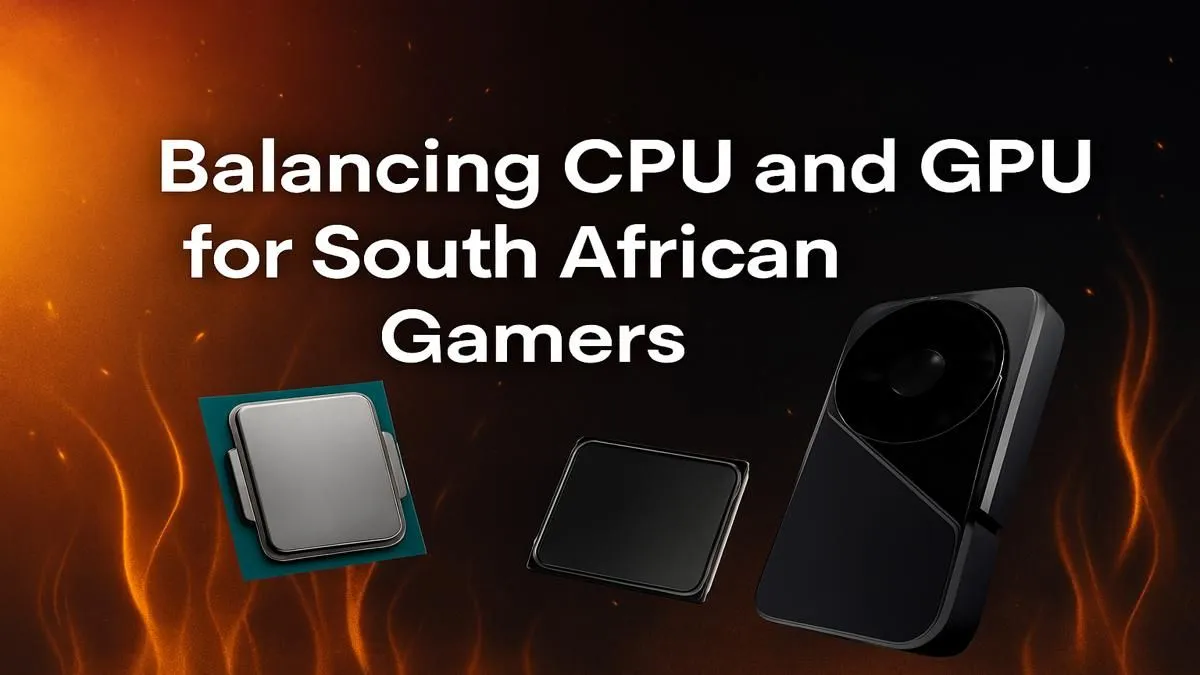
Before we jump into specific parts, let's talk about why the best CPU and GPU combo for gaming is so crucial. Think of your PC like a two-person team. The CPU (Central Processing Unit) is the "brain" that processes game logic, physics, and AI. It tells the GPU what to draw. The GPU (Graphics Processing Unit) is the "artist" that takes those instructions and renders the beautiful visuals you see on screen.
If one is significantly more powerful than the other, you get a "bottleneck." A weak CPU can't feed a powerful GPU instructions fast enough, leaving your expensive graphics card waiting around. This wastes performance and money… something no South African gamer wants. The goal is a balanced partnership where both components can work at their full potential.
The Best CPU and GPU Combos for SA Gamers
Your ideal pairing depends heavily on your target resolution and budget. We've broken down our top picks for the most common gaming setups in South Africa.
Budget-Friendly Power: Crushing 1080p Gaming
This is the sweet spot for competitive esports titles and enjoying AAA games with great settings. You don't need to break the bank for a fantastic 1080p experience. The key is value. For this tier, a modern quad-core or six-core CPU is more than enough to handle the workload.
A great starting point is pairing a processor like an Intel Core i3/i5 or an AMD Ryzen 5 with a GPU like the NVIDIA GeForce RTX 3050 or AMD Radeon RX 6600. This kind of setup delivers excellent frames per second without requiring a massive power supply or a top-end motherboard. Whether you lean towards Team Red or Team Blue, you can find excellent CPU processors online that won't drain your wallet.
The Mid-Range Maestro: Dominating 1440p ✨
Welcome to the new standard for immersive gaming. A 1440p (or QHD) monitor offers a significant visual upgrade over 1080p, and finding the right CPU and GPU pairing is key to unlocking its potential. This is where most gamers should aim for the best balance of price and performance.
Here, we recommend stepping up to a six or eight-core CPU. For this tier, a powerful AMD CPU like a Ryzen 5 or 7 offers incredible multi-core performance for both gaming and streaming. Pair it with a GPU like the NVIDIA GeForce RTX 4060 Ti / 4070 or the AMD Radeon RX 7700 XT / 7800 XT. This combo will let you max out settings in most games at 1440p and enjoy high refresh rates.
Don't Forget Your Monitor! 🖥️
Your GPU might be pushing 144 FPS, but if your monitor is only 60Hz, you're only seeing 60 frames per second. For a smooth 1440p experience, make sure your monitor's refresh rate (measured in Hz) can keep up with your new hardware's performance. It's a crucial part of the puzzle!
The 4K Powerhouse: No Compromises
For those who want the absolute best visual fidelity, 4K gaming is the final frontier. This requires serious horsepower from both your processor and your graphics card. There's no room for compromise here; you need the best of the best to drive smooth frame rates at such a high resolution.
To avoid any potential bottlenecks, you'll need a top-tier CPU. Pairing a flagship GPU like the NVIDIA GeForce RTX 4080 SUPER / 4090 with a high-end Intel CPU like a Core i7 or Core i9 ensures you're squeezing every last frame out of your system. On the AMD side, a Ryzen 7 X3D or Ryzen 9 series CPU is an equally monstrous choice. This level of hardware represents the pinnacle of PC gaming performance available in South Africa today.
Final Checks Before You Buy 🔧
Finding the perfect CPU and GPU combo is the most important step, but remember to check a few other things:
- Power Supply (PSU): Ensure your PSU has enough wattage and the correct connectors for your chosen components.
- Motherboard: Double-check that your motherboard's socket (e.g., LGA 1700 for Intel, AM5 for AMD) matches your CPU.
- Case Size: Make sure your new, powerful GPU will physically fit inside your PC case!
Getting these details right ensures your build process is smooth and stress-free.
Ready to Build Your Ultimate Rig?
Finding the best CPU and GPU combo is the most exciting part of a new PC build. Armed with this knowledge, you're ready to create a machine perfectly tuned for your games and budget. Explore our massive range of PC components and start building the gaming rig of your dreams today.