Quick Answer
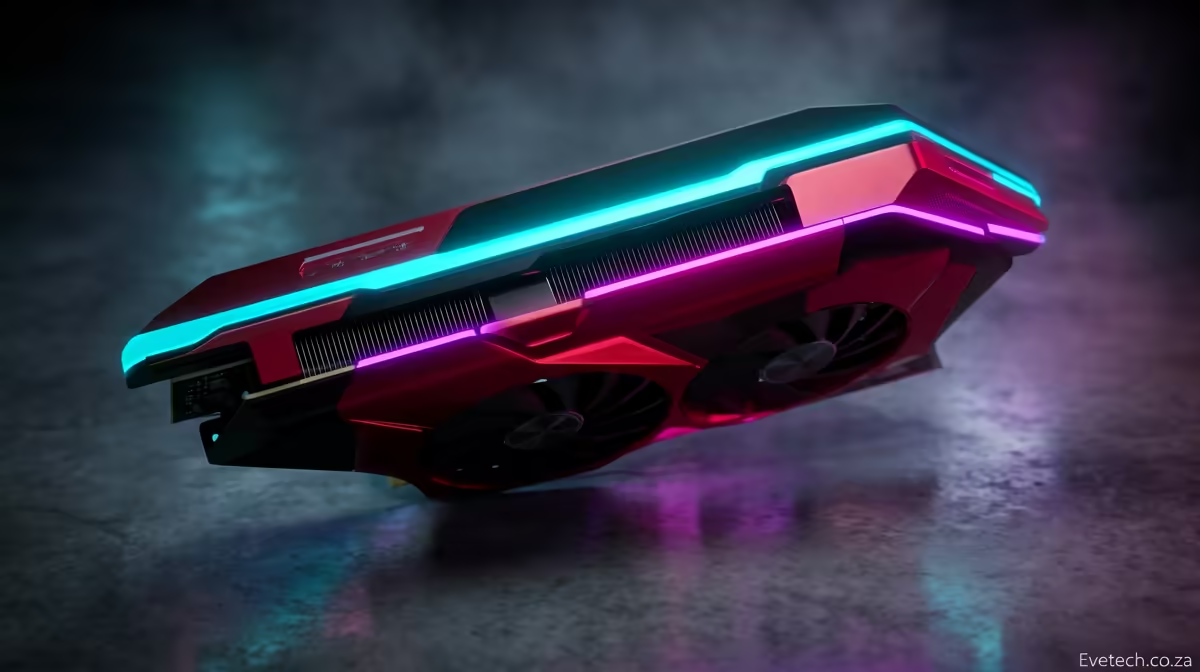
For 144fps on the RX 7600, use a high-refresh profile that trims the expensive effects while keeping textures high. Aim for a stable cap on a 120Hz or 144Hz screen. In South Africa, a RX 7600 build usually sits in a broad R5,500-R8,000 GPU bracket before monitor, CPU and case choices are added.
Core Settings
Set Very High textures, FXAA On, MSAA Off, Grass High, Shadows High, Advanced Distance Scaling Off, Reflection MSAA Off and Population Density around 70%. This keeps GTA 5 focused on steady frame pacing instead of wasting performance on effects that are hard to notice while playing. Test one demanding area for 10 minutes and watch the 1% lows, not only the average fps.
Grass, advanced distance scaling and MSAA cost more performance than texture quality. With the RX 7600, keep 8GB-class VRAM in mind and avoid texture packs that push VRAM usage into stutter. A practical Evetech shortlist should also include 16GB RAM, an NVMe SSD and front case airflow.
Match The Screen
Use 1440p when the card has headroom, or 1080p when you are matching an older 120Hz or 144Hz monitor. For 144fps, set the in-game cap or driver cap to 144fps, then confirm Windows is running the monitor at the same refresh rate. Check this before tuning.
If heavy scenes miss the target, reduce MSAA, Grass and Advanced Distance Scaling first. Leave texture quality high where VRAM allows, because lower textures are easy to see while small shadow reductions are usually harder to notice.
SA Buyer Checks
Compare the RX 7600 against your PSU wattage, case clearance and monitor refresh before spending in the R5,500-R8,000 range. For older 1080p screens, a cheaper card can feel identical at 60fps; for 144Hz and 240Hz panels, stronger cooling and stable boost clocks matter more.
For online titles, fibre areas such as Openserve or Vumatel can help latency; for single-player games, the bigger gains come from frame pacing, SSD storage and a clean cap.
FAQ
Should I use Ultra settings for this target?
No. Ultra often spends performance on shadows, reflections or distance sliders. Use High textures, trim the expensive effects, and keep the frame cap stable.
Is the RX 7600 enough for GTA 5 at 144fps?
Yes, when the settings match the target and the rest of the PC is not holding it back. A 6-core CPU, 16GB RAM and SSD storage are the practical baseline.
Should SA buyers upgrade the GPU or monitor first?
Upgrade the monitor first if you are still on 60Hz and already hit 60fps. Upgrade the GPU first when 1% lows miss the cap or when you want 1440p.
Settings check
Set the cap to 144fps, run one demanding scene, and lower MSAA, Grass and Advanced Distance Scaling first before touching texture quality.