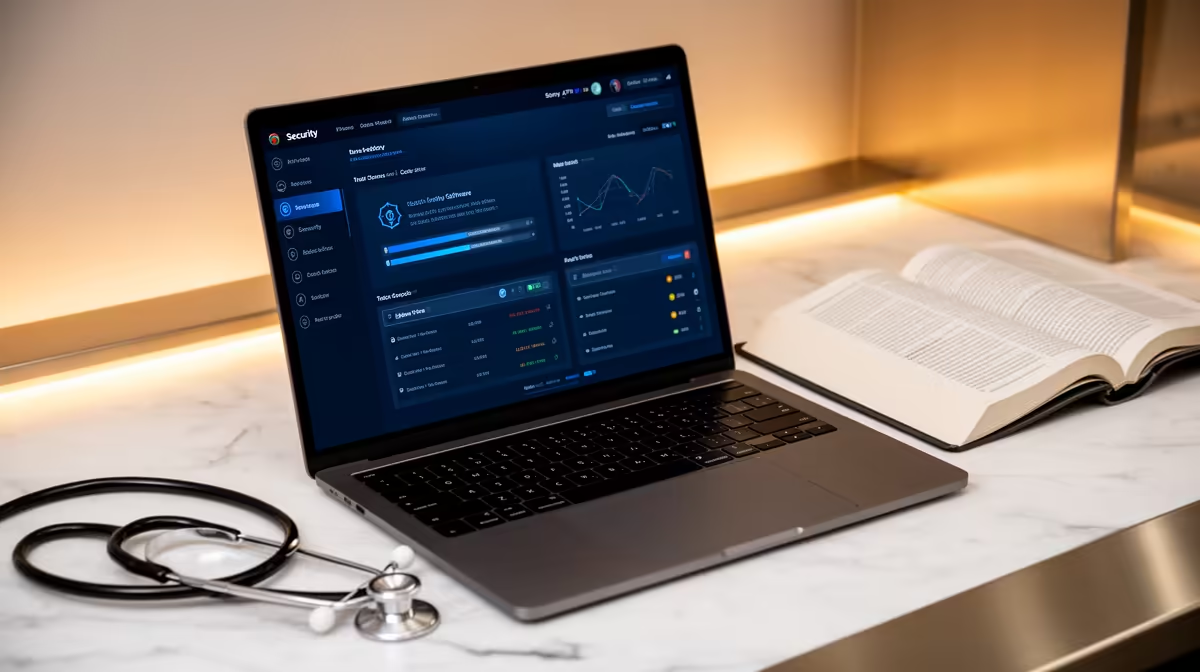
A medical student should choose an antivirus setup that uses one reputable supported protection path, timely updates, strong account security and tested backups. Several overlapping scanners can cause conflicts. Sensitive clinical or research data must remain in approved institutional systems regardless of software.
Audit devices and data boundaries
List the operating system, learning applications, browser extensions, removable media and approved research tools. Confirm that real-time protection and firewall are active, then test a normal class call and document workflow for performance. Remove unknown extensions and use official software sources.
No antivirus subscription has verified pricing in the supplied product facts. Compare options on operating-system support, independent testing, false-positive handling, ransomware controls, updates, performance impact, account recovery and institutional licensing. Avoid scareware and unsolicited cleanup tools.
Never store patient-identifiable material in personal applications or cloud folders. Use strong authentication, protect recovery codes and keep assignments in versioned backups. Managed devices should follow institutional policy.
Use supported built-in protection when it meets requirements, adding another product only for a documented gap. Recovery practice and cautious permissions matter as much as detection.
Create a written incident-response sheet covering lost devices, suspicious downloads, account takeover, ransomware and backup restoration, then review it with institutional support before clinical placements or high-stakes assessments begin for the year.
Securing a medical-study computer? > Browse Evetech laptops and backup drives after auditing the workflow.