Ever felt that the lush jungles of Tsushima looked a bit… washed out? Or that your graphic design work looks vibrant on your screen but dull when printed? You’re not alone. What you’re seeing is likely a colour accuracy issue, and the fix is simpler than you think. Using the right monitor calibration tools ensures that the colours you see are the colours everyone else sees, giving you a massive edge in gaming and creative work. 🎨
Why You Need Perfect Colour Accuracy
Before we dive into the hardware, let's talk about the "why." An uncalibrated screen is like a musical instrument that's out of tune. It might sound okay to you, but it’s not producing the right notes. Achieving perfect colour accuracy is crucial for two main groups here in South Africa.
For the Gamers
In competitive games like Valorant or Apex Legends, seeing an enemy lurking in a dark corner first can mean the difference between victory and defeat. A properly calibrated monitor renders shadows with detail, not just as black blobs. For cinematic adventures, it means experiencing the world exactly as the developers intended. Imagine seeing the true, vibrant colours of Novigrad on one of our premium gaming monitors instead of a faded version.
For the Creators
If you're a photographer, video editor, or graphic designer, colour is your language. A client viewing your work on their calibrated screen needs to see the exact same shades you chose. Professional monitor calibration tools eliminate guesswork, ensuring your final product is flawless. This is especially vital when working on high-resolution projects, where every pixel on a crisp 4K or 5K monitor counts.
The Different Types of Monitor Calibration Tools
So, how do you get this perfect colour accuracy? While your operating system has basic, eyeball-it calibration wizards, they are highly subjective. For true accuracy, you need dedicated hardware. 🔧
There are two main types of devices you'll find among professional monitor accessories:
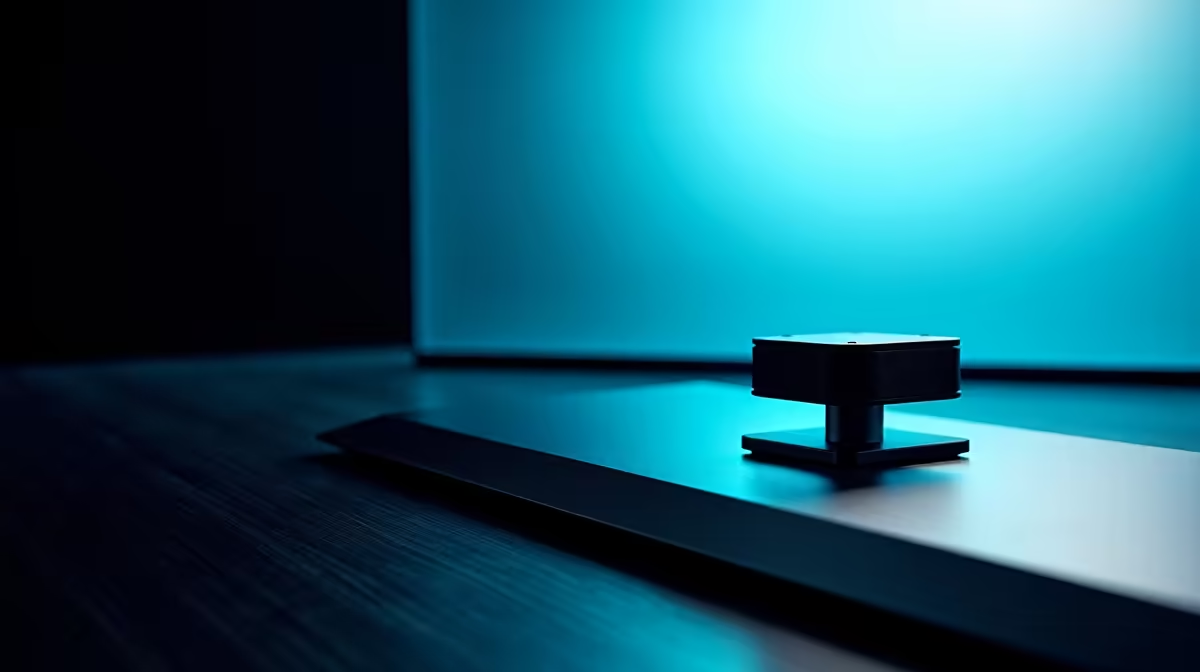
- Colorimeters: These are the most common tools. A colorimeter is a small device that you hang over your screen. It uses internal filters to measure red, green, and blue light values, working with software to create a corrected colour profile.
- Spectrophotometers: These are more advanced and expensive. Instead of just measuring RGB, a spectrophotometer measures the full spectrum of light. It's overkill for most gamers but is the gold standard for high-end print and design professionals.
Quick Calibration Check ✨
Don't have a tool yet? A quick 'human eye' test can reveal major issues. View a grayscale gradient chart online. If you see distinct colour tints (like green or magenta) in the grey bars, or if the darkest and brightest bars blend into black and white, your monitor's settings need a serious tweak. It's a temporary check, not a fix!
Getting Started with Calibration
The good news is that modern monitor calibration tools make the process incredibly simple. While each brand differs slightly, the basic steps are universal:
- Warm-Up: Let your monitor run for at least 30 minutes to stabilise its temperature and light output.
- Reset: Set your monitor's picture settings back to factory defaults.
- Connect: Plug in the calibration device and position it on the screen as instructed by the software.
- Run the Software: The app will flash a series of colours, which the device measures. It automatically compares the measured colour to the target colour and builds a correction profile.
- Save: The software saves this correction as an ICC profile, which your operating system will now use to display colours correctly.
The entire process usually takes less than five minutes!
Is a Great Tool Enough?
A calibration tool can work wonders, but it can't change the fundamental physics of your screen. The quality of your monitor's panel is the foundation of good colour. An entry-level panel will see improvement, but it will never match the accuracy of a high-end IPS display.
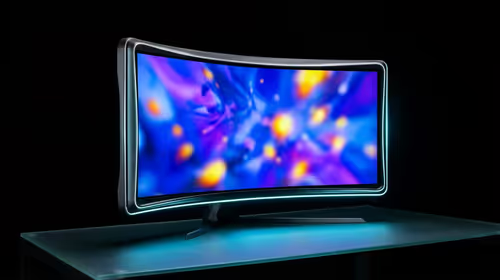
When you're ready to upgrade, consider the whole package. The best calibration results come from a quality screen, whether it's one of the many versatile PC monitors for general use, an immersive curved monitor for gaming, or even a handy portable monitor for working on the go.
Ultimately, using a monitor calibration tool is one of the most impactful and affordable upgrades you can make to your setup. It unlocks the true potential of your display, ensuring what you see is what you get. For the best foundation, start with a quality screen from our latest PC monitor deals.
Ready to See True Colour?
A great monitor is the foundation of perfect colour accuracy. Stop guessing and start seeing your games and projects the way they were meant to be seen. Explore our incredible range of PC monitor deals and find the perfect canvas for your digital world.