A video refusing to play after a privacy change can create an awkward choice: keep protection or make the page work. Edge tracking prevention offers more control than that all-or-nothing reaction, provided you test the exact feature that stopped working.
Quick Answer
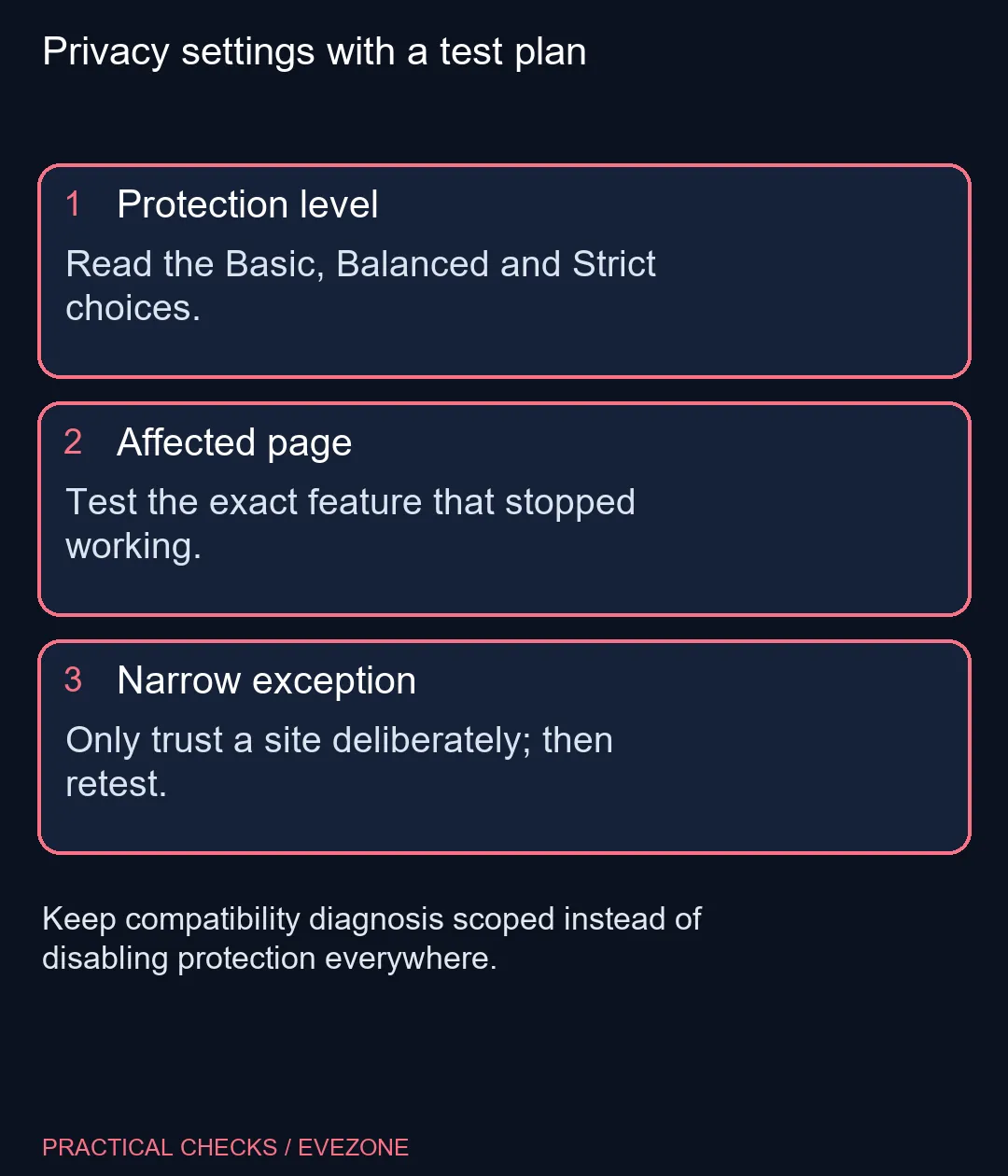
Review Basic, Balanced and Strict under Edge's Privacy, search, and services settings. Microsoft recommends Balanced and warns that Strict can affect some sites. Checking the level costs R0 in new hardware; use a deliberate site-specific test before changing protection across the browser.
🛡️ Understand what the levels change
Tracking prevention restricts classified trackers, including their access to browser storage and network resources. Basic allows more tracking, Balanced applies a middle position, and Strict blocks more. Those choices change browser behaviour, rather than changing the website's actual account records or the PC's network hardware.
This is not a universal ad-removal promise. An advert remaining visible does not alone prove the feature is off, just as a larger blocked count does not by itself prove one setup is safer in every respect. Read the level description and consider the sites you need to use instead of judging the setting only by a badge count.
🧪 Reproduce one failure before changing anything
Write down the page and the exact action that fails: playing a clip, signing in or opening a comment panel. Note the current level, reload the page and repeat the same action. If you change a setting for a test, use that same action again so you can tell whether it made a difference.
A problem on one page can have several causes. Do not assume a new laptop will repair a blocked web request. The intel gaming laptops range is relevant to broader computing needs, while the privacy test remains a software setting on the existing machine. Replacing hardware before identifying the failure would leave the central question unanswered.
🔐 Treat exceptions as an actual permission
Microsoft allows exceptions for trusted websites, but its support guidance makes the trade-off clear: trackers on that site can be allowed, including potentially harmful ones. That is a reason to be selective. A familiar-looking address deserves checking before you give it an exception merely to dismiss an error.
If a temporary exception does not fix the original feature, remove it. If it does, decide whether the site's function is worth the narrower privacy change. On a managed computer, ask the administrator to review the requirement when the setting is controlled centrally. There is no need to weaken unrelated sites as part of diagnosing this one.
🧭 Keep account security separate
Tracking controls do not replace checking the site address or protecting your sign-in. They also do not prove that every script on an allowed page is trustworthy. Keep the browser updated and use the controls for the purpose they describe rather than treating a privacy label as a guarantee about every website you visit.
Once the page behaves as needed, record the setting you chose and leave unrelated options alone. If you are improving the desk setup as well, gaming accessories is a separate shopping decision. A new peripheral can improve comfort, but it cannot decide which tracker permissions a website receives; that choice still belongs in the browser settings.
Frequently Asked Questions
Which level is recommended?
Microsoft marks Balanced as recommended; choose after considering your own privacy and compatibility needs.
Can Strict break a website?
Yes. Microsoft warns that some video or sign-in behaviour can be affected by the most restrictive level.
Is tracking prevention a complete ad blocker?
No. It targets classified trackers; it is not a promise to remove every advert or every form of tracking.
Where do I change the level?
Open Edge Settings, then Privacy, search, and services and the Tracking prevention section.
Should I disable it for every site?
A single-site fault does not justify a browser-wide change. Diagnose the specific site and undo tests that do not help.
What does an exception allow?
Microsoft says an exception allows trackers on that site, including potentially harmful ones. Add one only for a site you trust.
Need a reliable everyday browsing setup?
Keep privacy changes specific, and choose laptop or desk accessories around the hardware needs you can actually identify.