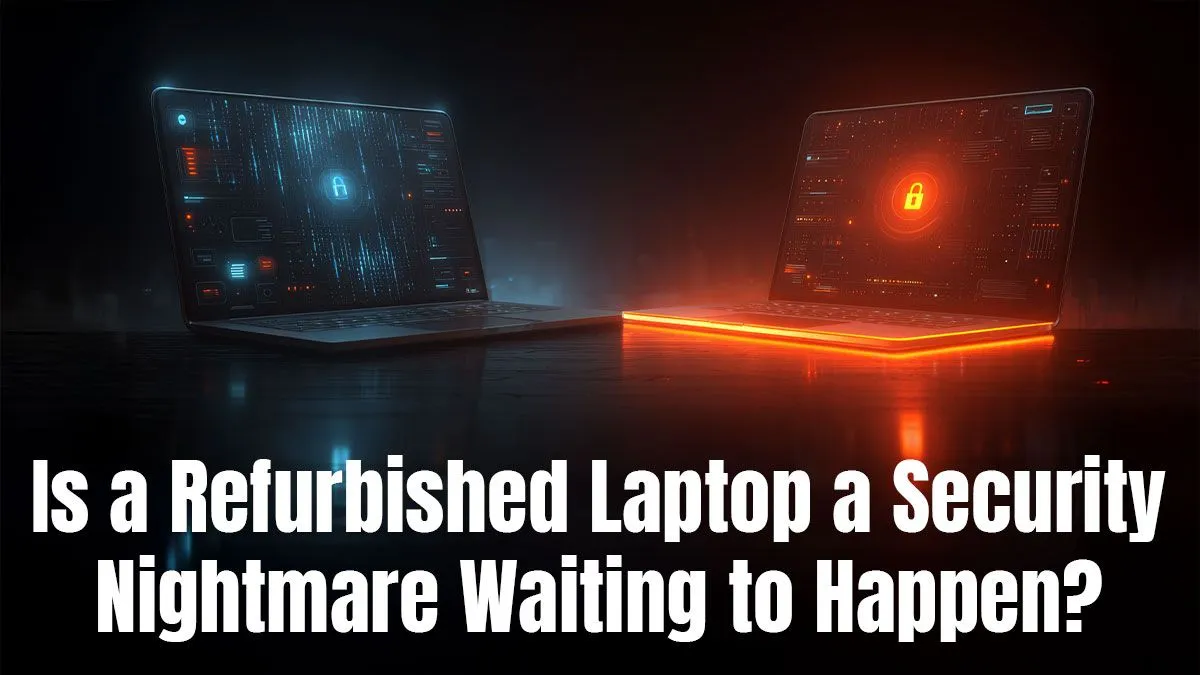
Thinking of a new laptop but your wallet is screaming 'Eish!'? You're not alone. High-end tech in South Africa comes with a hefty price tag. That’s why so many savvy buyers are asking: are refurbished laptops safe? The short answer is a resounding yes... if you know what to look for. Forget dodgy marketplace deals; we're talking professionally restored machines that offer incredible power for a fraction of the price. Let's dive in. 🚀
What 'Refurbished' Actually Means in South Africa
First, let's clear something up. "Refurbished" is not just a fancy word for "second-hand." A used laptop is sold as-is, warts and all. A professionally refurbished machine, however, has been returned, tested, repaired, and certified by experts to be in full working order.
Think of it like a certified pre-owned car. It’s been through a multi-point inspection to ensure every component, from the battery to the motherboard, meets strict quality standards. This process is key to the safety of refurbished laptops, ensuring you get a reliable device that performs like new. Any faulty parts are replaced, the chassis is cleaned, and the software is wiped and reinstalled.
Key Safety Checks for Your Peace of Mind
The biggest question around buying a refurbished laptop is one of trust. How can you be sure you're not buying someone else's problem? The answer lies in buying from a reputable source that stands behind its products. A warranty is your number one sign of a trustworthy seller; it means they have confidence in their refurbishment process. At Evetech, our range of laptop specials for sale in South Africa all come with this assurance. 🔧
Here’s what separates a safe purchase from a risky one:
- A Solid Warranty: Never buy a refurbished device without at least a 6-month warranty. This is non-negotiable.
- Professional Certification: Ensure the refurbishment was done by certified technicians who know what they're doing.
- Clear Grading System: Reputable sellers grade their units based on cosmetic condition (e.g., A-Grade for minimal wear), so you know exactly what to expect.
- Return Policy: A fair return policy shows the seller is confident you’ll be happy with your purchase.
Are Refurbished Laptops Good for Gaming?
Now for the big one... can a refurbished machine handle the latest titles? Absolutely. In fact, it's one of the smartest ways to get a high-performance gaming rig without emptying your bank account. A top-tier refurbished gaming laptop from a year or two ago will often outperform a brand-new, mid-range model, giving you more FPS for your Rands.
The key is to focus on the core specs: the GPU, CPU, and RAM. A refurbished machine with an RTX 30-series card, for instance, still packs a massive punch. Whether you're hunting for deals on powerful AMD laptops or prefer the architecture of cutting-edge Intel machines, the refurbished market gives you access to premium hardware at a much lower price point. ✨
Pro Gamer's Tip
When checking a refurbished gaming laptop, pay close attention to the VRAM on the graphics card. For modern titles at 1080p, 6GB is a good minimum, but 8GB or more will give you the freedom to crank up those texture settings for a truly immersive experience.
The Final Verdict: Weighing the Pros and Cons
So, are refurbished laptops safe and worth it? For most South African gamers and tech users, the answer is a clear yes.
The Pros:
- Massive Cost Savings: Get more power for your money, often saving thousands of ZAR.
- Eco-Friendly: Giving a perfectly good machine a second life reduces e-waste.
- Proven Technology: You're buying a model whose performance and potential quirks are already well-documented online.
The Cons:
- Minor Blemishes: You might find small, purely cosmetic scuffs or scratches.
- Shorter Warranty: The warranty period is typically shorter than that of a brand-new device.
Ultimately, the pros heavily outweigh the cons, especially when you consider the incredible value on offer. It's the most budget-savvy way to get the performance you need.
Find Your High-Performance, Low-Cost Rig
Convinced that a refurbished laptop is the smart choice? Explore our curated selection of high-performance machines, all backed by our Evetech warranty. Browse the best gaming laptop deals and get the power you crave without breaking the bank.