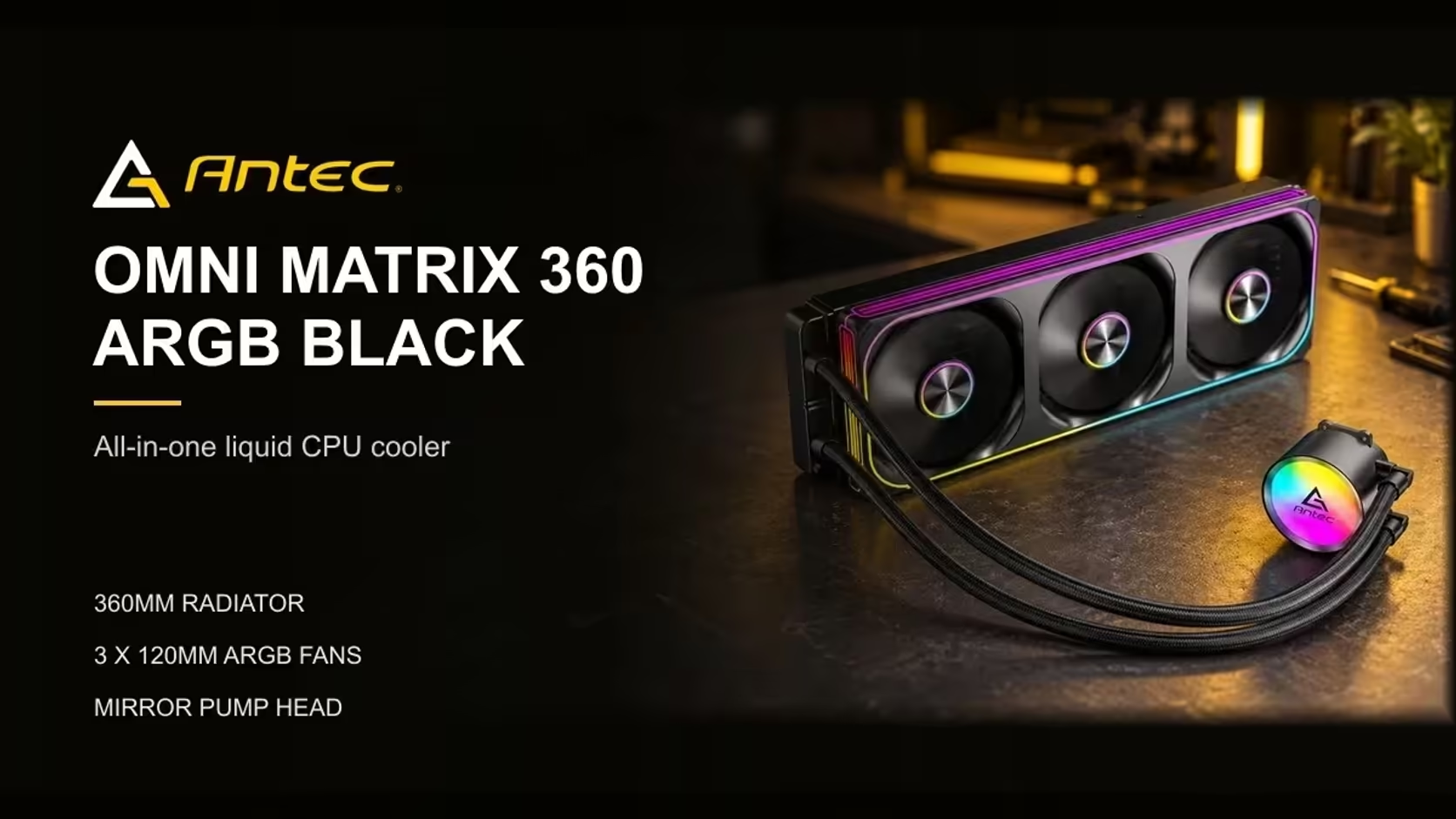
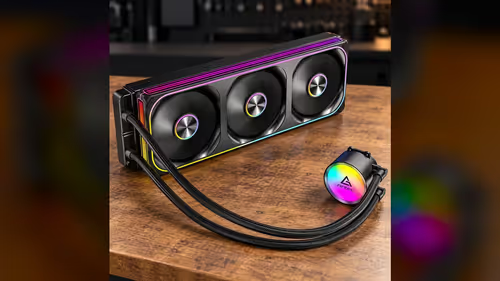
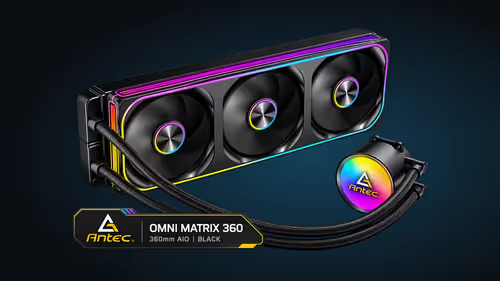
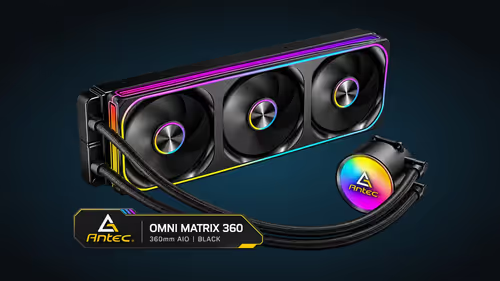
Socket support is a list on a spec sheet, but each platform on that list brings its own mounting method, its own retention hardware and its own habits when you fit a cooler. The Antec Omni Matrix 360 covers Intel LGA 1851 and LGA 1700 on one side and AMD AM5 and AM4 on the other. Those four sockets behave differently at the bench, so a guide that treats them as one is no help at all. Here is what each socket asks of the builder, and where the differences matter when you mount a 360mm AIO.
Quick Answer
Socket support spans Intel LGA 1851 and LGA 1700, as well as AMD AM5 and AM4. Each platform uses its own mounting approach, so match the bracket to your socket before you fit anything. The cooler is R999, and the socket check takes a few minutes if you read the bracket label first.
🔵 Intel LGA 1851 and LGA 1700
Intel's LGA sockets are named for their contact count. LGA 1851 has 1851 contacts, and LGA 1700 has 1700. The contacts sit in the socket, and the processor has a flat surface with a heat spreader that the block sits on. That flat surface is what the thermal paste bonds to.
The mounting for these sockets uses a bracket that attaches to the board around the socket. The block sits on the heat spreader and the screws hold it down. Tighten in a cross pattern, in small steps, and check that the block sits level before the last turn.
Intel boards have a backplate on the rear of the board for most cooler mounts. Check the board manual for the backplate's position, because a cooler that clamps to a different point can rub against the board around the socket.
🔴 AMD AM5
AM5 uses a grid of 1718 contacts in an LGA layout, and the processor's pins sit on the board rather than in the socket. That difference changes how the processor seats and how the cooler mounts. The processor is also a flat surface with a heat spreader, so the paste and block work in the same way as on Intel.
AM5 uses its own retention method, and the bracket for AM5 is not the same part as the bracket for AM4. Check the label on each bracket before you mount it. A cooler's AM5 bracket fits the AM5 socket, and it should not be forced onto any other socket.
The AM5 platform is well suited to a 360mm loop, but the radiator still needs its slot. Measure the case before you fit the cooler, because the platform does not change the length of the radiator.
🟠 AMD AM4
AM4 is the older socket, and it uses a pin grid array. The processor's pins sit in the socket, and the cooler's bracket mounts to the board's rear backplate. AM4 has a long run of boards, so most builders will recognise the layout. AM4 uses 1331 pins arranged in a pin grid, which is why its socket looks so different from the others.
The bracket for AM4 uses the backplate on the rear of the board. That backplate is a separate component on most AM4 boards, and it must sit flush against the board before the bracket is tightened. Check the board manual for the backplate's position, and confirm the bracket matches the AM4 socket.
AM4 and AM5 share some hole spacing, but the brackets are not interchangeable. Do not assume a bracket from one socket will work on the other, because the retention method is different.
🧭 Matching the platform to the cooler
Start with the socket name on the board, then find the bracket that matches it. The bracket label tells you which socket the bracket fits, so read it before you start the build. A bracket with the wrong label can look similar, and fitting it can leave the block off-centre.
Next, check the backplate and the case. Some AM4 boards need a backplate, and that backplate needs room behind the board. Check the case for a cutout that allows the backplate to sit flush, especially on a compact build.
Finally, check the pump header and the fan headers. Give the pump a header of its own, and run the three fans from a single PWM header. Count both before you route the cables.
Liquid and air options for each socket sit in the CPU coolers category, and the 360mm models have their own liquid CPU coolers range. For AM5 builds, the AMD B850 motherboards range shows the boards that take the socket.
🛠️ Fitting the cooler on any platform
Mount the bracket and the backplate first, if the board manual says the backplate goes on before the processor. Some boards take the backplate after the processor, so follow the order in the manual.
Apply a pea-sized dot of thermal paste to the centre of the heat spreader. Lower the block gently, and tighten the screws in a cross pattern in small steps. Check that the block sits level and that the pump is not pulling on the board.
Finally, check the reading in BIOS once the PC is on. The pump should show a steady reading, and the CPU temperature should settle within a few minutes of starting a load test.
Keep the screwdriver square and the tension even, because a mount that is tight on one side tilts the block on the heat spreader and changes the contact across the paste. Check the block position with the case open before the final turn, and recheck the screws once the PC has been running for a few hours.
Once the cooler is mounted, look at the board from the side and check that no tube or fan cable rests on a socket pin cover or a memory slot latch. A lead that presses on a latch can stop a module seating later, and a quick look now avoids that problem.
Frequently Asked Questions
What is the main difference between LGA 1851 and LGA 1700 mounting?
Both use a bracket on the board around the socket, but the socket names and contact counts differ. Match the bracket label to your socket name before fitting.
Does AM5 need a backplate?
Check the board manual and the bracket instructions. The AM5 bracket uses its own retention method, so do not assume the AM4 backplate is the same part.
Can I use an AM4 bracket on AM5?
No. The retention methods are different, so each bracket must match its own socket.
How do I check the bracket before I start?
Read the label on the bracket, then compare it with the socket name on the board. Lay the parts out on the bench and match them before you touch the paste.
Matching a cooler to your socket?
Browse our CPU coolers by socket and check the bracket before you add one to your basket.