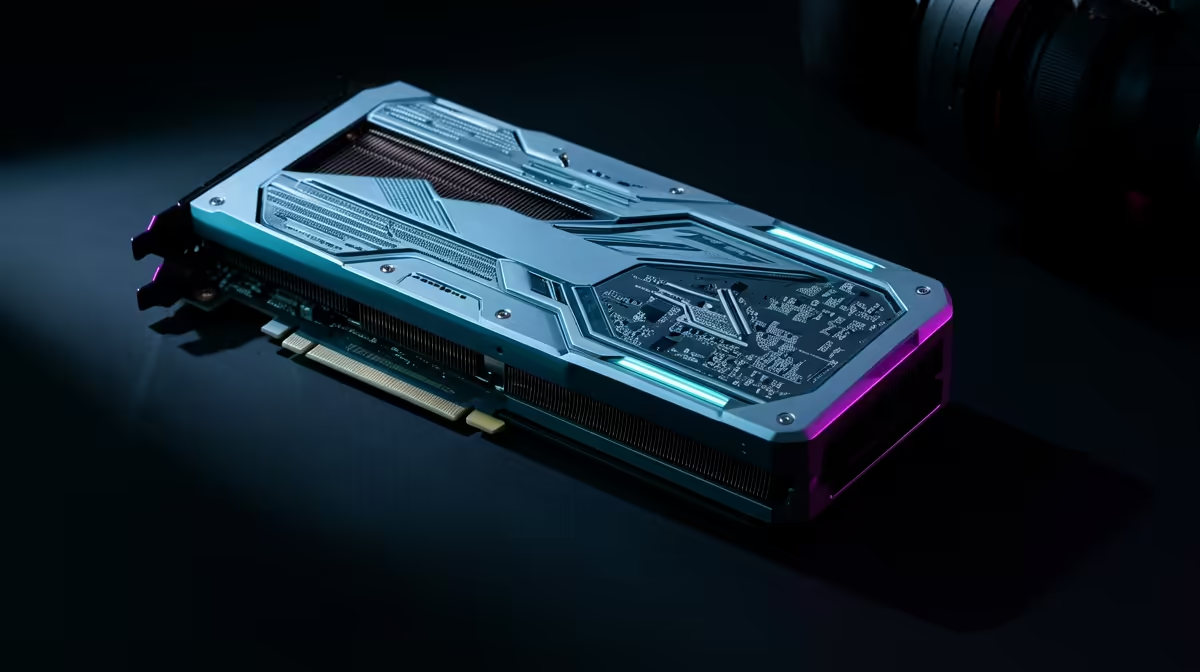
Building a compact, powerful PC in South Africa presents a unique challenge. You want modern performance, but Small Form Factor (SFF) cases leave little room for today's chunky graphics cards. What if you could fit a modern GPU into an ultra-slim desktop? Enter the Intel Arc A310: a capable budget card held back by a dual-slot cooler. This guide shows you how to perform an Arc A310 single slot mod to unleash its potential. ✨
Why Bother with an Arc A310 Single Slot Mod?
Let's be clear: this is a project for the enthusiast. The main reason for this mod is to fit a modern graphics card into office-style SFF PCs from Dell, HP, or Lenovo, transforming them into surprisingly decent 1080p gaming or media centre machines.
The Arc A310 is no slouch for its price point, often available for a steal in ZAR. It handles esports titles like Valorant and CS2 with ease and, crucially, features a cutting-edge AV1 video encoder. This makes it perfect for a compact streaming rig or a powerful Plex server. An Arc A310 single slot mod unlocks this capability for cases that were never designed to house a gaming GPU.
Of course, if your case has the space, exploring the full range of available graphics cards is always the simpler option. But for the SFF die-hards, this mod is a fantastic solution.
The Modding Toolkit: What You'll Need
Before you start unscrewing things, gather your gear. You don't need a massive workshop, just a few key items:
- An Intel Arc A310 GPU: The Sparkle ELF or ASRock ITX models are ideal candidates due to their simple cooler construction.
- A single-slot I/O bracket: This is the most crucial part. You may need to source one online or from an older single-slot card.
- A small Phillips head screwdriver.
- Patience: Rushing is how components get damaged. Take your time.
This DIY approach is rewarding, but if you'd rather jump straight into the action, Evetech has a great selection of pre-built Intel Arc gaming PCs configured for performance right out of the box.
The Step-by-Step Guide to a Single Slot Arc A310 🔧
Here's the moment of truth. This process is straightforward, but remember: this will absolutely void your manufacturer's warranty. Proceed with caution and at your own risk.
Step 1: Disassemble the Cooler
First, place the card on a clean, non-static surface.
- Remove the Shroud: Locate the small screws holding the plastic fan shroud to the heatsink. Carefully undo them and lift the shroud away.
- Disconnect the Fan: Gently unplug the small fan power connector from the PCB. Don't pull on the wires; use your fingernails or a small tool to nudge the plastic connector housing.
- Remove the Heatsink: Flip the card over. Unscrew the four spring-loaded screws on the back that hold the heatsink to the GPU die. Once they're loose, the heatsink should lift off easily.
Step 2: Swap the I/O Bracket
This is the core of the Intel Arc A310 single slot conversion.
- Locate the two screws holding the stock dual-slot bracket to the end of the card.
- Unscrew them and remove the old bracket.
- Align your new single-slot bracket and secure it using the same screws. Ensure it's flush and firm.
Check Your Thermals! 🌡️
After the mod, your card's cooling is compromised. Install a tool like MSI Afterburner or HWMonitor to watch your GPU temperatures during a stress test. If it gets too hot (above 85°C), you may need to improve your case's overall airflow to compensate.
Step 3: Reassembly & Installation
With the new bracket on, you have a choice. For the absolute slimmest profile, you can leave the plastic shroud off and reinstall just the heatsink. This makes it a true single-slot card, but relies entirely on your case fans for cooling the heatsink.
Carefully re-apply the heatsink, tighten the four screws on the back in a cross pattern, and you're done. Your newly slimmed-down Arc A310 is ready for its new SFF home! This kind of creative problem-solving is what the PC building community is all about, whether you're working with Intel, NVIDIA, or exploring the latest from AMD.
Performance After the Mod: What to Expect ⚡
Your A310 mod for a slim PC is complete... now what? Performance in games and applications will be identical, as the GPU core is unchanged. The main difference will be thermals. Without the dedicated fan shroud directing airflow, the card will likely run a few degrees warmer.
This is why good case airflow is non-negotiable for a project like this. Ensure your SFF case has at least one intake and one exhaust fan to keep fresh air moving over the components. This mod isn't about pushing overclocks; it's about enabling functionality where it wasn't possible before. For those who want maximum power without the tinkering, high-performance NVIDIA GeForce options often deliver the best performance-per-watt for compact builds.
Ready for Your Next Upgrade?
While a DIY mod is hugely satisfying, sometimes you just want pure performance straight out of the box. Check out our incredible range of the best graphics card deals in South Africa and find the perfect GPU for your rig today.