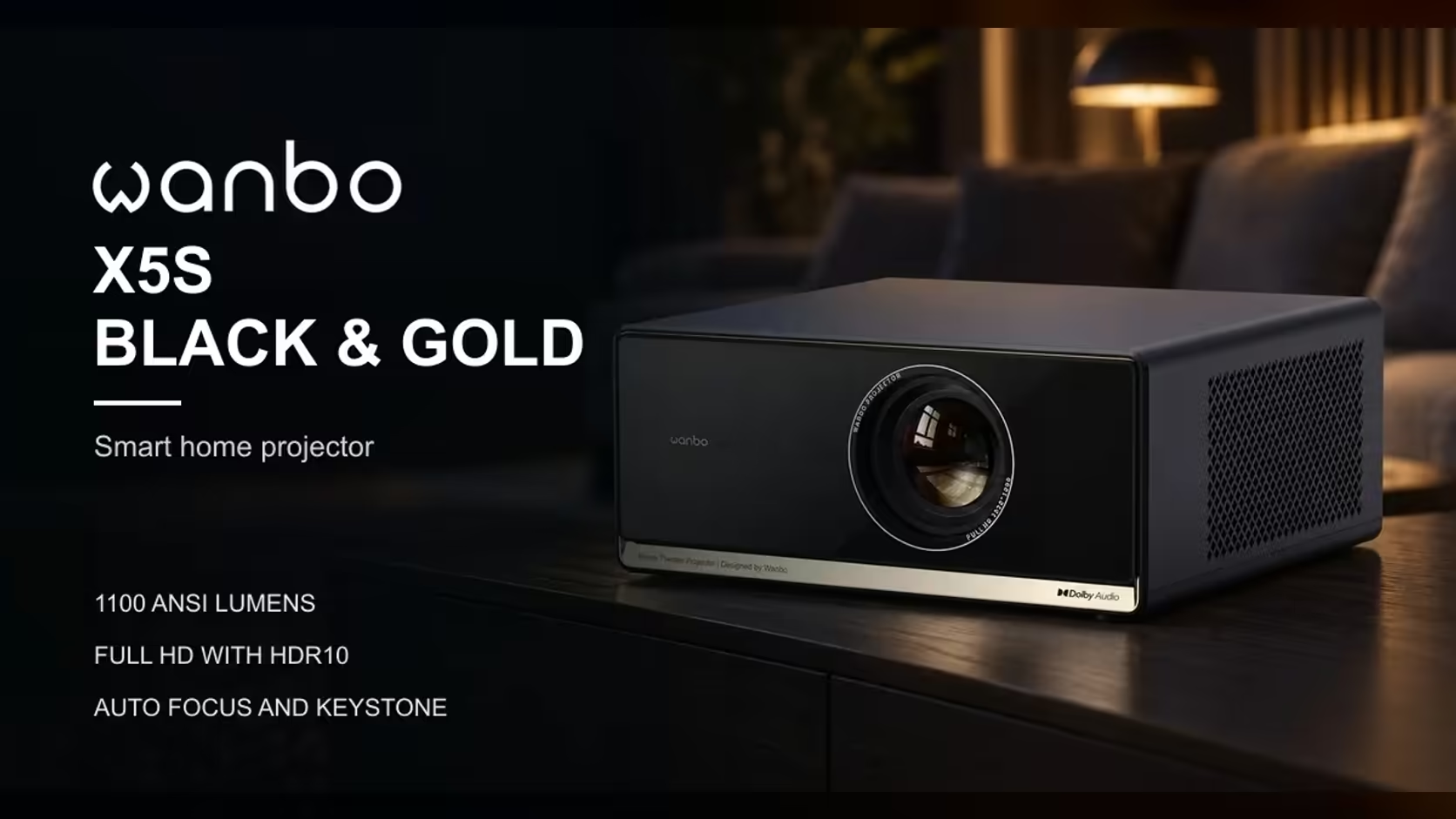
When a projector sits below the centre of the wall, the picture spreads wider at the top than at the bottom, and it looks like a trapezoid. Keystone correction is the fix, but there are two ways to get it. Automatic keystone reads the tilt and squares the image for you. Manual keystone leaves the choice to you, corner by corner. The X5S uses full auto keystone, so the real question is when that is enough and when a manual touch is worth the effort.
Quick Answer
Automatic keystone is quicker and right for most lounges, because it squares the picture without any fiddling. Manual keystone lets you set each corner by hand, but every correction softens the image slightly. The X5S uses full auto keystone, which suits a wall that is close to flat and square, and it sells for R6,899 with VAT included.
🔄 What each method does to the picture
On the 2.2-metre-wide picture of a 100-inch image, a few centimetres of difference between the corners is the scale of error you are correcting.
Keystone correction is a digital fix for a geometric problem. A projector tilted relative to the wall throws a picture that is taller on one side, and the correction reshapes the image before it reaches the panel. Both methods do the same job. The difference is who decides the final shape.
Automatic keystone reads the tilt and applies the correction in one step, and the result is a rectangle within seconds. Manual keystone lets you drag each corner until the picture looks square, which sounds precise but depends on your eye and a steady hand. Most people set the corners roughly and stop once the edges look straight, which often leaves a small error behind.
⚠️ The sharpness cost of any correction
Keep a correction under about 3 cm of shift at the far corner of a 100-inch picture, and the loss of sharpness stays small.
Every keystone correction reshapes the image, and reshaping means resampling the pixels. The further the correction has to stretch the picture, the more detail the far side can lose. A projector set up square to the wall needs no correction and keeps its full sharpness, while one tilted hard to a side loses some detail at the corners even when the shape looks perfect.
For a 1080p projector like the X5S, the best picture comes from placing it square to the wall in the first place. Keystone is a tidy-up, not a substitute for good placement. If you have to tilt the unit a long way to reach the wall, move the projector or the table, and let the correction handle only the small error that remains.
📐 How much skew is too much
On a 100-inch picture the image is about 2.2 metres wide. A skew of 2 centimetres between the left and right top corners is an angle of about 0.5 degrees, small enough to ignore on most walls and visible only on a straight line such as a frame or a shelf edge. A 5 centimetre skew over the same width is about 1.3 degrees, which is the point where a straight edge starts to look wrong.
Test the picture with a level line. Hang a picture frame or rest a straight object on the top edge of the image, then compare the two. If the gap is a few millimetres across the full width, the automatic correction has done its job. If one corner sits visibly higher than the other, adjust the projector's height or position before you rely on the keystone correction.
🏠 Uneven walls in a South African home
Many lounges have walls that are not perfectly flat or square. Plaster, a built-in cupboard, a shelf or a window frame can all make the picture look uneven, and no keystone setting can fix the wall itself. A stone feature wall or a recessed TV unit in a Pretoria townhouse often sits out of parallel with the lens, so the automatic correction can square the picture while still leaving a slight skew at one edge.
Choose the screen wall with that in mind. A plain, flat wall with clean edges gives the automatic correction its best chance. If the only wall available is textured or broken up by fittings, a plain light-coloured screen gives the projector a flatter surface to work on, so the keystone has less to correct.
🛠️ When to use manual adjustment
Make one nudge of about 5 mm, wait for the picture to settle, then check the top edge against the line again.
Start with the automatic correction, then check the picture against a straight edge. If it looks square, leave it alone. If one corner still looks off, adjust the projector's position first and let the correction run again. Treat any manual correction as a small final tweak after the projector is in its place, and change one thing at a time so you can see what each change did.
Do not chase a perfect rectangle by stacking manual corrections. Each step reshapes the image again, and the sharpness drops a little every time. A square projector with a barely visible skew will usually look better than a heavily corrected picture that has lost its fine detail.
🧭 Set the level once and leave it
Check the level with a 1-metre spirit level held against the picture's top edge. Then mark the table or shelf position with tape, so the unit goes back in the same place after cleaning or a move.
Frequently Asked Questions
Is automatic keystone as good as manual?
For most lounges it is the better choice, because it gets the shape right quickly and leaves less room for error. Manual keystone only helps when the automatic result leaves a skew you need to correct by hand.
Does keystone correction make the picture blurry?
It can soften the image slightly, because the correction reshapes the pixels. The effect is smallest when the projector sits square to the wall.
What is the best way to avoid keystone problems?
Place the projector square to the screen wall, at the height of the picture's centre. Keystone then has very little to correct, and the image keeps its sharpness.
For the projector itself, the projector range lists the X5S with its auto focus and full auto keystone, and the projector category shows the other units we sell so you can compare set-up features side by side.
Get the picture square from the start.
Choose a projector that fits your wall, then browse the projector category to compare the models we stock.