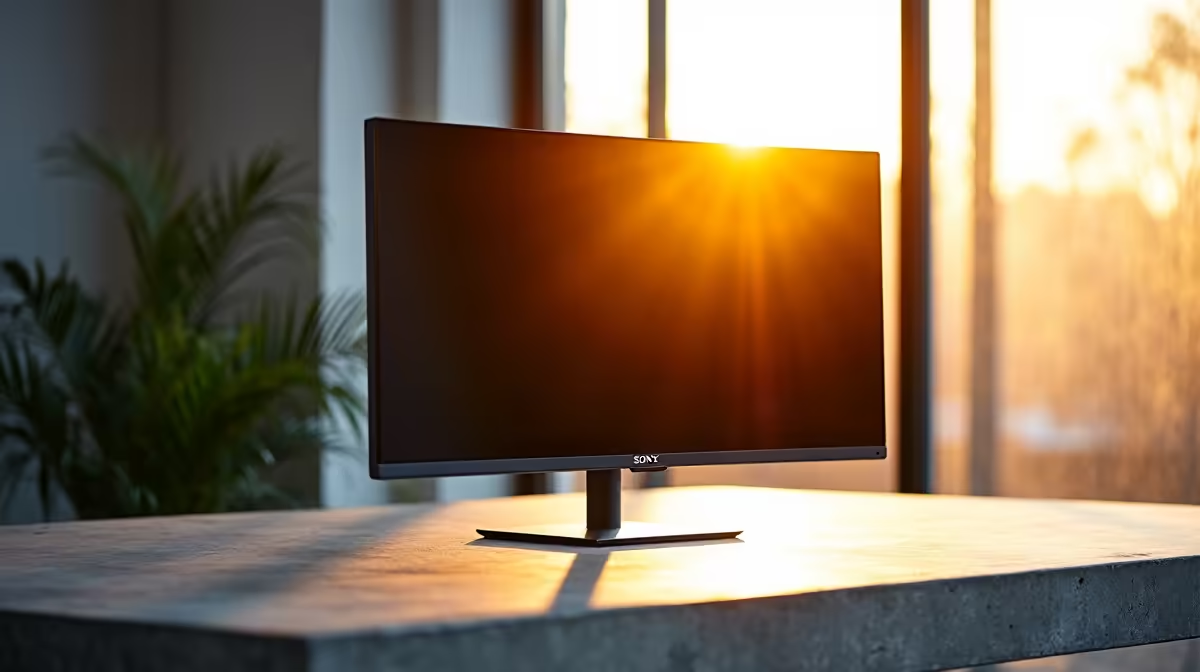
Staring at thick plastic borders around your screen all day? It feels… dated. Like a flip phone in an iPhone world. The modern South African office deserves a modern vibe, and nothing elevates a workspace like a seamless, bezel-less monitor for office use. It’s more than just a sleek look; it’s about unlocking a new level of focus and productivity, whether you're crunching spreadsheets in Sandton or designing your next masterpiece in Cape Town.
Beyond Aesthetics: The Real Perks of a Bezel-Less Office Monitor
Let’s be honest, the first thing you notice is the look. A thin-bezel monitor setup looks clean, professional, and incredibly modern. It declutters your desk visually, allowing your focus to remain on what truly matters… the content on the screen.
But the benefits go much deeper than just appearances. By minimising the physical frame, a bezel-less monitor for office work reduces distractions. Your brain isn't constantly processing a chunky border, which can lead to improved concentration over long work sessions. This minimalist design creates an expansive digital canvas that feels less constrained and more immersive.
Building the Ultimate Multi-Monitor Workspace
This is where the true power of a bezel-less design shines. If you’ve ever used a dual- or triple-monitor setup with thick bezels, you know the frustration of that jarring black gap breaking your workflow. Moving a window from one screen to the next feels disjointed.
With a modern office monitor setup, those borders practically vanish. Placing two or three screens side-by-side creates a stunning, near-continuous panoramic display. For professionals who need to view multiple applications simultaneously—like developers, financial analysts, and video editors—this is a massive productivity boost. You can have your code, your preview, and your documentation all visible in one sweeping view. It makes exploring our full range of PC monitors to find matching models for your setup an exciting prospect. For an even more enveloping experience, many professionals are choosing to pair thin bezels with an inward curve, creating a cockpit-like feel. You can find some incredible options in our selection of curved monitors that are perfect for this.
Productivity Pro Tip ⚡
On Windows, use the PowerToys FancyZones utility to create custom snap layouts for your windows. It's a lifesaver for managing multiple apps on an ultrawide or multi-monitor setup, letting you organise your code, browser, and team chat perfectly.
Key Specs to Look For in a Modern Office Monitor
While the thin bezel is the main attraction, the specs under the hood are just as important for a great office experience.
Resolution and Size
For most office tasks, a 24-inch or 27-inch monitor is the sweet spot. Full HD (1920x1080) is the baseline, but upgrading to QHD (2560x1440) provides noticeably sharper text and more screen real estate. If your work involves graphic design, video editing, or detailed data analysis, investing in the crisp text and vibrant colours of high-resolution 4K and 5K monitors is well worth the ZAR.
Panel Type and Refresh Rate
Look for monitors with IPS (In-Plane Switching) panels. They offer the best colour accuracy and viewing angles, ensuring your work looks consistent no matter how you're sitting. While many features overlap with the best gaming monitors, you don't need an ultra-high refresh rate for office work; 60Hz or 75Hz is perfectly smooth for spreadsheets and documents.
Getting the Vibe Right Without Breaking the Bank
A few years ago, a bezel-less monitor was a premium luxury. Today, this sleek design is standard across a wide range of price points. You don't need to spend a fortune to achieve that modern office vibe. Technology has become more accessible, meaning you can find fantastic, budget-friendly options that deliver both style and performance.
The key is to keep an eye out for promotions and special offers. You can often find some of the best PC monitor deals that make upgrading your entire office setup surprisingly affordable.
Completing Your Setup 🔧
Achieving the ultimate modern vibe goes beyond just the screen. An ergonomic setup is crucial for long-term comfort and productivity.
Consider a monitor arm instead of the included stand. It frees up valuable desk space and allows you to position your screen at the perfect height and angle, reducing neck and eye strain. Good cable management is the final touch, hiding unsightly wires and completing that clean, minimalist aesthetic. Don't forget to check out the right monitor accessories to truly perfect your workspace.
The Hybrid Worker's Secret Weapon
For those who split their time between the office and working on the go, that seamless experience doesn't have to end at your desk. A sleek portable monitor can act as a second screen for your laptop anywhere, extending that bezel-less productivity boost to a coffee shop or a client's office. ✨
Ready to Upgrade Your Vibe?
Choosing the right screen can transform your workday from a chore into a creative flow. A bezel-less monitor is more than an aesthetic choice... it's a productivity powerhouse. Explore our incredible monitor deals and find the perfect display to build your ultimate office setup today.