##Article (MDX)
Your gameplay is buttery smooth, but your Twitch stream looks like a flipbook. Sound familiar? For aspiring creators across Mzansi, this is a common headache. The secret weapon isn't just a faster internet connection… it's a dedicated capture card. This guide breaks down the tech evolution of the capture card in South Africa, helping you choose the right gear to go from amateur streamer to pro content creator without your PC breaking a sweat. 🚀
So, What Exactly is a Capture Card?
Think of a capture card as a specialised middleman. Its one job is to take a high-quality video feed—from your gaming console, another PC, or even a camera—and convert it into a format your computer can use for streaming or recording.
By offloading this heavy lifting, it frees up your gaming PC's processor (CPU) and graphics card (GPU) to do what they do best: run your game at the highest possible settings. This means no more in-game stutter or dropped frames just because you hit the 'Go Live' button. It’s the key to a professional-looking broadcast.
The Evolution: From Niche Gadget to Essential Gear
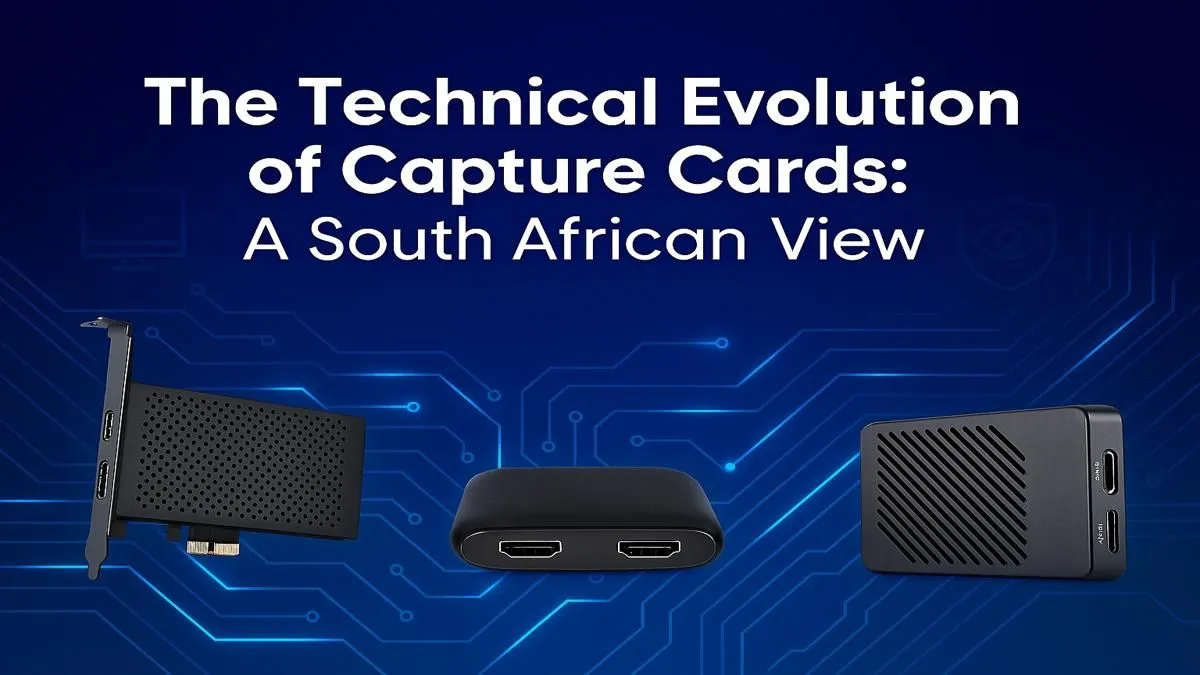
A decade ago, the world of the capture card in South Africa was a niche, often complicated space. Early devices were bulky, expensive, and frequently suffered from noticeable delay (latency), making live commentary a challenge. You almost needed an IT degree to get one working properly.
Fast forward to today, and the technology has completely transformed. ✨ Modern capture cards are sleek, powerful, and often plug-and-play. We've gone from struggling to capture 720p footage to effortlessly handling 4K HDR gameplay with zero-latency passthrough. This means you can play on your 4K monitor in full, glorious quality while simultaneously streaming a crisp 1080p feed to your audience.
This evolution has made high-quality content creation accessible to everyone, not just the massive international streamers.
Key Features for Your Next Capture Card
Choosing the right capture card in South Africa comes down to a few key specifications. Getting these right will save you a lot of frustration down the line.
### Resolution and Frame Rate
This is a two-part spec: what it can capture and what it can passthrough.
- Capture Resolution: 1080p (Full HD) at 60 frames per second (fps) is the gold standard for platforms like Twitch and YouTube. It offers a smooth, clear picture without demanding insane bandwidth from you or your viewers.
- Passthrough Resolution: If you game on a 1440p or 4K monitor, you need a card with 4K60 passthrough. This lets the original, high-res signal pass through the card to your monitor without any delay or downscaling, so your own gaming experience isn't compromised.
### Internal vs. External
- Internal (PCIe): These cards slot directly into your motherboard. They offer the absolute lowest latency and a super stable connection, making them the top choice for dedicated streaming PCs.
- External (USB): These are portable boxes that connect via USB 3.0 or USB-C. They are incredibly convenient, easy to set up, and can be used with laptops or moved between different computers. Modern external cards from brands like Elgato and AverMedia are so good that the performance difference is barely noticeable for most users.
Audio Pro Tip 🎙️
A common mistake is forgetting about audio! In OBS Studio, add your capture card as a new 'Video Capture Device' source. Then, add it again as an 'Audio Input Capture' source to grab the game audio. This gives you separate control over your game volume and your microphone on the stream mixer, preventing your voice from being drowned out during epic moments.
Does Your PC Have the Guts for Streaming? 🔧
While a capture card does the heavy lifting of capturing, your PC is still responsible for encoding—compressing the video into a manageable size to send to Twitch or YouTube. This process is demanding and requires a capable PC.
For top-tier encoding performance and multitasking, a powerful CPU is king. Modern processors are fantastic, with many streamers finding great success with the multi-core power offered in our custom AMD Ryzen PC deals, which chew through encoding tasks with ease.
Alternatively, some CPUs have dedicated media encoders built-in. For example, Intel's Quick Sync technology is a brilliant feature for streamers, offloading the encoding work to a dedicated part of the chip. You can find it in many of the builds in our range of Intel PC deals.
Don't want the hassle of choosing individual parts? A pre-built PC deal is often the quickest and most reliable way to get a balanced, stream-ready machine right out of the box, with all components guaranteed to work together perfectly.
The good news is you don't need to break the bank. Getting started with quality streaming is more accessible than ever. There are fantastic PCs under R20k that have more than enough power to handle a smooth 1080p stream when paired with a quality capture card. Investing in the right capture card in South Africa is your first step towards building an audience and sharing your passion.
Ready to Level Up Your Stream?
A great capture card needs a solid PC to back it up. Having the right hardware is the key to a smooth, professional broadcast that will wow your audience. Explore our incredible range of pre-built PC deals and find the perfect rig to power your content creation journey.