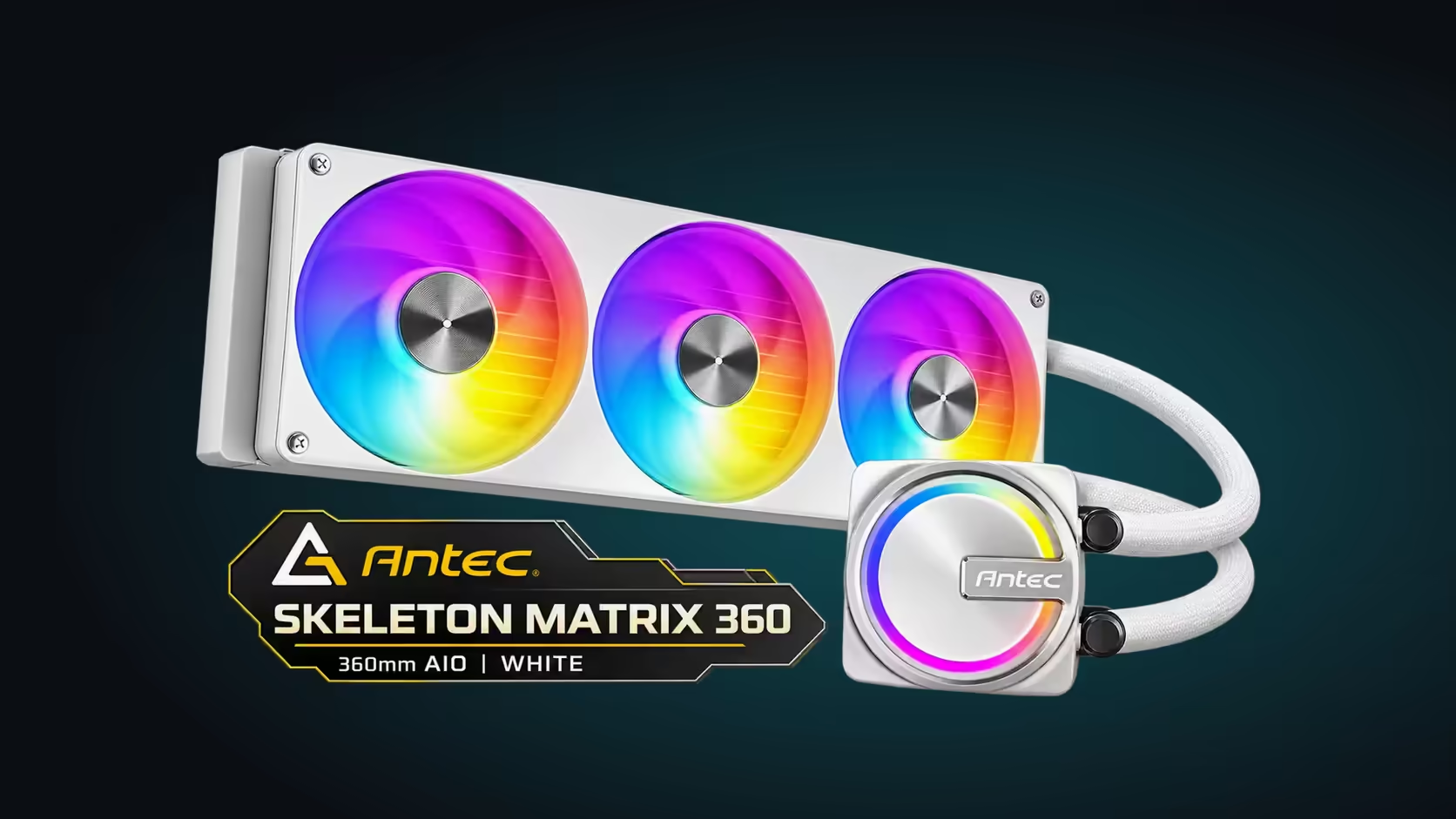
Between the processor and an AIO's copper base plate sits a stack of layers, and each one has to meet the next without a gap. Most of the heat crosses that stack before the coolant ever touches it. The base plate is the last metal in the stack, so the layers below it decide how much of its conductivity you actually get. This guide walks down the stack one layer at a time and says what each one does to the heat path.
Quick Answer
A copper base plate sits on the processor's heat spreader, with a thin layer of thermal paste between them. Heat crosses the spreader, the paste and the plate before the coolant carries it away. Copper is the plate material here, and the cooler is R1,199 including VAT. Its contact is only as good as the mount, the paste and the flatness beneath it.
🧱 The layers from the silicon to the coolant
The processor's silicon die sits under a metal lid called the heat spreader. Heat leaves the silicon, passes through the spreader and reaches the surface the cooler touches. The spreader is the first layer the cooler works with, and its size sets how much area the base plate has to cover. On LGA 1700 that is about 37.5mm square.
Thermal paste sits between the spreader and the plate. Its job is to fill the microscopic gaps that air would otherwise occupy. Air insulates, so the paste is far more conductive than the gap it replaces, and a thin, even layer keeps those gaps full without adding a barrier of its own.
The copper base plate comes next. It spreads heat across its area and passes it into the metal channels that carry coolant. Those channels are the last layer before the fluid, and the coolant then carries the heat to the radiator.
📐 Surface area: why the plate covers more than the spreader
A heat spreader is smaller than the base plate that sits on it, and the plate has to cover the spreader fully to draw heat from every part of it. Intel's LGA 1700 spreader measures about 37.5mm square, which is roughly 1,406 square millimetres. AM5's spreader measures about 40mm square, or roughly 1,600 square millimetres.
Those areas show why centring matters. A plate that sits off-centre gives up coverage on one side, and that side runs hotter than the rest of the chip. A plate centred over the spreader, with a small margin on every side, keeps the full area in contact.
🧪 Flatness and pressure decide the contact
A copper plate has to be flat to make good contact across the spreader. A plate that overhangs the spreader by a few millimetres on each side is the usual goal. Even a curve of 1mm across a 37.5mm spreader leaves air in part of the joint, and the paste can only fill so much of that gap. Pressure from the mount presses the plate down, and the paste squeezes outward until the plate and spreader sit close together.
Most sockets use four mounting points, and tightening them in a cross pattern presses the plate evenly. Working around one corner tilts the plate, and a tilted plate leaves the paste thin on one edge and thick on the other. A thick edge is a poor path for heat, so the cross pattern is the simplest way to keep the stack even.
🔥 How the stack behaves in a warm room
In a South African summer, the room around the cooler can sit at 27C to 30C, and every surface in the stack runs warmer. A poor contact at that temperature leaves less room between the processor and its limit. A stack that has been reseated twice or more is worth a fresh paste layer before the third attempt, because old paste loses its ability to fill the gaps. A flat plate with an even paste layer keeps the heat path clear, so the radiator and fans have a steady supply of heat to remove.
The CPU coolers category carries AIO options, while the thermal solutions range supplies the paste that fills the layers between the spreader and the plate.
🧰 Checking the stack after installation
After the first boot, run a 15-minute load test and watch the processor temperature. A reading that settles quickly suggests the stack is sound. A reading that climbs and never levels off points to a tilted plate or a paste layer that is too thin on one side.
Repeat the test after the first month, because paste can settle as it warms and cools. Write the temperature down each time so a rise over months is visible. If the reading looks wrong, power down, remove the cooler, clean the paste and reseat the plate. Dry-fit the bracket again before applying fresh paste, so the centring is correct the second time. Repeat the dry fit after every reseat, and check the centring against the spreader's edges each time.
🧰 What to keep on hand for a reseat
Keep 90% isopropyl alcohol, a lint-free cloth and a fresh tube of thermal paste ready before you start. Clean the old paste off the processor and the plate until both surfaces are bare, then let them dry for a few minutes before reapplying.
🔁 Reseating without damage
Reseating is safe when the processor is cold and the plate lifts away cleanly. Reapply a small dot, centre the plate and tighten the 4 mounting points in the cross order. Run the same 15-minute load test afterwards and compare the reading with the first one.
Frequently Asked Questions
What sits between the processor and the base plate?
The processor's heat spreader sits on the chip, and a thin layer of thermal paste sits between the spreader and the copper plate.
Does the base plate need to be bigger than the heat spreader?
It needs to cover the spreader fully. A plate with a small margin on every side gives the contact its full area.
Why does flatness matter?
Air insulates, so a plate that is not flat leaves gaps that the paste cannot fill, and the heat path loses part of its conductivity.
How do I get good contact?
Centre the plate, apply a small amount of paste, and tighten the four mounting points in a cross pattern.
Ready to build the contact stack properly?
Browse Evetech's CPU cooler range and thermal solutions, then confirm your processor and socket before you mount.