



PCIe 5.0 vs PCIe 4.0 for Video Editing in 4K in SA
PCIe 5.0 and PCIe 4.0 differ most in lane support, compatibility, and upgrade value for video editing in 4k. SA buyers should match the choice to their actual hardware and games.
Read moreUnderstanding firmware update risks is crucial in today's connected world. While updates promise new features and security patches, a failed or malicious cloud update can brick your devices, expose your data, or create security backdoors. 💻 Learn how to identify these dangers and safely manage your smart tech updates. Don't let an automatic update compromise your digital life! 🛡️
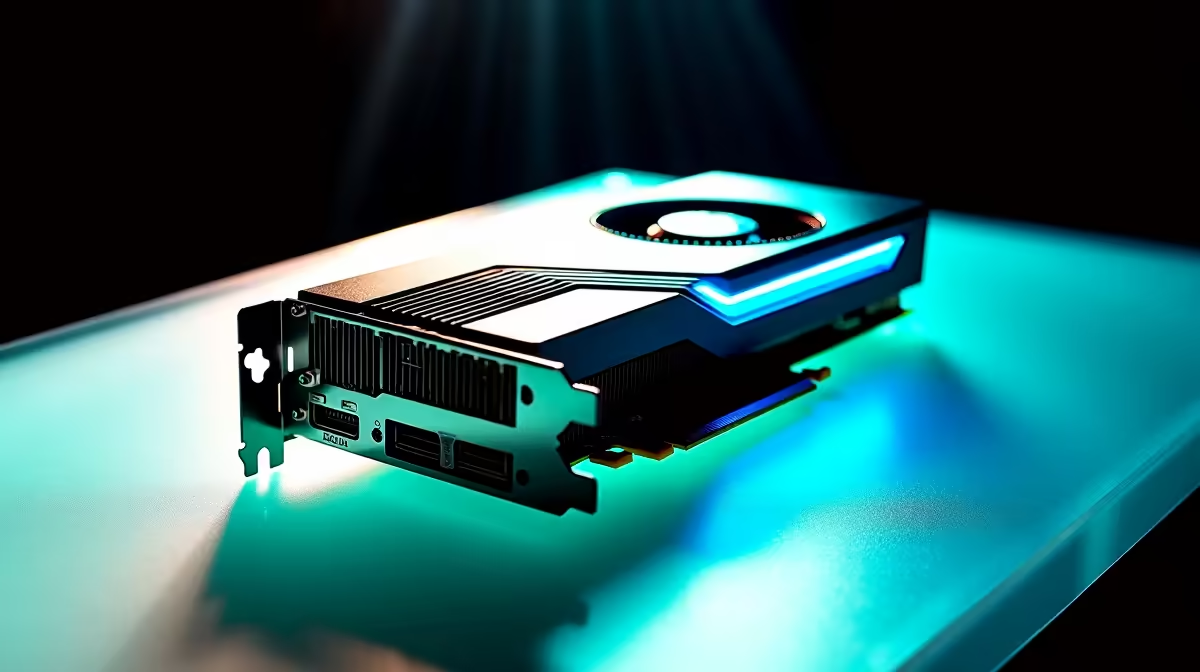
That little notification pops up. "Firmware Update Available." Do you click it? For many South African gamers, it’s a moment of hesitation. Is this a free performance boost for your GPU or motherboard, or are you one power dip away from a very expensive paperweight? Understanding the real firmware update risks is the first step to protecting your gear. Let’s dive into how to get all the benefits without any of the disasters. 🔧
Before we unpack the dangers, what even is firmware? Think of it as the mini-operating system that lives directly on your hardware. It’s the low-level code that tells your graphics card how to render frames, your SSD how to manage data, and your monitor how to process colours. The firmware in modern PC monitors alone handles everything from input lag to HDR calibration, making it a critical piece of the performance puzzle. It’s the invisible brain making the brawn work.
While updates often promise improvements, the process isn't without peril. Knowing the specific firmware update risks helps you prepare. A failed update can be a serious headache, so it pays to be cautious.
This is the big one. A "bricked" device is one that’s completely unresponsive. It happens when the update process is interrupted—often by a power failure—corrupting the core software. Suddenly, your high-tech gear is as useful as a clay brick. The feeling is especially gut-wrenching when it happens to premium 5K or 4K monitors, turning a massive investment into a blank screen.
Sometimes, an update meant to fix one problem introduces another. You might install new firmware hoping for a performance uplift, only to find new stutters, compatibility issues, or features that no longer work correctly. Before you update the firmware on any of your all gaming monitors, it’s wise to check online forums to see if other users are reporting new issues after the update.
Okay, enough doom and gloom. You can drastically lower the risks of updating firmware by following a simple, methodical checklist. A few minutes of preparation can save you hours of frustration. 🚀
Read the release notes first! Does the update patch a critical security flaw or fix a bug that’s actually affecting you? If not, you might be better off waiting. This is true for everything, from your motherboard to the latest curved monitors that offer immersive gameplay. Don't update just for the sake of being on the latest version.
Wait for a stable period or use a UPS. A power dip during a BIOS or GPU firmware update is one of the biggest firmware update risks in South Africa. Don't gamble with your gear!
This is non-negotiable, especially in SA. A power cut mid-update is the #1 cause of bricked devices. If you don't have a UPS (Uninterruptible Power Supply), wait until you're confident the power will be stable.
Only ever download firmware directly from the manufacturer's official website. Third-party sites or forum links can host outdated, incorrect, or even malicious files. This is even more critical for devices you rely on for work on the go, like portable monitors.
With all these warnings, you might wonder why you should ever update. When done correctly, the benefits are significant. Successful updates can unlock new features (like Resizable BAR on older motherboards), patch security vulnerabilities, and boost performance and stability. Sometimes, even high-end monitor accessories like calibration tools receive updates to improve their accuracy. The key is weighing the reward against the manageable risk.
Ready for a Flawless View? A stable rig deserves a screen that can keep up. Explore our fantastic range and find the display that’s perfect for you in our best PC monitor deals section.
The primary risks include "bricking" the device (making it unusable), introducing new bugs, creating security vulnerabilities, or installing malicious code if the update source is compromised.
Yes. A malicious or compromised firmware update can contain spyware designed to steal personal data, login credentials, and other sensitive information stored on or transmitted through the device.
Absolutely. Not updating leaves your device exposed to known security exploits that patches are meant to fix. It's a balance between the risks of not updating firmware and the risks of a bad update.
To safely update firmware, always download from the official manufacturer's website, ensure a stable power supply during the update, and back up your settings beforehand if possible.
A 'bricked' device is one that has become completely unresponsive and non-functional due to a failed firmware update, essentially turning it into an expensive 'brick'.
The automatic firmware update dangers lie in the lack of control. A flawed update can be pushed to your device without your knowledge, potentially causing widespread issues before it can be stopped.
Only trust updates from the device manufacturer's official website or app. Be wary of unsolicited emails or pop-ups prompting an update, as these can be phishing attempts.
PCIe 5.0 and PCIe 4.0 differ most in lane support, compatibility, and upgrade value for video editing in 4k. SA buyers should match the choice to their actual hardware and games.
Read more
ATX 3.1 and ATX 3.0 differ most in connector handling and GPU power design. For SA gamers, the choice comes down to your graphics card, PSU quality, cable clearance, and whether a newer 12V-2x6-ready unit makes sense for the build.
Read more
80+ Platinum or 80+ Titanium for cinematic should be shortlisted around the job it must do. South African buyers should compare fit, performance, compatibility, and upgrade room, warranty path, and upgrade room before treating any pick as best.
Read more
AM5 and AM4 can both work for competitive esports, but the real-world difference is platform headroom. SA players should compare CPU choices, memory speed, latency goals, monitor refresh, and future upgrade plans.
Read more
LGA 1851 and LGA 1700 differ most in CPU support, compatibility, and upgrade value for couch co-op gaming. SA buyers should match the choice to their actual hardware and games.
Read more
DLSS 4 and DLSS 3 differ most in game support, compatibility, and upgrade value for streaming on twitch and youtube. SA buyers should match the choice to their actual hardware and games.
Read more
RTX 5090 on a 1200W PSU has usable headroom when the supply is strong and the build is measured. For SA gamers, OC potential depends on CPU draw, cooling, cabling, stability targets, and how much safety margin you keep.

How to fix low FPS on gaming laptop starts with power mode, drivers, heat, and game settings. Use this South Africa-focused checklist to confirm charger use, GPU selection, RAM pressure, and cooling before changing parts or tweaking every setting.

Real world difference between b850 b650 mmo live service games sits in stability, networking, storage, and upgrade room. SA players should compare LAN quality, USB layout, RAM support, and SSD slots for always-updated games.

Dead Pixel on Wi-Fi 7 Router is likely a display-path or source-title issue, so check the screen, cable, driver state, and related system symptoms before blaming the device itself.

Put the headphones in pairing mode, open Bluetooth and devices in Windows 11, then add the headset. If it fails, remove the old pairing and check charge, range and drivers.

Microsoft says upcoming Windows 11 work will target memory use on 8GB PCs and improve boot and sign-in responsiveness. There is no public release date or measured uplift yet.

Windows 11 does not show CPU temperature in its standard Settings pages. Use your CPU maker's supported utility or a trusted monitor, then read idle and loaded temperatures in context.

The Colorful MEOW X16 Pro pairs a Ryzen 7 8745HX with a 115W RTX 5060 Laptop GPU. It is a China-only launch for now, so local RTX 5060 pricing is the practical benchmark.

Industry reports point to another roughly 10 percent Intel processor increase from 5 October, but Intel has not published a consumer price list confirming the scope. South African buyers should treat it as a risk signal, not a guaranteed Rand change.

Tests reported audio capture and local-network scanning on a specific LG television with its screen off. LG says supported standby modes can keep voice and connected-device features active, so owners should review model-specific settings.

Thermalright's AXP120-X77 is a 77 mm top-down cooler with six heatpipes and a slim 120 mm fan. Local availability is not confirmed, so compact-PC builders should verify case height, memory clearance and socket support before comparing it with stocked coolers.

One-sided sound can come from balance settings, a dirty or loose connector, Bluetooth pairing data, firmware, the source device or a failed cable or driver. A short swap test isolates the cause before you reset software or replace the headset.