



80+ Gold vs 80+ Platinum for Couch co-op gaming in SA
80+ Gold vs 80+ Platinum for couch co-op gaming is about PSU efficiency, heat, fan behaviour, quality, and wattage headroom, not direct FPS. SA buyers should compare the whole build.
Read moreUnlock the full potential of your display with our guide to HDR for OLED gaming. Discover how High Dynamic Range transforms your gameplay with deeper blacks, vibrant colors, and stunning contrast. Ready to see what you've been missing? 🎮✨
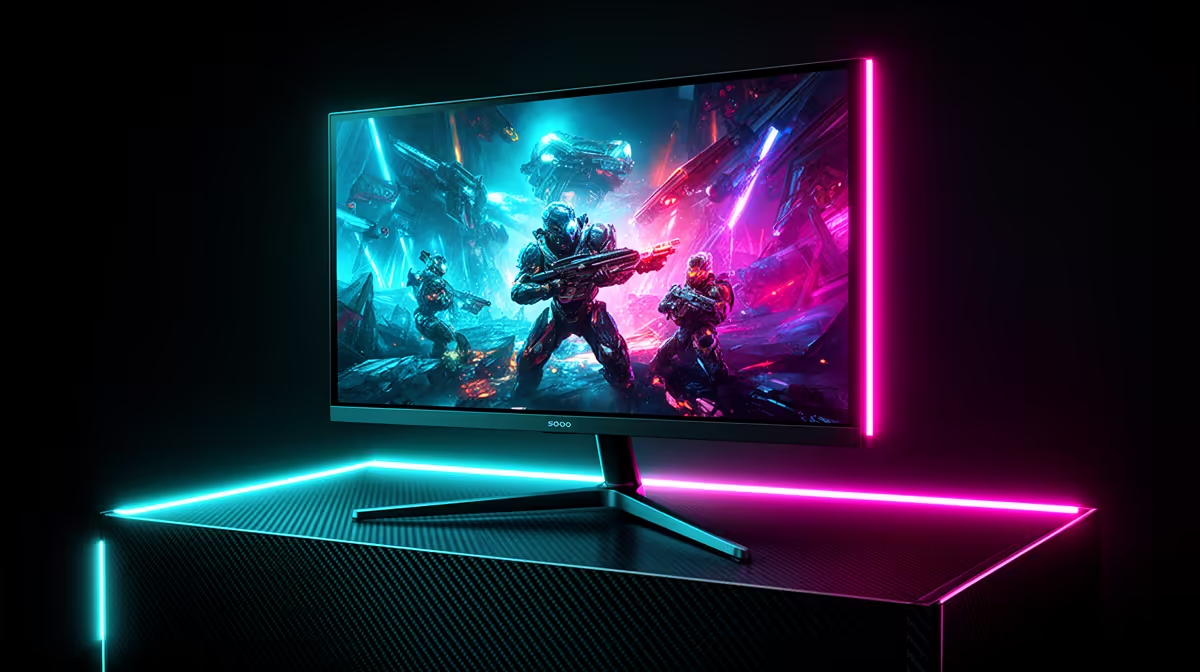
Tired of murky shadows and washed-out explosions in your favourite games? You’ve got the rig, the skills, and the fibre… but your display might be letting you down. High Dynamic Range (HDR) on an OLED screen isn’t just another tech acronym; it’s a full visual upgrade. This guide will show you exactly how HDR for OLED gaming transforms your experience from 'good enough' to absolutely breathtaking. Let's dive into the world of perfect blacks and brilliant highlights.
So, what’s all the fuss about? Let's break it down simply.
High Dynamic Range (HDR) is about expanding the range of both colour and contrast. Think of it like this: a standard display (SDR) has a limited palette, showing a narrower spectrum of light and dark. HDR blows that wide open, allowing for intensely bright highlights right next to deep, inky shadows without losing detail in either. This creates visuals that are punchier, more realistic, and incredibly immersive.
OLED (Organic Light Emitting Diode) technology is the perfect partner for HDR. Unlike traditional LCD screens that use a backlight, each pixel on an OLED panel creates its own light. This means a pixel can be turned off completely to create true, absolute black. When you combine this per-pixel control with HDR, the result is an almost infinite contrast ratio that makes colours pop and details emerge from the darkness. It's a combination that has to be seen to be believed, and it’s a core feature in many of the latest PC monitors.
Imagine you’re sneaking through the neon-drenched streets of Night City in Cyberpunk 2077 or exploring the hauntingly beautiful, shadow-filled forests in Alan Wake 2.
On a standard screen, those vibrant neon signs might look a bit flat, and the dark corners where enemies hide can be a murky, grey mess. You might even have to crank up the brightness, which washes out the entire image.
Now, picture the same scene with a proper HDR for OLED gaming setup. The glowing signs sear your retinas with realistic intensity. The shadows are profoundly dark, yet you can still make out the subtle texture of a brick wall or the glint of a discarded bottle. That enemy lurking in the alley? You’ll spot the faint reflection on their weapon just before they see you. This isn't just about pretty pictures; it’s a competitive advantage and a massive leap in immersion. The visual brilliance of HDR truly shines on high-resolution displays, making it an ideal feature for modern 4K monitors where every pixel counts.
Ready to unlock this new level of visual fidelity? It’s easier than you think. Here’s a quick checklist to get your OLED HDR gaming experience optimised.
Settings > System > Display, select your OLED monitor, and toggle "Use HDR" on.For the best results, don't just turn HDR on and forget it. Use the free 'Windows HDR Calibration' app from the Microsoft Store. It walks you through a few simple tests to fine-tune your display's black levels, peak brightness, and colour saturation, ensuring your games look exactly as their creators intended.
When you're browsing for a new screen, the specs can seem overwhelming. For an outstanding OLED HDR gaming experience, focus on these key factors:
Whether you're after total immersion with one of the incredible immersive curved monitors or need a secondary screen for your setup, the principles remain the same. Even some high-end versatile portable monitors are starting to incorporate OLED technology. Ultimately, the best display is one that fits your budget and playstyle, so it always pays to shop around when finding the best PC monitor deals in South Africa.
The jump to HDR on an OLED panel is one of the most significant upgrades you can make to your gaming setup. It’s a feast for the eyes that makes every session more memorable. 🚀
Ready for a Visual Revolution? The leap to an HDR OLED is one of the biggest upgrades in gaming visuals you can make. It's time to see your games as the developers intended. Explore our massive range of gaming monitors and find the perfect screen to light up your setup.
HDR, or High Dynamic Range, expands the contrast ratio and color palette of your display. In gaming, this means you see brighter highlights, deeper shadows, and more vibrant colors.
Yes. OLED's ability to control each pixel individually results in perfect blacks and infinite contrast, allowing the benefits of HDR on OLED screens to look exceptionally vivid.
In Windows, navigate to Settings > System > Display. Select your HDR-capable display, and toggle on 'Use HDR'. You must also enable HDR within your game's video settings.
HDR can have a minimal impact on FPS, typically a 1-5% drop. For most modern GPUs, the significant visual upgrade is considered a worthwhile trade-off for this small cost.
DisplayHDR True Black is a VESA standard designed for emissive displays like OLED. It certifies deeper black levels and a higher dynamic range for a superior HDR experience.
Start by calibrating HDR in your OS. In-game, set peak brightness to match your monitor's specs (e.g., 400, 600, or 1000 nits) and adjust tone mapping for optimal visuals.
80+ Gold vs 80+ Platinum for couch co-op gaming is about PSU efficiency, heat, fan behaviour, quality, and wattage headroom, not direct FPS. SA buyers should compare the whole build.
Read more
80+ Platinum or 80+ Titanium for competitive should be shortlisted around the job it must do. South African buyers should compare fit, performance, compatibility, and upgrade room, warranty path, and upgrade room before treating any pick as best.
Read more
The real world difference between IPS and OLED for AAA single-player gaming is immersion versus versatility. OLED lifts contrast and dark scenes, while IPS can suit bright rooms, mixed PC use, and SA buyers watching total setup cost.
Read more
HDMI 2.1 vs HDMI 2.0 for SA MMO needs a workload-first comparison. For SA buyers, judge real performance, platform fit, warranty path, power needs, and upgrade timing before choosing either side.
Read more
USB4 and Thunderbolt 4 differ for competitive esports through dock, display, and capture consistency. Use this real world difference between usb4 and thunderbolt 4 for competitive guide to keep SA tournament desks tidy without assuming better ping.
Read more
Magnetic switches vs Mechanical switches depends on Competitive esports needs, platform limits, and budget fit. Compare compatibility, latency, upgrade path, and real setup constraints before choosing for an SA build.
Read more
NVIDIA lists 550W required system power for the RTX 5060 reference specification, based on a high-end test system. A quality 550W unit can be enough, but CPU draw, transient load, connectors and ageing decide real headroom.
80+ Gold vs 80+ Platinum for couch co-op gaming is about PSU efficiency, heat, fan behaviour, quality, and wattage headroom, not direct FPS. SA buyers should compare the whole build.

Upgrade your setup with the best USB-C hubs for creators. Discover why high-capacity card readers and dual 4K output are essential for professional South African content production. 🚀💻

B850 motherboard FPS drops needs a methodical troubleshooting pass. Review drivers, thermals, power settings, background apps, cables and game settings before replacing parts in an SA gaming setup.
NVIDIA lists 550W required system power for the RTX 5060 reference specification, based on a high-end test system. A quality 550W unit can be enough, but CPU draw, transient load, connectors and ageing decide real headroom.

OpenRGB's master branch now carries changes labelled for 1.0 final, including translation and platform work, but the official tags page still lists 1.0rc3.1 as the newest packaged release. Stable users should wait for the signed release channel.

A motherboard can remain useful for many years when power, cooling and connectors stay healthy. Replace it for confirmed faults, damaged power delivery or a blocked platform need, not simply because the calendar reaches a fixed age.

The VAIO T combines a 13.3-inch display with a multi-flip mechanism for laptop, tablet and outward-facing viewing modes. Orders begin in Japan on 18 September; South African availability is unconfirmed.
NVIDIA lists 550W required system power for the RTX 5060 reference specification, based on a high-end test system. A quality 550W unit can be enough, but CPU draw, transient load, connectors and ageing decide real headroom.
The VAIO T combines a 13.3-inch display with a multi-flip mechanism for laptop, tablet and outward-facing viewing modes. Orders begin in Japan on 18 September; South African availability is unconfirmed.
OpenRGB's master branch now carries changes labelled for 1.0 final, including translation and platform work, but the official tags page still lists 1.0rc3.1 as the newest packaged release. Stable users should wait for the signed release channel.

The Cooler Master GPU Shield Adapter monitors current on individual 12+4-pin contacts, adds visual and audible warnings, and can reduce system power during a severe abnormality. Local availability is unconfirmed.