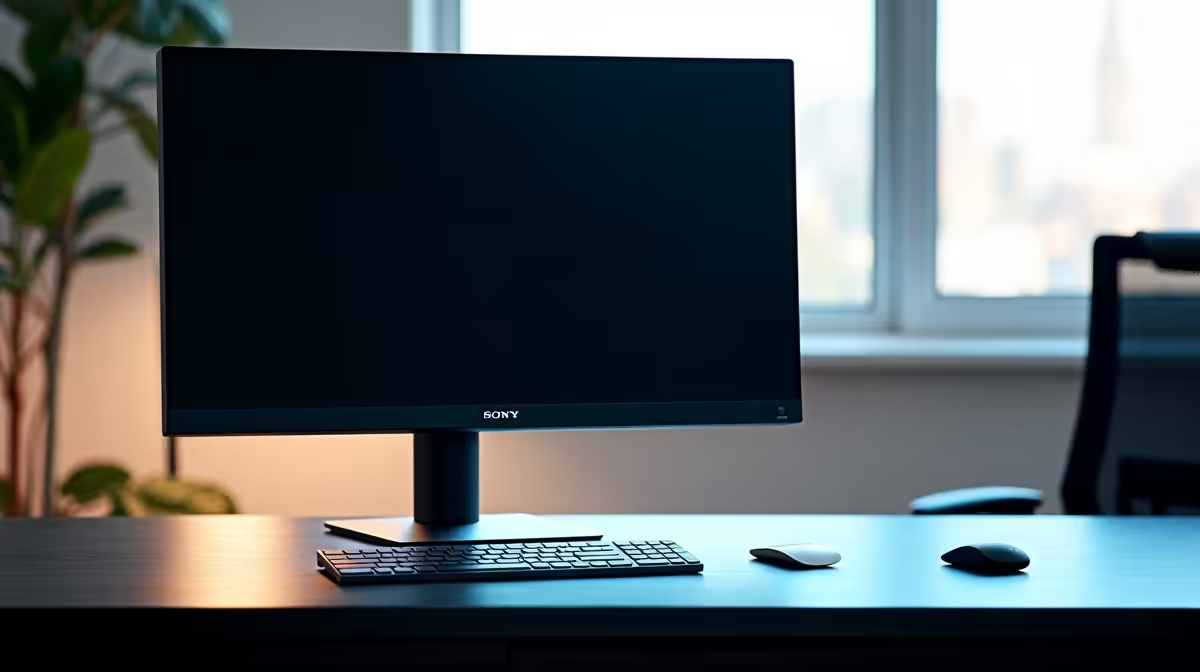
Staring at the same spreadsheet or document for eight hours straight? Ja, we've all been there. It’s easy to wonder if that static Windows taskbar or company logo is slowly etching itself onto your screen forever. The good news is that for modern displays, the LCD burn-in risk is low for static office tasks. So, you can breathe a sigh of relief… your monitor is tougher than you think.
Understanding the Ghost in the Machine: Burn-In vs. Image Retention
First, let's clear up some confusion. The scary "burn-in" you might remember from old plasma screens or CRT monitors was often a permanent discolouration caused by phosphors aging unevenly. Modern LCDs don't use phosphors. Instead, they can sometimes experience temporary image retention—a faint ghost of a previous image that disappears after you switch to moving content. The actual risk of permanent burn-in on an LCD is incredibly small for typical desktop use.
This fundamental difference in technology is why browsing for new PC monitors today is a much less stressful experience. The focus has shifted from durability against static images to features like refresh rate and colour accuracy.
Why LCD Burn-In Risk is Minimal for Your 9-to-5
So, what makes an LCD so resilient? It comes down to the core technology. LCD (Liquid Crystal Display) panels work by shining a backlight through a layer of liquid crystals. These crystals twist and untwist to block or allow light to pass through, creating the image you see. They don't generate their own light or degrade in the same way as the organic compounds in an OLED screen.
Because the crystals are simply changing position, leaving a static image on screen for a few hours is highly unlikely to cause lasting damage. This low burn-in risk for office tasks holds true even for high-resolution displays, like the incredibly crisp 4K monitors that are perfect for productivity. Your Excel sheets have never looked better, and they won't leave a permanent mark. 📈
Focus on What Matters: Performance, Not Phantoms
Instead of worrying about a minimal LCD burn-in risk, your energy is better spent on choosing a monitor that actually boosts your productivity or gaming experience. Are you a competitive gamer? Then refresh rate and response time are your priorities. A creative professional? Colour accuracy and resolution are key.
For many, the sheer immersion of curved monitors can transform both work and play, while others might find that a second, handy portable monitor is the ultimate productivity hack for a mobile setup. The point is, modern monitor technology has solved the old problems, freeing you up to explore exciting new features across all our gaming monitors.
Easy Monitor Care 🔧
The simplest way to eliminate any risk of image retention is to use your PC's built-in power settings. Set your display to turn off after 10-15 minutes of inactivity. It saves power and gives your pixels a rest... a true win-win!
Proactive Steps to Keep Your Display Perfect
While the risk is low, being proactive never hurts. A few simple habits can ensure your screen stays in pristine condition for years to come. Besides using your power-saving settings, consider a dark-mode theme for your OS and apps to reduce the intensity of bright, static elements.
Periodically changing your desktop wallpaper can also help. And if you're serious about ergonomics and screen care, investing in quality monitor accessories like a monitor arm can help you easily rotate or reposition your screen, which naturally varies the pixels being used. It's all about keeping things fresh. ✨
Upgrade Your View with Confidence
Stop worrying about monitor burn-in and start enjoying the vibrant, responsive display you deserve. Explore the best PC monitor deals in South Africa and find the perfect screen for your work and play, backed by tech you can trust.