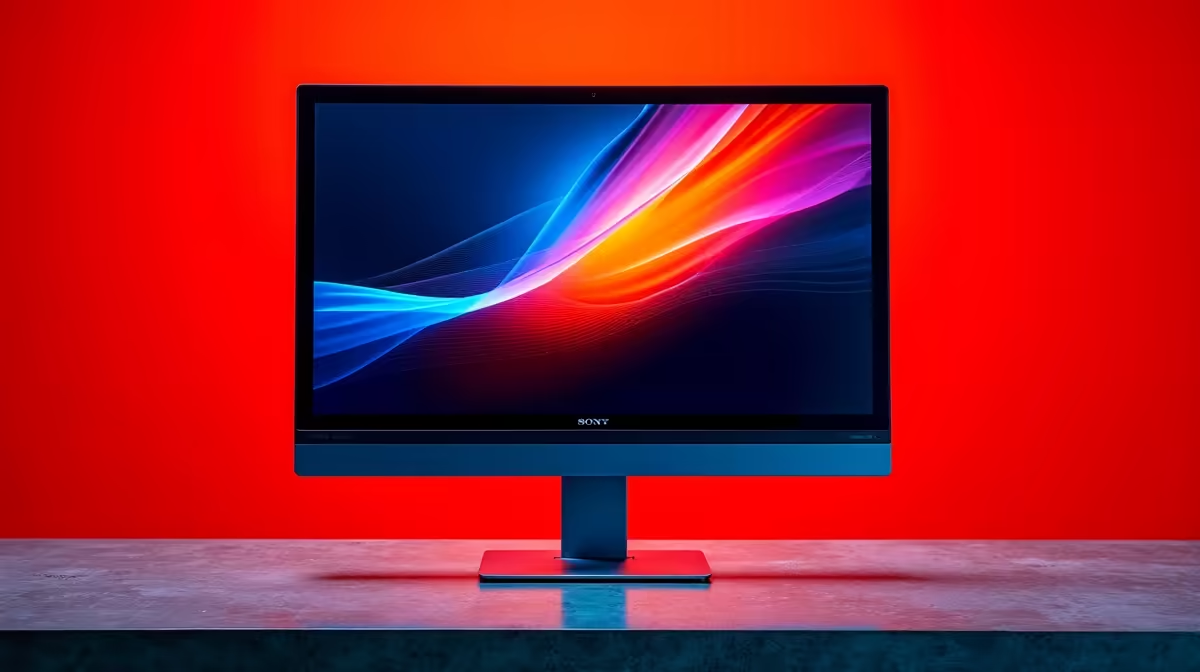
Staring at a screen all day shouldn't feel like a workout for your eyes. If you're ending your workday in Mzansi with headaches and blurry vision, your monitor might be the culprit. It’s not about fancy refresh rates or RGB lighting… for true comfort and focus, it all comes down to one crucial spec. Understanding optimal contrast ratios in office screens is the key to unlocking a more comfortable and productive day. Let's dive in.
Understanding Contrast Ratio: More Than Just Black & White
So, what is a contrast ratio? Simply put, it's the difference between the brightest white and the darkest black your monitor can display. A low ratio makes everything look washed out and grey, forcing your eyes to work harder to distinguish text and shapes. A high contrast ratio delivers deep, inky blacks and brilliant whites, making everything on screen pop with clarity. ✨
For office work, we care most about the static contrast ratio. Forget the inflated "dynamic" numbers in marketing specs. Static is the real-world performance you experience, and it's vital for crisp text. A good baseline is essential, whether you're browsing general PC monitors or high-end displays.
Why Optimal Contrast Ratios Boost Your Productivity
Getting the contrast right on your office screen isn't just about pretty pictures; it's about performance. When your monitor has an excellent contrast ratio, you'll notice a few immediate benefits.
Reduced Eye Strain
This is the big one. Sharper text and clearer images mean less squinting. Your eyes can relax, allowing you to focus for longer periods without fatigue. This is especially important when you're working with massive spreadsheets or coding for hours on end.
Improved Readability and Focus
With a clear distinction between background and foreground elements, your brain processes information faster. This subtle improvement reduces your cognitive load, freeing up mental energy to focus on the actual task, not on deciphering fuzzy text. Investing in high-resolution 5K and 4K monitors often comes with superior panel technology that enhances this effect.
Accurate Colour Representation
For anyone working in creative fields like graphic design or video editing, an optimal contrast ratio is non-negotiable. It ensures that the colours you see on screen are true-to-life, preventing costly mistakes when your project goes to print or gets published online.
Quick Calibration Tip 🔧
Most monitors come with presets like "Text" or "Reading" mode. These often lower brightness while optimising contrast for readability. Spend two minutes in your monitor's on-screen display (OSD) to find a setting that feels comfortable for you. It’s a small tweak with a huge impact!
Finding the Sweet Spot for Your Office Screen
So, what numbers should you look for?
- 1000:1 (Good): This is the standard for most IPS panels. It's perfectly adequate for general office tasks and provides a noticeable improvement over older or budget screens.
- 3000:1+ (Excellent): Typically found on VA panels, this level of contrast delivers significantly deeper blacks. Text appears incredibly sharp against a white background, making it a fantastic choice for programmers, writers, and anyone who spends most of their day reading.
While many all-gaming monitors boast incredible specs, always check the static contrast ratio for productivity tasks. Sometimes, an immersive experience from curved monitors can also enhance focus by reducing peripheral distractions.
Beyond the Ratio: Other Factors for the Perfect Setup
Achieving the optimal setup for your office screen involves more than just one spec. Once you've nailed the contrast ratio, consider these factors to complete your productivity powerhouse:
- Ergonomics: An adjustable stand is a must. Better yet, invest in quality monitor accessories like a monitor arm to position your screen at the perfect height and angle.
- Brightness: Ensure the monitor is bright enough for your office environment without causing glare. Look for at least 250-300 nits.
- Flexibility: For those on the move, portable monitors now offer impressive specs, allowing you to maintain a productive dual-screen setup anywhere.
By balancing these elements, you create a workspace that doesn't just work… it works for you. 🚀
Upgrade Your View, Boost Your Workflow
Stop letting eye strain dictate your workday. Explore our massive range of monitors, handpicked for performance and value. Find the best PC monitor deals at Evetech and give your eyes the upgrade they deserve.