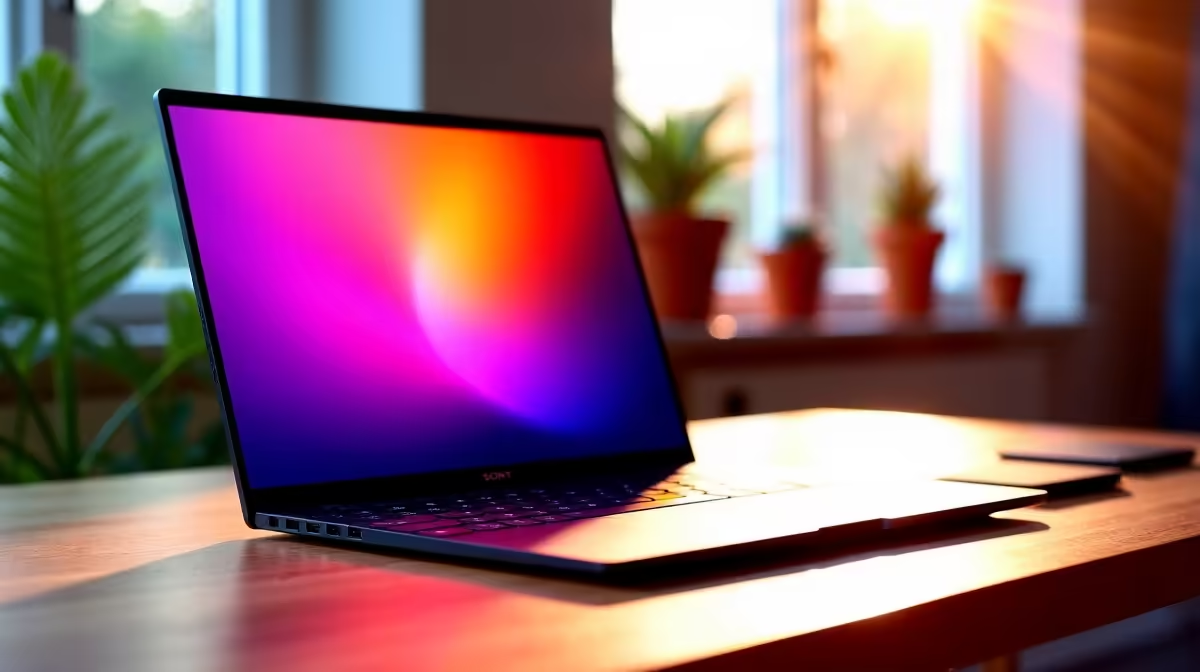
That gut-wrenching moment... your photo looks perfect on screen, but the print comes back dull, with colours you swear you didn't choose. Sound familiar? For South African photographers, this isn't just frustrating; it's a business risk. The culprit is often your laptop screen's inability to display the full spectrum of colours you captured. This is where finding the right pro photographer laptop with a top-tier Adobe RGB screen becomes absolutely essential.
Understanding the Adobe RGB Screen Advantage
So, what’s the big deal with Adobe RGB? Think of it like this: your standard laptop screen uses a colour space called sRGB, which is like a basic 12-pack of crayons. It’s great for the web and general use. An Adobe RGB screen, however, is the massive 120-crayon artist's set. It can display about 35% more colours, especially the vibrant greens and cyans crucial for capturing South Africa's stunning landscapes and wildlife. 🎨
For professional work that involves printing, from client albums to gallery exhibitions, a screen that covers a high percentage of the Adobe RGB gamut ensures that what you see is what you get. It’s the bridge between your digital canvas and the final physical product, guaranteeing colour consistency and saving you from costly, disappointing reprints.
Finding the Perfect Pro Photographer Laptop
Choosing a laptop for photography goes beyond just one spec. You need a balanced machine where the screen, processor, and graphics work together seamlessly.
Colour Gamut is King
Your primary goal is a display that covers at least 95% of the Adobe RGB colour space. While 100% is the gold standard, many high-end panels hover around 98-99%, which is more than enough for professional-grade work. Don't get too hung up on a single percentage point; instead, look for panels advertised with "100% Adobe RGB" as a clear indicator of a creator-focused device. Many of the best gaming laptop deals now feature these incredible displays.
Beyond the Gamut: Accuracy and Brightness
A wide colour gamut is useless if the colours it shows are wrong. That’s where colour accuracy, measured in Delta E (dE), comes in. A dE value of less than 2 means the screen's colour deviation is practically imperceptible to the human eye. Also, look for a brightness of at least 400 nits, which helps you edit comfortably in various lighting conditions without glare washing out your image.
Calibration is Non-Negotiable 🔧
Even the best pro photographer laptop needs regular calibration. Colours can drift over time. Investing in a hardware calibrator like a Datacolor SpyderX or Calibrite ColorChecker is essential. It creates a custom profile for your display, ensuring your colours remain accurate month after month. It’s a small price for perfect prints!
The Engine Behind the Pixels
A brilliant screen needs a powerful machine to drive it. Editing high-resolution RAW files from modern cameras requires serious processing power.
Your CPU does the heavy lifting in programs like Adobe Lightroom and Photoshop. Both modern Intel laptops on special and the latest Ryzen laptop deals offer fantastic multi-core performance, which is crucial for tasks like exporting large batches of photos or building complex panoramas.
A dedicated graphics card (GPU) is also more important than ever. While once considered a gaming-only component, GPUs now accelerate dozens of filters, effects, and AI-powered tools within the Adobe suite. This is why many photographers are turning to powerful yet sleek GeForce RTX gaming laptops on special, as they offer the perfect blend of screen quality and raw power. You can even find surprisingly capable machines among our gaming laptops under R20k that will handle photo editing with ease. ✨
Choosing the right pro photographer laptop is an investment in your craft. By prioritising an Adobe RGB screen and pairing it with a robust processor and GPU, you build a reliable mobile studio that delivers true-to-life colour from capture to print.
Ready to Find Your Perfect Creative Powerhouse?
Getting colour right is critical, and it starts with the right hardware. For the best performance, screen technology, and value in South Africa, a high-spec laptop is the ultimate tool. Explore our massive range of laptop specials and find the perfect machine to bring your vision to life.