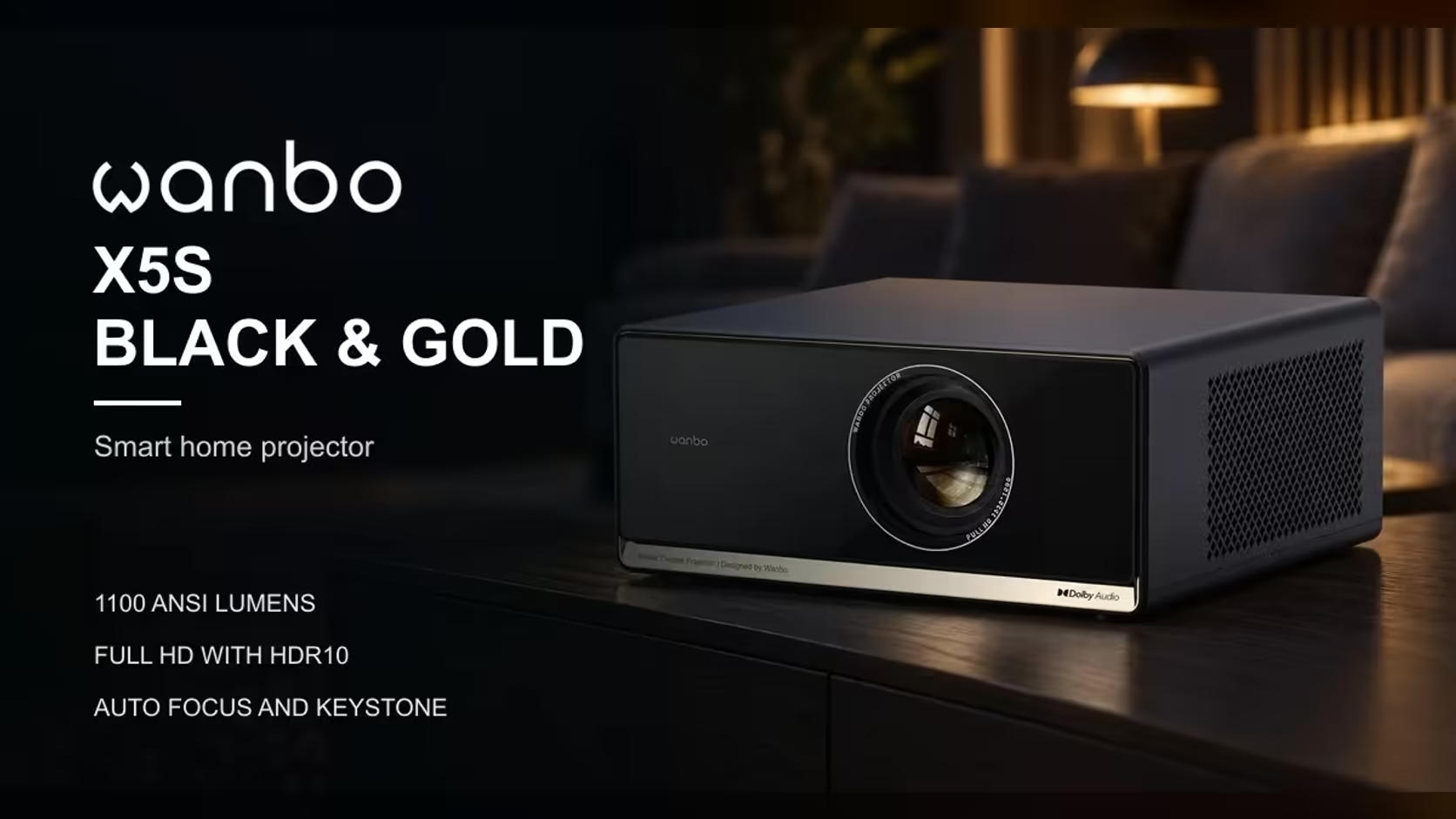
Screen sizes are quoted on the diagonal, and that single number hides most of what matters on the wall. A "100-inch" picture is not a 100-inch wide picture, and it is not a 100-inch tall one either. The diagonal is the measure a shop uses, but the wall has to take the width and the height, and the distance from the lens depends on the width. Learn the three shapes behind the number, and the Wanbo X5S's 40 to 140-inch range becomes a set of measurements you can check against a room.
Quick Answer
The X5S's range is measured on the diagonal, from 40 inches to 140 inches. For a 16:9 picture the width is about 87 percent of the diagonal, so at 100 inches the picture is about 2.2 metres wide, and the 1.25:1 throw ratio puts the lens about 2.8 metres back. A bigger picture pushes the unit further from the wall. The whole range comes for R6,899 including VAT.
📐 Three shapes behind one number
A 16:9 picture has a width and a height, and the diagonal runs corner to corner. For a 100-inch diagonal the width is about 2.2 metres and the height about 1.2 metres. The height is roughly 49 percent of the diagonal, and the width roughly 87 percent. Those two ratios are why the diagonal alone does not tell you the shape you will see on the wall.
Shape matters because walls are rarely square. A tall, narrow wall between two windows holds a 100-inch picture only if the height fits, and a short, wide wall only if the width fits. Measure both dimensions of the clear wall, then check which one limits the picture.
🧮 Turning a wall into a size
Start with the width of the clear wall and divide it by 0.87 to get the diagonal the wall can hold. A wall 2.2 metres wide holds a diagonal of about 2.5 metres, roughly 100 inches. A wall 1.5 metres wide holds about 1.7 metres, roughly 68 inches. Then check the height: the picture's height is about 0.49 of the diagonal, so the 100-inch picture needs 1.2 metres of clear height.
The quick rule is to find the narrower of the two limits, width or height, and build the picture from it. A wall that is wide but short caps the size at the height, and the picture will look smaller than the wall suggests.
📏 Why the throw depth follows the width
A projector does not throw a diagonal. It throws a width, and the lens distance follows from that width through the throw ratio. With the X5S at 1.25:1, the lens must sit 1.25 picture-widths from the wall: a 100-inch picture, about 2.2 metres wide, needs about 2.8 metres of depth, and a 140-inch picture, about 3.1 metres wide, needs about 3.9 metres.
So every extra inch of diagonal costs depth, and depth is what most rooms lack. If the room cannot give you the metres, the picture size is capped there. The size you can have is the one the depth allows, not the one on the box.
🔆 Why area changes the brightness
A bigger picture covers more wall, so the same light spreads thinner. A 140-inch image covers about 5.4 square metres, against about 2.7 square metres for a 100-inch image. That is roughly twice the area for the same 1100 ANSI lumens, so the bigger picture looks dimmer and needs a darker room to hold its contrast.
This is one reason the largest size suits a dark room best. Each part of the wall gets less light as the picture grows, so the bigger the picture, the more the curtains and the lamps matter.
🧭 Sit at the distance the picture needs
The picture size also sets where the couch should sit. A common viewing guide puts the couch at about 1.2 to 1.5 times the diagonal. For a 100-inch picture that is about 3.0 to 3.8 metres, and for a 140-inch one about 4.3 to 5.3 metres. The guide keeps the picture's edges inside the natural field of view. A couch closer than that will see the pixels and the edges too clearly.
In a South African lounge that is not very deep, the couch and the projector compete for space. Choose the size that suits the couch distance you can actually have, not the one you wish you had.
🏠 Measure before you buy
Take three measurements: the clear width and height of the wall, and how far back the projector will sit from it. Work out the diagonal from the width and height, then check it against the depth. The X5S's 40-inch minimum needs about 1.1 metres of depth, so a room shallower than that cannot take any picture at all, and a room only a little deeper than that is limited to the smallest sizes.
Compare the X5S with its neighbours in the projector range, and browse the wider projector category before you choose a size.
📋 Write the three numbers down
Before you ask whether a size fits, write three figures on one line: the clear wall width, the clear wall height and the depth from the wall to the couch's shadow line on the floor. Then check the picture's width and height against the first two, and the throw distance against the third. A 100-inch picture needs 2.2 metres of width, 1.2 metres of height and 2.8 metres of depth, so one short number rules the size out, and the other two settle what fits.
Frequently Asked Questions
Why does the diagonal not match my wall?
The wall has a shape, and the diagonal reflects both the width and the height. Check which dimension limits the picture before you decide the size.
How much depth does the X5S need at 40 inches?
About 1.1 metre, the throw distance for a picture roughly 0.9 metres wide.
Does a bigger picture always look better?
Not in a room with light or a couch that sits close. A smaller, brighter picture often suits the room better than the largest size.
Measure the wall before you choose a size.
Take the width, height and depth, then browse the projector range on Evetech to find the size your room can hold.