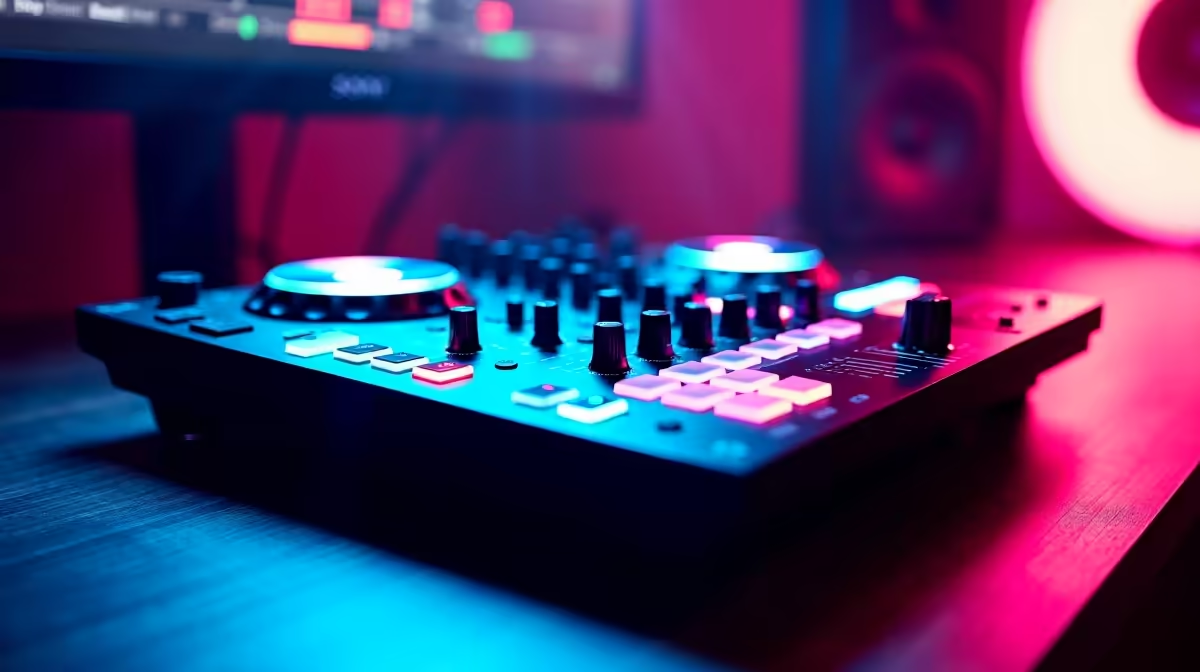
So, you’ve been dropping fire sets in clubs from Cape Town to Jozi, but now it’s time to take your talent online. The world is your dance floor, but are you ready for the spotlight? Building a pro-level live stream requires more than just your decks and a laptop. This ultimate setup guide covers the essential streaming gear for DJs, ensuring your audio is crisp, your visuals pop, and your performance is flawless. Let’s get you kitted out. 🚀
Nail Your Audio: The Soul of the Stream
Before anyone sees your setup, they’ll hear it. Poor audio is the fastest way to lose viewers. Your laptop's built-in mic just won't cut it for professional sound. The absolute foundation of your DJ streaming setup is a dedicated audio interface. This small box is the bridge between your mixer/controller and your PC, converting your analogue audio into a clean digital signal for your stream.
For interacting with your audience, a quality USB or XLR microphone is non-negotiable. It ensures your shout-outs are clear and your engagement feels personal. Investing in these core components is the first step towards a professional broadcast. You can explore a wide range of streaming essentials to find the perfect audio interface and microphone for your needs.
Look the Part: Cameras & Lighting
Once your sound is sorted, it's time to focus on the visuals. A grainy, poorly-lit stream makes you look like an amateur, no matter how good your mix is. While you don't need a Hollywood budget, upgrading from a standard webcam to a 1080p or 4K camera makes a massive difference. Look for cameras with good low-light performance, as your DJ booth might be moody.
Lighting is your secret weapon. 🔧 It creates atmosphere and makes you look sharp. A simple three-point lighting setup (key light, fill light, and back light) can transform your stream's quality. For that extra visual flair that syncs with your beats, consider adding RGB lighting panels. Brands like Cololight offer modular light panels that can turn your background into a dynamic, pulsating part of your set.
Pro Lighting Tip
Position your main light (key light) at a 45-degree angle to your face. This creates soft, flattering shadows and avoids the harsh, flat look you get from a light placed directly in front of you. It's a simple trick that adds professional depth to your video feed.
The Engine Room: Your PC & Peripherals
Running DJ software like Serato or Rekordbox alongside streaming software like OBS or Streamlabs can be demanding on your PC. Your computer is the engine of your entire operation, and a weak one will lead to dropped frames, audio glitches, and a whole lot of frustration.
Key PC Components
- CPU: A modern processor with multiple cores (like an Intel Core i5 or AMD Ryzen 5, or higher) is crucial for encoding your stream without impacting your DJ software's performance.
- RAM: Aim for at least 16GB of RAM. This gives you enough headroom to run your DJ software, OBS, browser tabs, and other applications smoothly.
- GPU: While DJing isn't graphically intensive, a dedicated graphics card helps massively with the stream encoding (using NVENC on NVIDIA cards, for example), taking the load off your CPU.
High-quality peripherals also streamline your workflow. A stream deck, for instance, lets you switch scenes, trigger samples, and interact with your chat at the press of a button. Top-tier brands like CORSAIR offer everything from high-performance RAM to keyboards and stream decks that can complete your setup. You don't have to break the bank either; you can find fantastic streaming gear for under R6000 to get you started on a solid foundation. ✨