



PCIe 5.0 vs PCIe 4.0 for Video Editing in 4K in SA
PCIe 5.0 and PCIe 4.0 differ most in lane support, compatibility, and upgrade value for video editing in 4k. SA buyers should match the choice to their actual hardware and games.
Read more- Analyze USB-C 3.2 Gen2 front ports and benefits - Compare SSD speeds and cables - Recommend peripherals and testing tips USB-C 3.2 Gen2 front ports deliver up to 10Gbps for external SSDs—learn speeds, cable choices, and testing tips 🔌⚡
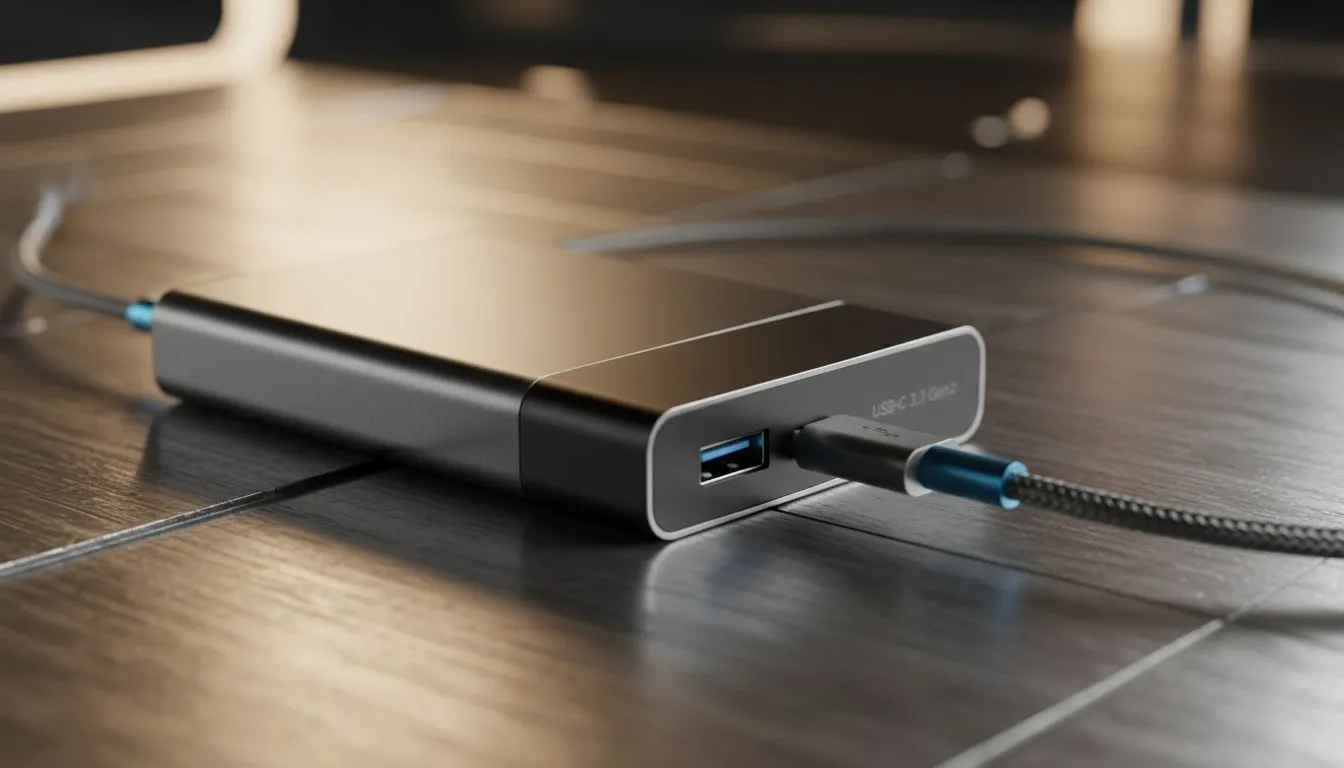
Ever spent five minutes fumbling behind your PC just to plug in a drive? It is a classic South African gamer struggle. When you are transferring a 100GB game, every second counts. That is where USB-C 3.2 Gen2 front ports become your best friend. They bring 10Gbps speeds right to your fingertips, saving you time and backache.
The jump from Gen 1 to Gen 2 is significant. We are talking about doubling your potential bandwidth from 5Gbps to 10Gbps. If you use a modern NVMe external SSD, this speed is non-negotiable. Without it, your expensive storage is stuck in the slow lane.
Finding the right housing for your build is the first step. You can browse our full range of computer cases to see which models support high-speed front I/O. Most modern motherboards now include a dedicated internal header for these ports. It makes the build process cleaner and much more functional. 🚀
For those who value clean engineering, Fractal Design PC cases often lead the pack. They integrate USB-C 3.2 Gen2 front ports seamlessly into their minimalist designs. It is not just about looks... it is about the tactile feel of a solid connection.
Not all USB-C cables are built the same. To hit 10Gbps speeds, ensure your cable is explicitly rated for USB 3.2 Gen 2. Using a "charging only" cable will throttle your high-end SSD to USB 2.0 speeds, making your fast front port feel useless.
You do not need to spend a fortune to get modern connectivity. If you are on a budget, check out these Gamdias gaming cases under R1500. They offer great value for South African builders who want to stay current. 🔧
For more aggressive styling and solid airflow, the standard Gamdias gaming cases line-up provides plenty of options. These chassis ensure your peripherals, from high-end mics to rapid-charging phones, work exactly as intended.
USB-C 3.2 Gen2 front ports are not just for SSDs. They are becoming essential for streaming gear and VR headsets. Having that high-bandwidth port on the front means less cable clutter on your desk. It simplifies your setup and keeps your workspace tidy. ✨
Ready to Upgrade Your Connectivity? Stop reaching behind your PC and start enjoying the speed you deserve. Whether you need a budget-friendly option or a premium masterpiece, we have the right chassis for you. Explore our massive range of computer cases and find the perfect match for your next build.
USB-C 3.2 Gen2 supports up to 10Gbps, so external SSDs can reach around 1GB/s in ideal setups; cable quality and enclosure matter for real-world speeds.
Many NVMe SSDs need Gen2x2 or Thunderbolt to hit top speeds; on USB-C 3.2 Gen2 you'll often be limited to ~10Gbps by the port and cable.
Front USB-C wiring often runs through internal headers or risers and may share lanes, affecting usb-c 3.2 gen2 speeds if routed poorly.
Use certified USB-C 3.2 Gen2 cables rated for 10Gbps and avoid thin or long cables; usb-c cable for gen2 ssds is key to consistent throughput.
Yes for many devices, but bandwidth-hungry docks or displays may need Thunderbolt or Gen2x2; check modern peripherals compatibility usb-c gen2 first.
Use sequential and real-world benchmarks with a known external ssd and a certified cable; testing external ssd speeds usb-c gen2 reveals bottlenecks.
Upgrading to true Gen2 or Gen2x2 front ports improves external storage and peripheral performance, beneficial for large file workflows and fast backups.
PCIe 5.0 and PCIe 4.0 differ most in lane support, compatibility, and upgrade value for video editing in 4k. SA buyers should match the choice to their actual hardware and games.
Read more
ATX 3.1 and ATX 3.0 differ most in connector handling and GPU power design. For SA gamers, the choice comes down to your graphics card, PSU quality, cable clearance, and whether a newer 12V-2x6-ready unit makes sense for the build.
Read more
80+ Platinum or 80+ Titanium for cinematic should be shortlisted around the job it must do. South African buyers should compare fit, performance, compatibility, and upgrade room, warranty path, and upgrade room before treating any pick as best.
Read more
AM5 and AM4 can both work for competitive esports, but the real-world difference is platform headroom. SA players should compare CPU choices, memory speed, latency goals, monitor refresh, and future upgrade plans.
Read more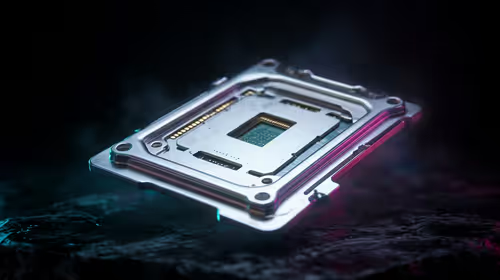
LGA 1851 and LGA 1700 differ most in CPU support, compatibility, and upgrade value for couch co-op gaming. SA buyers should match the choice to their actual hardware and games.
Read more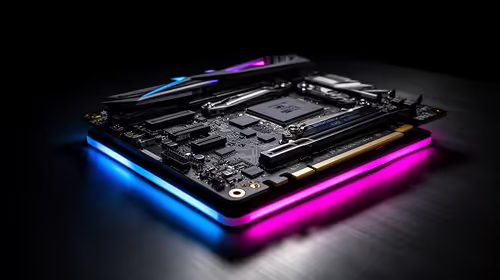
DLSS 4 and DLSS 3 differ most in game support, compatibility, and upgrade value for streaming on twitch and youtube. SA buyers should match the choice to their actual hardware and games.
Read more
RTX 5090 on a 1200W PSU has usable headroom when the supply is strong and the build is measured. For SA gamers, OC potential depends on CPU draw, cooling, cabling, stability targets, and how much safety margin you keep.

How to fix low FPS on gaming laptop starts with power mode, drivers, heat, and game settings. Use this South Africa-focused checklist to confirm charger use, GPU selection, RAM pressure, and cooling before changing parts or tweaking every setting.

Real world difference between b850 b650 mmo live service games sits in stability, networking, storage, and upgrade room. SA players should compare LAN quality, USB layout, RAM support, and SSD slots for always-updated games.

Dead Pixel on Wi-Fi 7 Router is likely a display-path or source-title issue, so check the screen, cable, driver state, and related system symptoms before blaming the device itself.

Put the headphones in pairing mode, open Bluetooth and devices in Windows 11, then add the headset. If it fails, remove the old pairing and check charge, range and drivers.

Microsoft says upcoming Windows 11 work will target memory use on 8GB PCs and improve boot and sign-in responsiveness. There is no public release date or measured uplift yet.

Windows 11 does not show CPU temperature in its standard Settings pages. Use your CPU maker's supported utility or a trusted monitor, then read idle and loaded temperatures in context.

The Colorful MEOW X16 Pro pairs a Ryzen 7 8745HX with a 115W RTX 5060 Laptop GPU. It is a China-only launch for now, so local RTX 5060 pricing is the practical benchmark.

Industry reports point to another roughly 10 percent Intel processor increase from 5 October, but Intel has not published a consumer price list confirming the scope. South African buyers should treat it as a risk signal, not a guaranteed Rand change.

Tests reported audio capture and local-network scanning on a specific LG television with its screen off. LG says supported standby modes can keep voice and connected-device features active, so owners should review model-specific settings.

Thermalright's AXP120-X77 is a 77 mm top-down cooler with six heatpipes and a slim 120 mm fan. Local availability is not confirmed, so compact-PC builders should verify case height, memory clearance and socket support before comparing it with stocked coolers.

One-sided sound can come from balance settings, a dirty or loose connector, Bluetooth pairing data, firmware, the source device or a failed cable or driver. A short swap test isolates the cause before you reset software or replace the headset.