


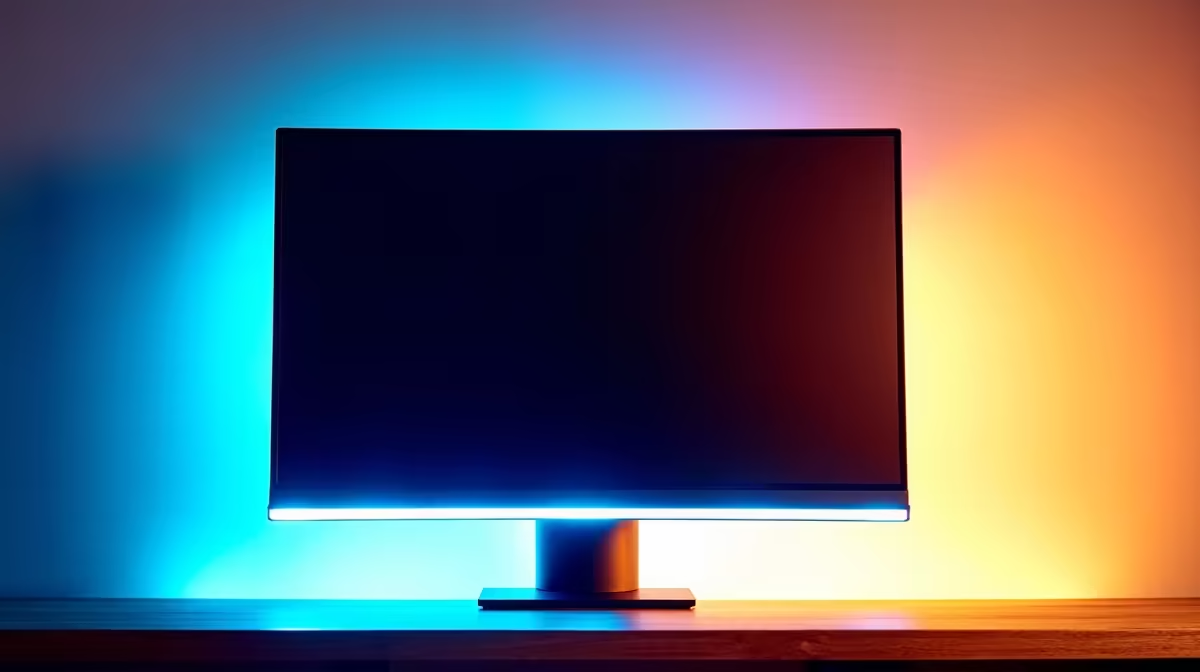
You know the feeling. You're deep into a late-night gaming session in Sandton, or maybe catching up on work as the sun sets over Cape Town. The screen that was perfectly bright an hour ago is now searing your eyeballs. So you squint, fiddle with the settings, and break your focus. What if your monitor just… adapted? An ambient light sensor monitor promises to do just that, but is this premium feature actually worth your hard-earned Randelas?
How an Ambient Light Sensor Monitor Works
Think of it like the screen on your smartphone. An ambient light sensor monitor has a small, built-in sensor that constantly measures the brightness of your room. When the afternoon sun streams in, it bumps up the screen's brightness so you can see clearly. As evening falls and you switch to a desk lamp, it dims the display to a more comfortable level. 💡
This automatic adjustment aims to deliver two things: optimal viewing comfort and a consistent picture, no matter the time of day. It’s a clever piece of tech that’s moving from high-end TVs into the PC space, appearing on a growing number of our PC monitors.
The Pros: Why You Might Want This Feature
So, what’s the real-world benefit? Is a monitor with an ambient light sensor just a gimmick or a genuine quality-of-life upgrade? For many South Africans, the advantages are surprisingly practical.
Say Goodbye to Digital Eye Strain
The biggest win is comfort. Staring at a screen that's too bright in a dark room or too dim in a bright one is a fast track to headaches and eye fatigue. By matching the display's output to your environment, this feature can significantly reduce eye strain during long workdays or marathon gaming sessions. Your eyes will thank you.
Perfect Picture, Day or Night
For content creators, designers, and anyone who cares about visual fidelity, consistency is key. An ambient light sensor helps maintain the perceived colour and contrast of the on-screen image. This is especially noticeable on premium 5K and 4K monitors, where every pixel counts. The monitor does the heavy lifting to ensure your project looks right, whether you're working at noon or midnight.
A Small Win for Your Electricity Bill ✨
It's a minor point, but with Eskom's tariffs, every watt saved is a small victory. A display that automatically lowers its brightness when it can is a more energy-efficient display. It won't slash your bill in half, but it's a smart, eco-friendly feature that contributes to lower overall power consumption.
Calibration is Still King 🔧
Even with an automatic sensor, we recommend a one-time manual calibration. Use your graphics card's control panel (NVIDIA Control Panel or AMD Software) to adjust gamma, contrast, and colour settings to your preference. This gives the ambient light sensor a perfect baseline to work from, ensuring its automatic adjustments are always tailored to your taste.
The Cons: When It's Not Worth the Extra Cost
Of course, no feature is perfect for everyone. There are a couple of scenarios where a monitor with an ambient light sensor might not be the best choice.
For one, it’s a premium feature that often adds to the cost. If your budget is tight, that money might be better spent on a higher refresh rate or a larger panel. Secondly, some hardcore competitive gamers prefer absolute manual control. They want their brightness and contrast locked in for muscle memory and predictability, and an automatic adjustment, no matter how subtle, could be an unwelcome variable. For them, browsing through all gaming monitors to find a panel focused purely on speed is a better bet.
The Verdict: Is an Ambient Light Sensor Monitor Right for You?
So, should your next display have this feature? Let's break it down.
An ambient light sensor monitor is a fantastic choice for:
- Hybrid Workers & Students: If your desk is near a window and you work long, varied hours, the set-and-forget comfort is a massive plus.
- Content Creators: The consistency it provides for photo and video editing is invaluable.
- Casual & Immersive Gamers: For single-player adventures like Starfield or Baldur's Gate 3, it enhances immersion by making the screen feel more naturally part of the room.
However, you might want to skip it if you are:
- An Esports Competitor: Manual control is king for consistency in titles like CS2 or VALORANT.
- On a Strict Budget: Prioritise core specs like resolution and refresh rate first.
Ultimately, it's about how you use your PC. This tech is even appearing in versatile setups like portable monitors, showcasing its focus on user comfort. For some, the gentle wrap-around effect of curved monitors is a more impactful upgrade, while others will always benefit from the right monitor accessories to perfect their setup. The choice, as always, is yours. 🚀
Ready to Upgrade Your View? Whether an ambient light sensor monitor is your next big upgrade or you're chasing pure refresh rate, the perfect screen is waiting. Explore our massive range of PC monitor deals and find the perfect display to conquer your world.










