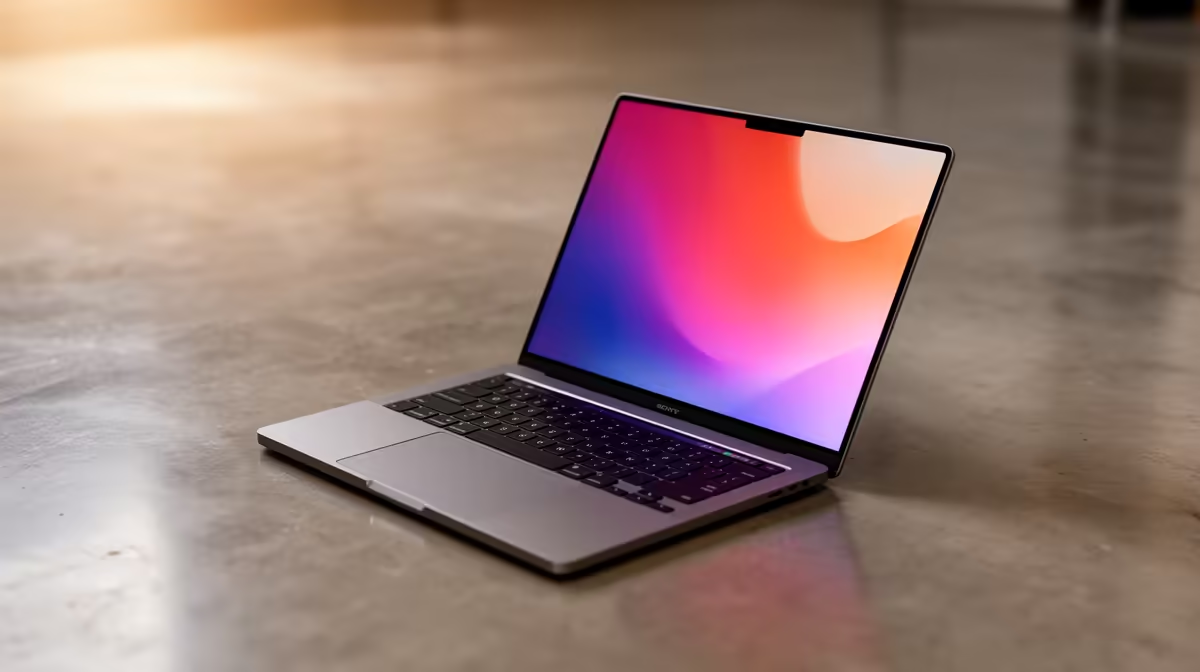
Staring at a wall of laptop options, feeling a bit lost? You’re not alone. Choosing the right machine in South Africa can be tough. You need power for work, speed for browsing, and maybe a little something for after-hours gaming… all without breaking the bank. Enter the ASUS Vivobook. This guide will help you navigate the lineup and find the best ASUS Vivobook for your specific needs, whether you're a student, a creative, or a casual power user.
What Makes the ASUS Vivobook a Top Contender?
Before we dive into models, let's talk about why the Vivobook series consistently punches above its weight. It's not just one thing; it's a combination of smart features that offer incredible value.
Many models boast stunning ASUS Lumina OLED displays, offering vibrant, true-to-life colours that make everything from spreadsheets to streaming series look incredible. They pack modern performance into sleek, lightweight designs, making them perfect for life on the go. It’s this blend of style, performance, and price that makes finding your perfect Vivobook model a genuinely exciting prospect. 🚀
Finding the Best ASUS Vivobook For Your Hustle
The perfect laptop isn't a one-size-fits-all solution. Your ideal Vivobook depends entirely on what you do every day. Let's break it down.
For the Student & Everyday User
If you're navigating campus, a coffee shop, or just your couch, you need a reliable and portable partner. The classic Vivobook 14 and 15 models are brilliant choices. They offer a fantastic balance of performance for assignments and entertainment, long battery life, and a lightweight chassis that won’t weigh you down. For most daily tasks, these machines are more than capable, making them a smart choice. You can explore the core ASUS Vivobook range to see the latest options.
For the Creative Professional
When your work demands colour accuracy, the Vivobook Pro and Vivobook S series are your answer. Their main draw is the optional OLED panel, which provides 100% DCI-P3 colour gamut coverage—a must-have for photo and video editing. These models often come with more powerful processors and dedicated graphics options to handle demanding creative software without breaking a sweat. Choosing an ASUS Vivobook with an OLED screen is a serious upgrade for any creator. ✨
OLED Screen Care Tip 💻
To keep your beautiful OLED display in top condition, use a dark mode theme in Windows and your apps. Also, set your screen to turn off after a few minutes of inactivity. This helps minimise the risk of burn-in over the long term and keeps those blacks looking perfectly deep and colours vibrant.
For the Casual Gamer & Power User
Need a bit more grunt for some light gaming or heavy multitasking? Look for Vivobook models equipped with higher-performance CPUs. Many Vivobooks feature powerful AMD Ryzen options that offer excellent multi-core performance, making them fantastic for juggling multiple applications or enjoying games like Valorant or Minecraft.
Key Specs to Look For
Decoding spec sheets can feel like a chore. Here are the three most important things to focus on when choosing your Vivobook.
- CPU (The Brains): Your main choice will be between Intel and AMD. Both offer fantastic performance. Intel's Core series often excels in single-threaded tasks, which can be great for general responsiveness, while AMD's Ryzen chips are often praised for their strong multi-core capabilities. You can't go wrong with either, so check out the specs on the latest Intel Core models to compare.
- Display: If your budget allows, opt for the OLED screen. The difference in colour, contrast, and clarity is immediately noticeable and enhances every single thing you do on the laptop.
- RAM & Storage: Aim for 16GB of RAM if you're a multitasker or creative. For storage, a Solid State Drive (SSD) is non-negotiable for fast boot times and snappy performance. 512GB is a great starting point.
Getting the Best Vivobook Deal in South Africa
The final piece of the puzzle is price. The Vivobook series is known for its excellent value, but you can maximise your savings by keeping an eye on sales events. To get the most bang for your buck, it's always a good idea to check out the latest ASUS laptops on special to find a great deal on your chosen model. A little patience can often save you a good couple of thousand Rand.
Ready to Find Your Perfect Match?
From the lecture hall to your home office, the ASUS Vivobook series delivers style and substance. Now that you know what to look for, it's time to find the perfect model for you. Explore our massive range of laptop specials and find the perfect machine to conquer your world.