


Juggling deadlines, massive datasets, and a slow laptop is a nightmare for any South African uni student. As you gear up for 2025, that old spinning hard drive is your biggest bottleneck. Don’t let loading screens kill your productivity or risk your precious research on failing hardware. The right Solid State Drive (SSD) doesn't just speed up your PC; it secures your hard work. Let’s find the best SSD for your university research. 🚀
Why Your Old Hard Drive is a Research Bottleneck
If your computer still uses a traditional Hard Disk Drive (HDD), you're working with technology that's decades old. HDDs use spinning platters and a mechanical arm to read data... think of a tiny record player. They're slow, fragile, and a common cause of system failure.
An SSD, on the other hand, uses flash memory, like a massive, high-speed USB stick. The difference is night and day. With an SSD, your operating system boots in seconds, research applications load instantly, and large data files transfer without a frustrating wait. For students handling everything from statistical software to design renders, this performance boost is essential.
Choosing the Best SSD for Your University Needs
Finding the perfect SSD isn't just about picking the biggest number. It's about matching the drive to your specific workflow, whether you're writing your thesis in the library or running complex simulations in the lab.
Internal vs. External Drives
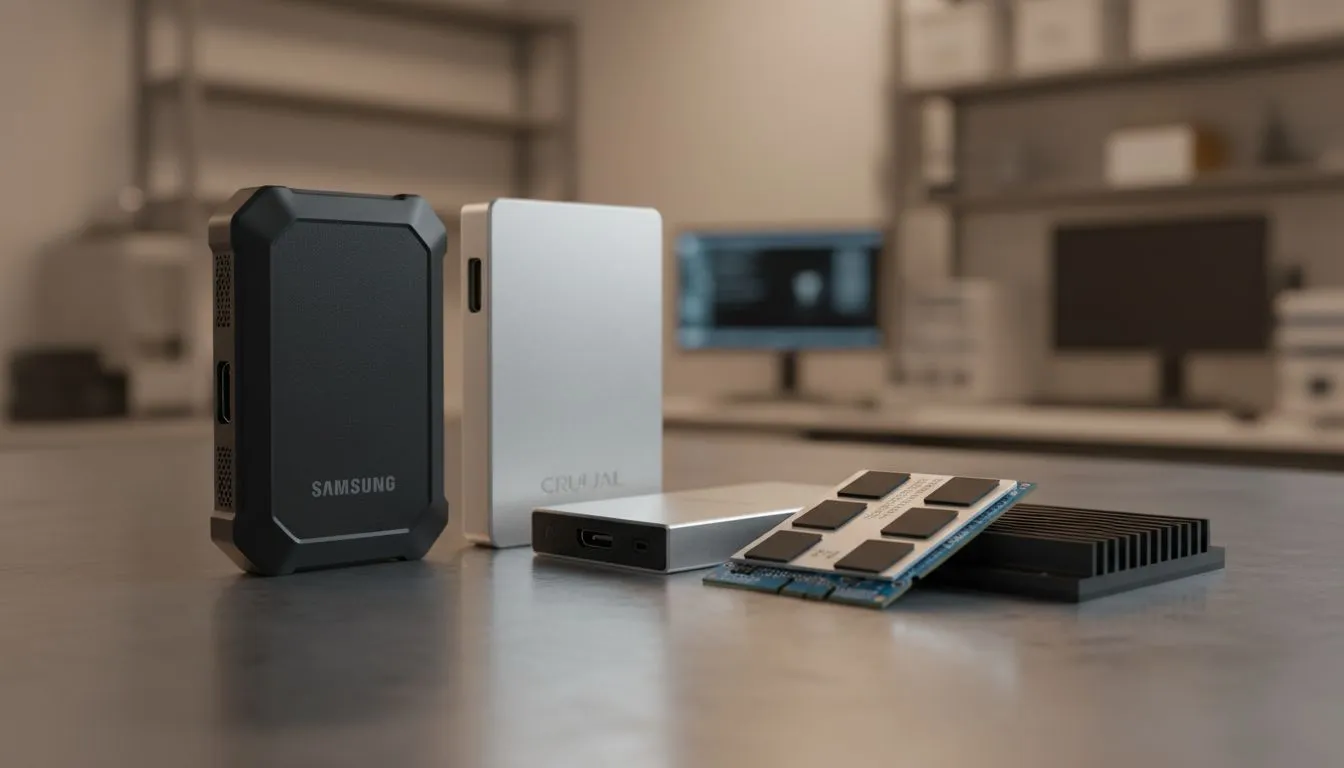
Your first choice is where the drive will live. An internal SSD replaces your main system drive, giving you the biggest overall speed increase. An external drive offers portability and is perfect for backups or moving large project files between machines. For peace of mind when transporting your dissertation draft, a range of portable external SSDs is your best bet. 💾
NVMe vs. SATA: Decoding the Speed
You'll see two main types: SATA and NVMe.
- SATA SSDs are the most common and offer a huge performance jump over any HDD. They're a fantastic, budget-friendly choice for breathing new life into an older laptop or desktop.
- NVMe SSDs are the gold standard for speed. They plug directly into the motherboard and are multiple times faster than their SATA counterparts. If your research involves video editing, 3D modelling, or analysing enormous datasets, investing in one of these blazing-fast NVMe SSDs will save you countless hours.
Protect Your Research! 🎓
rely on a single drive. Use the 3-2-1 backup rule: keep at least 3 copies of your data, on 2 different types of media (e.g., your internal SSD and an external SSD), with 1 copy stored off-site (like a cloud service or a drive you keep at home). Your future self will thank you.
Finding the Right Capacity
How much space do you need?
- 500GB: A great starting point for most students in humanities or commerce. It's enough for your OS, apps, and plenty of documents.
- 1TB: The sweet spot for STEM, design, or computer science students. It provides ample room for larger software suites, coding projects, and datasets.
- 2TB+: Essential for anyone working with high-resolution video, complex architectural models, or massive scientific data.
Finding Top Student SSDs in South Africa
The "best" SSD for university research in 2025 ultimately depends on your budget and specific needs. Instead of focusing on one model, smart students focus on value and reliability from trusted brands.
Start by exploring a wide range of solid state drives to get a feel for the market. For those on a tight student budget, it's always worth it to check out the latest SSD deals, where you can often find top-tier performance for a great price in ZAR. If you want to see every option available, from entry-level SATA to high-end NVMe, you can browse all our SSDs to find the perfect fit for your machine.
An SSD isn't just an upgrade; it's an investment in your academic success. ⚡
Ready to Supercharge Your Studies? Don't let a slow drive cap your potential. Upgrading is one of the most impactful investments you can make for your university career. Explore our massive range of SSD specials and find the perfect drive to conquer your coursework in 2025.










