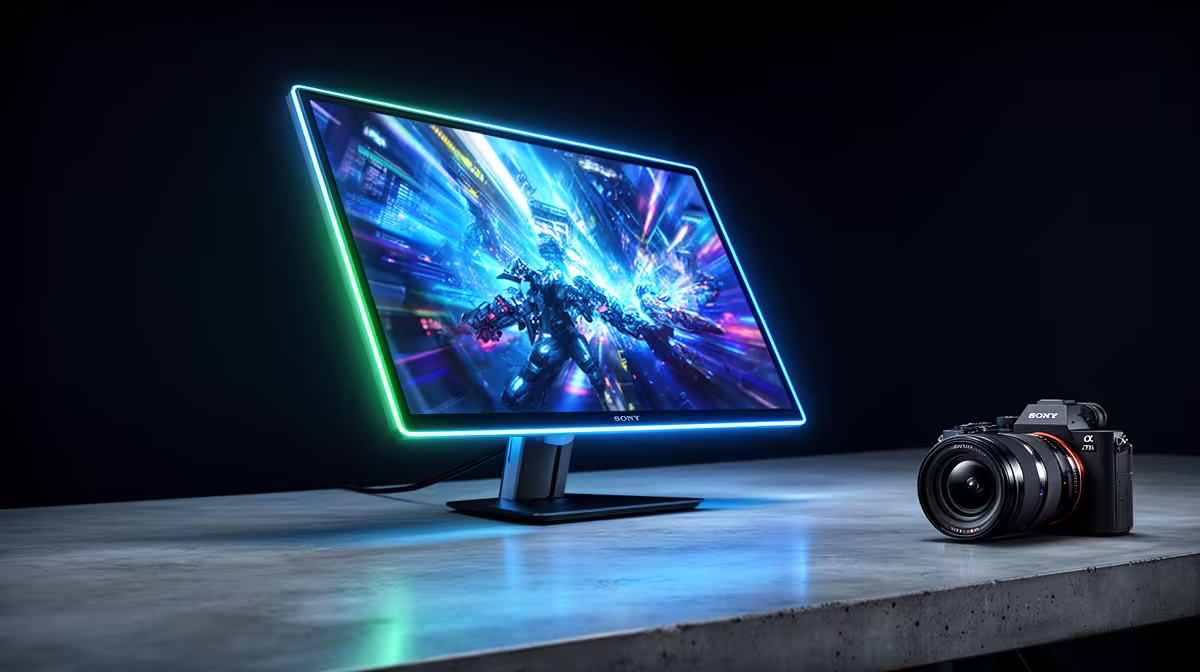
We’ve all been there. It’s 2 AM, your squad is finally clicking, but your eyes feel like they’ve been rubbed with sandpaper. That throbbing headache? It’s not just the pressure of the final circle. Choosing the right gaming monitor for long sessions is one of the most crucial, yet overlooked, parts of a truly comfortable setup. It’s the difference between epic all-nighters and tapping out early because of eye strain. Let’s fix that.
Why Your Monitor is Crucial for Marathon Gaming
Before we dive into specs like refresh rates and response times, let's talk about the real enemy: fatigue. A subpar screen forces your eyes to work overtime, leading to dryness, blurred vision, and headaches. A quality gaming monitor for long sessions isn't just a luxury; it's an essential piece of ergonomic gear. It ensures you can stay focused and comfortable, whether you're grinding levels in an MMO or competing in an all-day tournament. The right display from our wide range of PC monitors can genuinely improve your performance and endurance.
Key Features for an Eye-Friendly Gaming Monitor
Finding the best gaming monitor for long sessions means looking beyond just the raw performance numbers. You need a blend of speed, clarity, and comfort-focused technology. Here’s what to prioritise. ✨
Refresh Rate and Blue Light Filters
A higher refresh rate (144Hz or more) creates a smoother image, which means your eyes don't have to work as hard to track fast-moving objects. This reduces motion blur and makes the experience far less jarring over several hours. Many modern monitors also include Low Blue Light modes and Flicker-Free technology. These features are specifically designed to reduce the most common causes of digital eye strain, making them non-negotiable for any serious gamer.
The 20-20-20 Rule 👓
To prevent eye strain during long gaming sessions, practice this simple habit. Every 20 minutes, look at something 20 feet (about 6 metres) away for at least 20 seconds. This simple exercise relaxes your eye muscles and helps prevent digital eye fatigue, keeping you sharp for the next round.
Screen Size, Resolution, and Immersion
Bigger isn't always better. The key is finding the right balance between screen size and resolution for your desk setup. A massive 32-inch monitor might seem appealing, but if you're sitting too close, you'll be constantly moving your head and eyes. For most desks, a 27-inch 1440p (QHD) monitor is the sweet spot. If you have the space and the GPU power to drive it, upgrading to one of the latest 5K & 4K monitors delivers incredible sharpness that can make text and UI elements easier to read.
For ultimate immersion, many South African gamers are turning to curved monitors. The gentle curve mimics your natural field of view, reducing eye movement and making the experience feel more encompassing and less fatiguing over time.
Ergonomics and Adjustability 🔧
Never underestimate a good stand! A monitor that you can’t adjust is an ergonomic nightmare. Look for stands that offer:
- Height Adjustment: To align the top of the screen with your eye level.
- Tilt: To eliminate glare from overhead lights.
- Swivel: To easily share your screen or adjust your angle.
If the monitor you love has a basic stand, don't worry. As long as it's VESA compatible, you can easily upgrade its ergonomics with a high-quality monitor arm or wall mount from our selection of monitor accessories.
Thinking Outside the Main Rig
Your marathon gaming setup doesn't always have to be tied to your main desk. For those who attend LANs or want a second screen for their gaming laptop on the go, portable monitors offer incredible flexibility without sacrificing too much performance. They're a fantastic solution for staying comfortable and competitive, no matter where you're playing.
Finding Your Perfect Gaming Monitor
Choosing the ideal gaming monitor for long sessions is a personal journey. It depends on your games, your space, and your budget. By focusing on eye-care technologies, solid ergonomics, and the right size-to-resolution ratio, you’re investing in your health and your in-game performance. Stop letting eye strain cut your gaming nights short. It’s time to find a display that can keep up with your passion. 🚀