


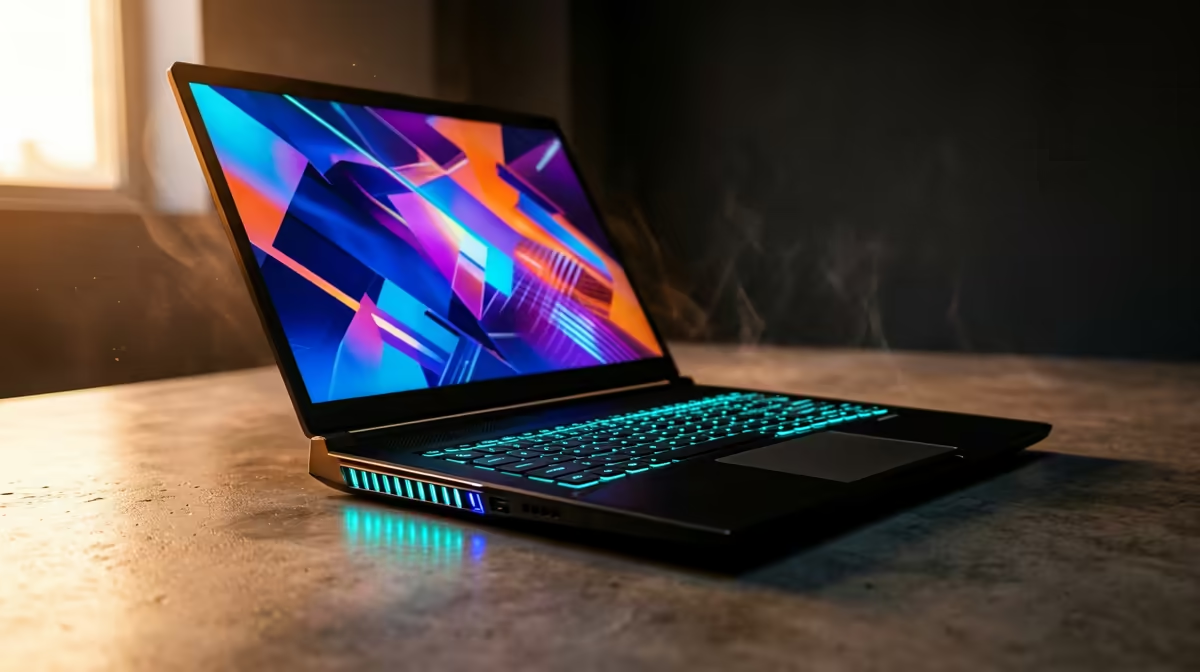
That familiar December heat hits, the braai is sizzling, and your laptop fan starts screaming like a hadeda at sunrise. You're deep in a gaming session when suddenly... lag. Your frames drop, your aim goes wild. It's not your internet, bru. It’s laptop thermal throttling, the silent performance killer that thrives in a South African summer. But can your machine handle the heat, or is it destined to slow down when things get hot?
Understanding Laptop Thermal Throttling
So, what is this performance-eating monster? In simple terms, thermal throttling is your laptop's built-in self-defence mechanism. When core components like the CPU (Central Processing Unit) or GPU (Graphics Processing Unit) get too hot from intensive tasks like gaming or video editing, they automatically reduce their speed to cool down and prevent permanent damage.
Think of it like an athlete slowing to a jog during a marathon on a scorching day. It’s a smart survival tactic, but it’s frustrating when you’re trying to win. The signs are unmistakable:
- Sudden, unexplained frame rate drops in games.
- Stuttering and lag during demanding applications.
- Your laptop's fans spinning at maximum speed, creating a racket.
If this sounds familiar, your laptop is likely throttling to survive the heat.
Why the South African Heat is a Major Threat
Our beautiful, sunny climate is fantastic for a weekend getaway... but it's a nightmare for high-performance electronics. When the ambient room temperature is already pushing 30°C or more, your laptop’s cooling system has to work much harder to expel heat. It’s fighting an uphill battle from the moment you power it on.
Add an unexpected outage into the mix, and you lose the air-con that was giving your machine a fighting chance. This environment is the perfect storm for severe laptop thermal throttling. Modern processors, like those found in the latest AMD-powered laptops, are designed with thermal efficiency in mind, but even they can struggle against a relentless Highveld heatwave.
How to Fight Back Against Throttling 🔧
Before you resign yourself to laggy gameplay until winter, there are practical steps you can take to manage your laptop's temperature and reduce thermal throttling.
Improve Your Airflow 🌬️
The easiest wins come from improving how your laptop breathes.
- Get it off the Duvet: Never use your laptop on a soft surface like a bed, couch, or blanket. These materials block the air intake vents underneath, effectively suffocating it.
- Elevate It: A simple laptop stand can dramatically improve airflow by lifting the base off the desk. A dedicated cooling pad with built-in fans is even better.
- Keep it Clean: Dust is the enemy. Every few months, use a can of compressed air to blow dust out of the vents and fans (make sure the laptop is off!).
Check Your Temps! 🌡️
Download a free tool like HWMonitor or Core Temp. During a gaming session, if your CPU or GPU temperatures consistently push past 90-95°C, you're definitely experiencing thermal throttling. Knowing your numbers is the first step to fixing the problem!
Tweak Your Software Settings
You can also make adjustments without opening your laptop. While enthusiasts might explore undervolting, simpler options exist for both Intel-based laptops and their rivals. In Windows, switching to a "Balanced" power plan instead of "High Performance" can sometimes lower temperatures without a huge performance hit in day-to-day tasks.
Is Your Laptop Ready for an Upgrade? 🚀
While these tips can help, sometimes an older laptop's cooling system just isn't up to the task of handling modern games and a sweltering climate. Cooling technology has advanced significantly in recent years, with manufacturers using vapour chambers, multiple heat pipes, and smarter fan designs to keep temperatures in check.
If you've cleaned your vents, elevated your machine, and it's still thermal throttling, it might be time for a new rig. Exploring the current laptop specials for sale in South Africa can reveal just how far cooling solutions have come, offering you the sustained performance you need to game through the summer without a hitch.
Ready for a Cooler Experience? Don't let the heat dictate your performance. Beating laptop thermal throttling is possible, but starting with a machine built to handle the pressure is the real power move. Explore our massive range of laptop specials and find a cool-running powerhouse ready for any South African summer.










