


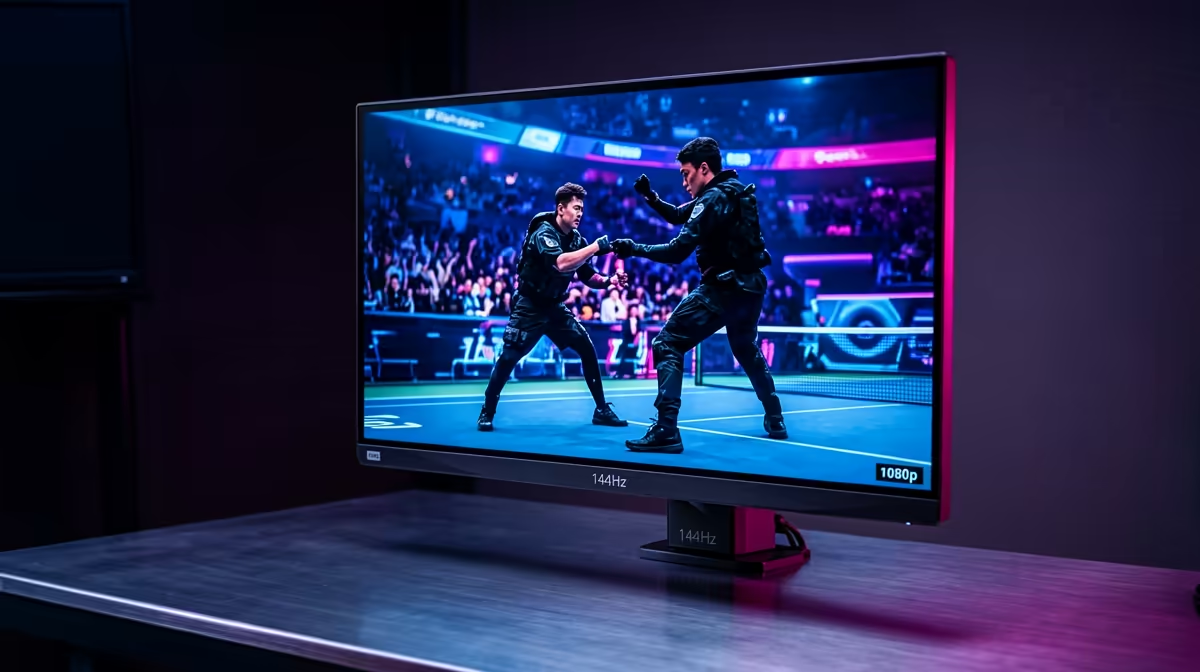
You've got the lightning-fast reflexes and a PC that pumps out frames. But what about your monitor? Choosing the optimal screen size for 240Hz gaming monitors is a critical decision that separates the clutch plays from the "what just happened?" moments. In South Africa's competitive esports scene, bigger isn't always better. It’s about finding the perfect balance between immersion and raw, tactical advantage. Let's find your competitive edge. 🎯
Why Screen Size Matters for 240Hz Esports
When you're chasing those buttery-smooth 240 frames per second, every detail on screen counts. The size of your monitor directly impacts two key factors: your field of view (FOV) and pixel density. A massive screen might feel epic for a cinematic game, but in a tense CS2 or Valorant match, you need to see the entire battlefield—from the minimap to your health bar—without constant, distracting head movements.
This is where the debate gets interesting. A larger screen forces your eyes to travel further, potentially costing you milliseconds. The goal is to absorb all critical information in your central and peripheral vision instantly. With so many options available across all gaming monitors, picking the right size is your first step to victory.
The Pro Standard: 24-inch to 25-inch Monitors
For pure, unadulterated competitive performance, the 24-inch to 25-inch range is the undisputed champion. There's a reason why most esports pros stick to this size.
At a standard 1080p (1920x1080) resolution, this screen size provides a high pixel-per-inch (PPI) count. The result? A crisp, sharp image where enemies are easy to distinguish, and you won't need a top-tier graphics card to push 240+ FPS. The smaller footprint means less eye and head movement is required to track targets or check your HUD. Everything is right there, ready for you to react. This is widely considered the optimal screen size for 240Hz gaming monitors when victory is the only thing that matters. ⚡
Pro Viewing Distance Tip
For a 24-inch monitor, the sweet spot for viewing distance is typically between 60cm and 90cm. This allows you to see the whole screen without strain, keeping you comfortable and focused during long gaming sessions in your Mzansi setup.
The Hybrid Choice: 27-inch 240Hz Monitors
So, what about 27-inch monitors? They offer a more immersive experience, making them a fantastic choice for gamers who love both competitive shooters and visually stunning single-player adventures. If your gaming diet includes Cyberpunk 2077 as much as it does Apex Legends, a 27-inch screen could be your perfect match.
However, there's a catch. To maintain image clarity on a 27-inch panel, stepping up to a 1440p (2560x1440) resolution is highly recommended. This looks incredible but demands significantly more power from your GPU to hit that 240Hz target. For an even more enveloping feel, many 27-inch models are available as curved monitors, pulling you deeper into the action. 🖥️
Finding Your Perfect Fit and Budget
Ultimately, the best screen size is a personal choice based on your games, your desk space, and your budget.
- For the dedicated esports athlete: A 24-inch or 25-inch 1080p 240Hz monitor is your sharpest weapon.
- For the versatile all-rounder: A 27-inch 1440p 240Hz monitor offers a brilliant mix of immersion and speed.
Performance doesn't have to cost a fortune. You can often find some of the best PC monitor deals right here in South Africa, giving you that competitive refresh rate without emptying your wallet.
Ready to Upgrade Your View? The perfect monitor is the final piece of your competitive puzzle. Explore Evetech's massive range of PC monitors for performance that leaves lag in the dust.










