


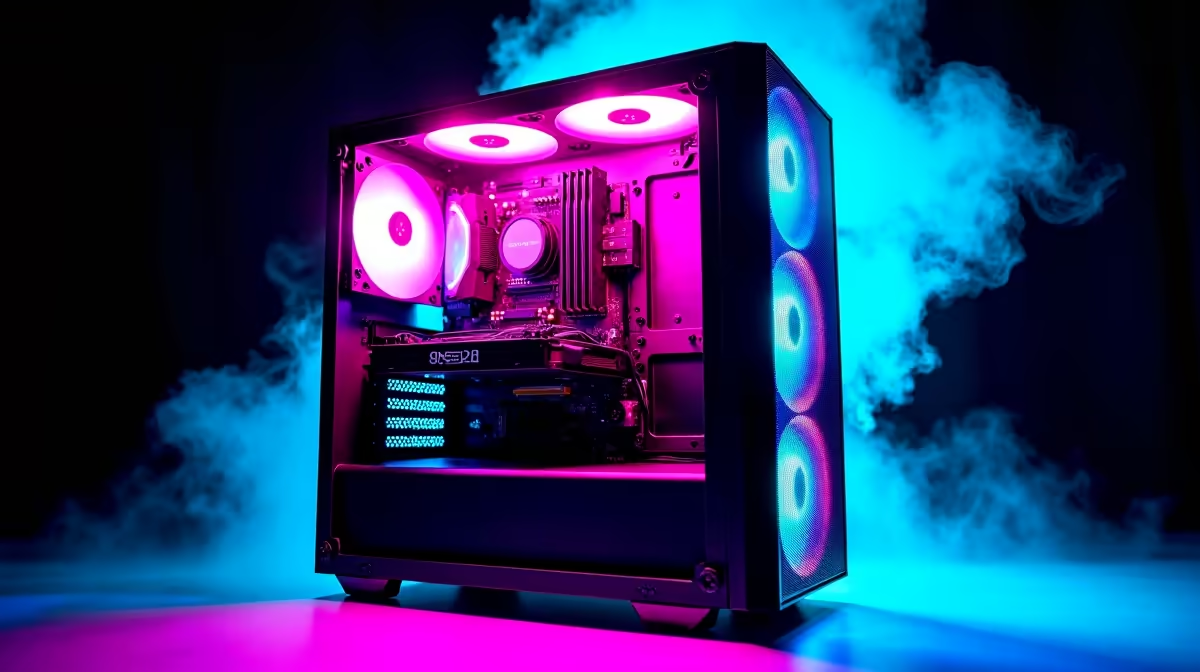
You’ve done it. You’ve got your hands on a solid R10,000 gaming PC, the heart of your setup. But after a few sessions of Apex Legends or the latest AAA title, you can't help but wonder… is this it? Are you squeezing every last frame out of your hard-earned hardware? The good news is, you probably aren't. Let's dive in and show you how to truly optimize your R10000 gaming PC for glorious, smooth gameplay. 🚀
Start with the Free Wins: Software & Driver Optimisation
Before you even think about opening your case, the biggest performance gains are often hiding in plain sight—in your software. Getting this foundation right is crucial for achieving maximum performance from your R10k gaming PC. These tweaks cost nothing but a few minutes of your time.
Keep Your Graphics Drivers Fresh
This is non-negotiable. Both NVIDIA and AMD regularly release driver updates that include specific optimisations for new games, bug fixes, and performance improvements. An outdated driver can cripple your frame rate. Head to the official GeForce or AMD website and grab the latest version for your graphics card.
Tweak Windows for Gaming
Windows 10 and 11 have built-in features designed to help.
- Game Mode: Search for "Game Mode settings" and make sure it's turned on. It prioritises your game, preventing background tasks from stealing precious resources.
- Power Plan: Set your power plan to "High Performance" or "Ultimate Performance" to ensure your CPU is running at full tilt when you need it.
- Startup Apps: Press
Ctrl+Shift+Escto open Task Manager, go to the "Startup" tab, and disable any unnecessary apps from launching when you boot. Every bit of RAM helps.
Even the best budget gaming PCs benefit massively from a clean and optimised operating system.
Master Your In-Game Settings for a Smoother Experience
Jumping into a new game and cranking every setting to 'Ultra' is tempting, but it's the fastest way to turn your rig into a slideshow. Smartly adjusting in-game settings is a core part of getting the best performance from your R10000 gaming PC.
Instead of dropping everything to 'Low', start with a 'Medium' or 'High' preset and work from there. Identify the biggest performance hogs:
- Shadow Quality: Often the #1 frame rate killer. Dropping from Ultra to High can give you a huge FPS boost with minimal visual loss.
- Anti-Aliasing (AA): This smooths out jagged edges, but techniques like MSAA are very demanding. Try FXAA or TAA for a good balance.
- Reflections & Volumetric Effects: Fancy fog and realistic reflections look great but are incredibly taxing.
Finding that perfect balance is the secret sauce. It's a key skill whether you're on a custom build or one of our best gaming PC deals. 🔧
One-Click Optimisation ⚡
't want to spend hours tweaking? Both NVIDIA GeForce Experience and AMD Software: Adrenalin Edition have features that can automatically scan your games and apply optimised settings based on your specific hardware. It's a fantastic starting point that often gets you 90% of the way there in seconds.
Pushing the Limits: Overclocking and Cooling
Once you've mastered the software side, you might get the itch to push your hardware further. This is where overclocking comes in. Gently increasing the clock speed of your GPU or RAM can yield a noticeable performance uplift.
However, a word of caution: overclocking generates more heat and can lead to instability if done incorrectly. For a R10,000 build, your cooling solution might be the limiting factor. Ensure your case has good airflow and your CPU and GPU temperatures are well under control using monitoring software like MSI Afterburner. If you're pushing your hardware, remember that the components in many gaming PCs under R20k are often selected with better thermal performance and overclocking headroom in mind.
Knowing When to Upgrade for the Next Leap
You can optimize your R10000 gaming PC to an incredible degree, but eventually, you'll hit a hardware ceiling. No amount of software tweaking will make a GTX 1650 run Alan Wake 2 at 4K. When you're ready for a significant jump in performance, a strategic hardware upgrade is the answer.
For a typical R10k build, the most impactful upgrades are usually:
- A Better Graphics Card (GPU): This is the heart of your gaming performance.
- More RAM: Moving from 8GB to 16GB can eliminate stuttering in modern games.
- An SSD: If you're still using a hard drive for your games, moving to a Solid State Drive will drastically cut loading times.
Sometimes, bundling these upgrades can be less cost-effective than getting a new, balanced system. Our pre-built PC deals take the guesswork out of component matching. And when you're truly ready to leave compromise behind, exploring the world of powerful PCs above R20k opens up a new dimension of high-refresh-rate and 4K gaming glory. ✨
Ready to Unleash True Performance? Optimising your current rig is smart, but nothing beats the power and stability of a brand-new, expertly-built machine. Stop tweaking and start playing. Explore our massive range of gaming PC deals and find the perfect rig to conquer your world.










