


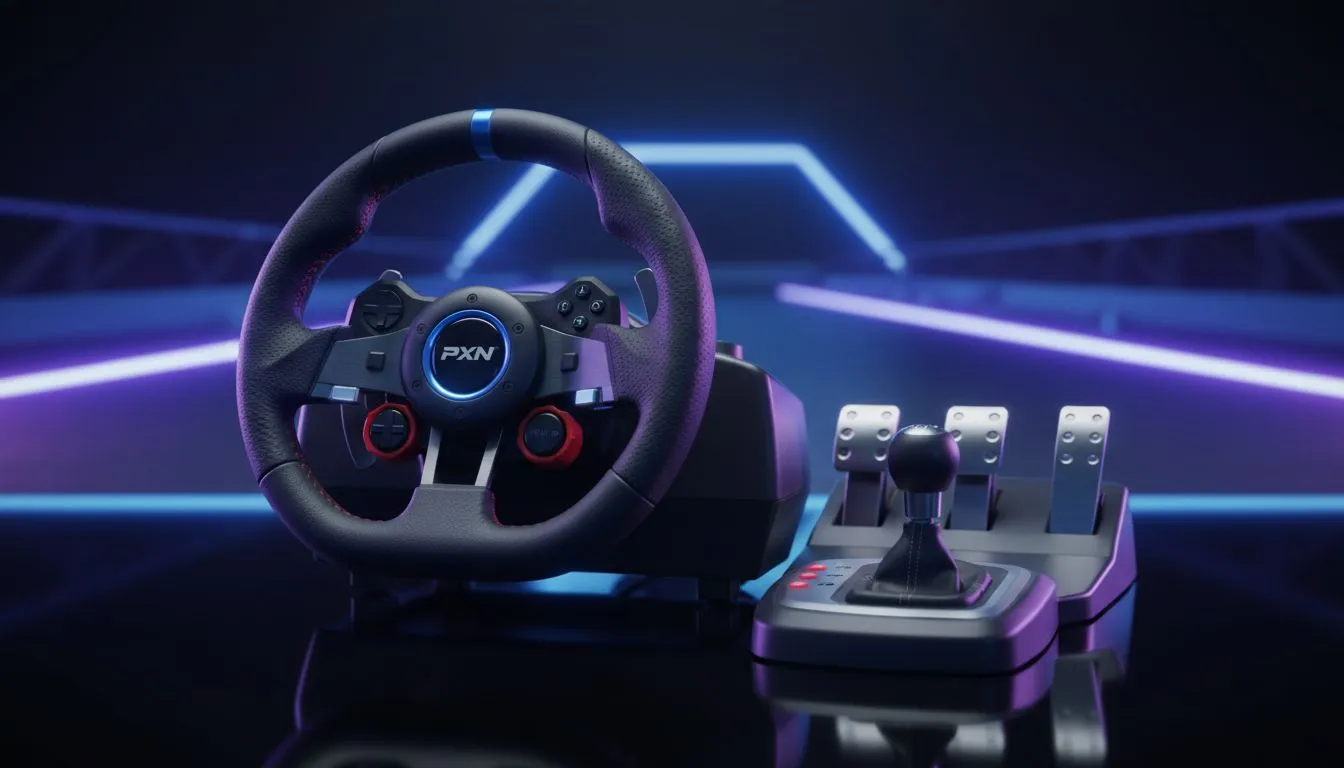
Managing Input Lag and Polling Rates
Ever felt that stuttering lag just as you're hitting the apex at Kyalami? It’s soul-crushing. You’ve finally grabbed a budget racing wheel, but instead of smooth immersion, your frame rates have tanked. This Racing Wheel Low FPS Fix guide is here to get you back on track without needing a second bond on your house. Let's look at how to get playable FPS on budget wheels. 🏎️
Budget racing wheels often communicate with your PC at high frequencies. This can overwhelm older processors... leading to those dreaded frame drops. To fix this, ensure your drivers are updated. If your current system is struggling to keep up with the data flow, browsing our selection of NVIDIA graphics cards can help offload processing tasks via modern GPU scheduling. ⚡
Graphics Settings for Playable FPS on Budget Wheels
Sim racing is about precision... not just pretty colours. High-resolution textures and complex shadows look great but kill performance. For those using AMD Radeon graphics cards, enabling FSR (FidelityFX Super Resolution) can provide a massive boost in frames. This keeps your steering inputs snappy.
If you are on a tighter budget, checking out Intel Arc graphics cards is a smart move. They offer incredible value for 1080p racing setups in South Africa. Reducing mirror quality and turning off motion blur also helps maintain a steady refresh rate... which is vital for hitting your braking markers. 🔧
Racing Rig Stability 🏎️
Avoid connecting your budget racing wheel to a USB hub or front-panel chassis ports. These often share bandwidth with other devices... which can cause input lag and micro-stutters. Plug your wheel directly into the motherboard's rear USB 3.0 ports for the most stable connection and consistent frame delivery.
Hardware Synergy and Thermal Stability
Sometimes the issue isn't the wheel... it's the thermal throttling. High-performance MSI graphics cards feature advanced cooling solutions that prevent your FPS from dipping mid-race. While some professionals might look at workstation graphics cards for multi-monitor setups, gaming-grade hardware remains the best choice for driver compatibility with entry-level wheels. ✨
When your frame rate drops below 60 FPS, the "feel" of the car becomes disconnected. This makes budget wheels feel heavy or unresponsive. By optimising your software and ensuring your GPU can handle the load, you can enjoy a professional experience for fewer Rands. 🚀
Ready to Find Your Perfect Match? The race for performance is won with the right hardware. For maximum power, choice, and value in South Africa, our GPU range is hard to beat. Explore our massive range of graphics card specials and find the perfect machine to conquer your favorite tracks.










