


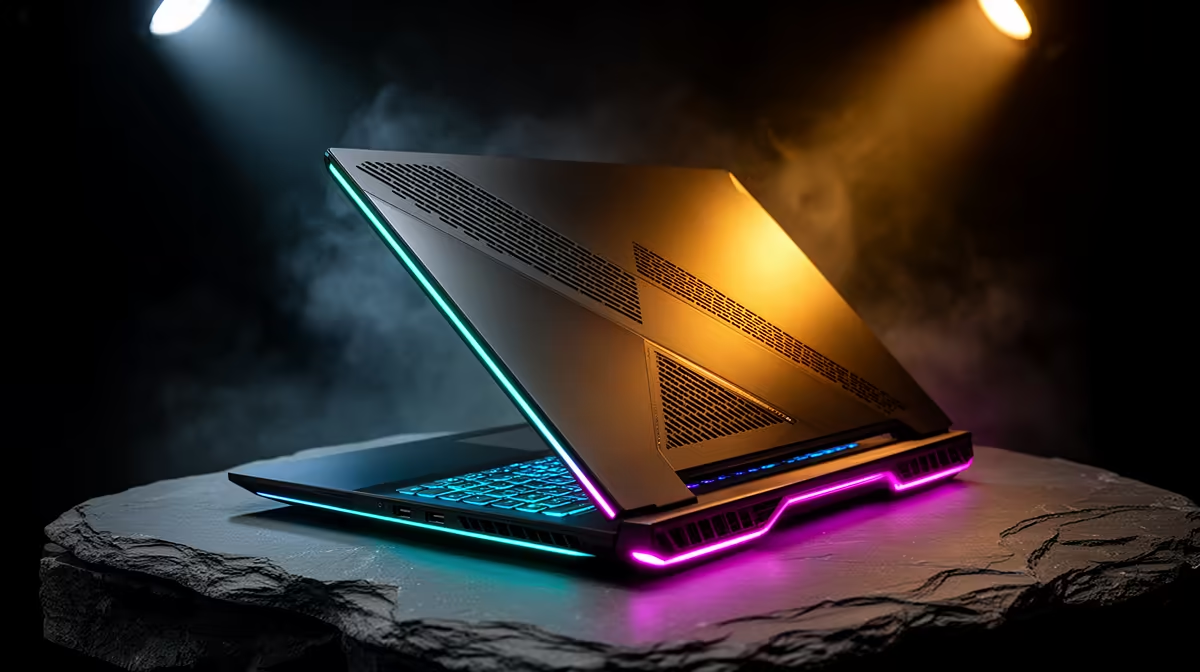
Ever been in the final circle in Warzone, your sights lined up for the win, only for your frames to suddenly tank? That stutter isn't always your internet connection. Often, the culprit is silent and invisible: your laptop is overheating. In the high-stakes world of competitive gaming, effective gaming laptop cooling isn't just a luxury; it's the critical difference between a clutch victory and a frustrating defeat. Let's dive into why keeping your machine frosty is crucial.
Why Effective Gaming Laptop Cooling Matters
At the heart of your gaming rig, the CPU and GPU are working overtime, generating immense heat. Without a robust cooling system, this heat builds up, triggering a self-preservation mechanism called "thermal throttling." Essentially, your laptop intentionally slows down its most powerful components to prevent them from melting.
For you, the gamer, this translates directly into poor performance:
- Lower FPS (Frames Per Second): The most noticeable effect. Your once-smooth gameplay becomes choppy and inconsistent.
- Input Lag: A delay between your mouse click or keypress and the action on-screen, which is disastrous in fast-paced games.
- System Instability: In extreme cases, severe overheating can lead to crashes and even shorten the lifespan of your components.
A solid thermal design ensures your hardware can run at its peak advertised speeds for longer, giving you the consistent performance you paid for. Even on more budget-friendly machines like the popular Lenovo IdeaPad Gaming 3 series, a well-engineered cooling solution is fundamental to a great gaming experience.
Understanding Modern Laptop Cooling Systems
Gone are the days of a single, noisy fan. Today's gaming laptop cooling systems are intricate engineering marvels. They typically consist of a network of copper heat pipes that draw heat away from the CPU and GPU towards heatsinks. High-RPM fans then blast cool air across these fins and expel the hot air through strategically placed vents.
More advanced laptops, like those in the formidable Lenovo Legion gaming laptop range, take this further with vapour chambers, more fans, and larger vents for maximum heat dissipation. This is why they can handle the most demanding AAA titles without breaking a sweat. Newer lineups, such as the impressive Lenovo LOQ gaming laptops, often inherit this top-tier cooling technology, bringing elite thermal performance to a more accessible price point. ✨
Quick Performance Boost ⚡
Many gaming laptops come with pre-installed control software (like Lenovo Vantage). Before a gaming session, switch the thermal profile from 'Balanced' or 'Quiet' to 'Performance' mode. This ramps up the fan speeds to their maximum, providing the best possible cooling at the cost of some extra noise. It's a simple click that can make a huge difference.
Practical Tips to Improve Your Laptop's Cooling 🔧
Even with the best hardware, you can help your machine stay cool. A few simple habits can dramatically improve thermal performance and keep your frames high.
Give It Room to Breathe
The most crucial step is ensuring the air intakes (usually on the bottom) and exhaust vents (on the back and sides) are completely unobstructed. Never game with your laptop on a soft surface like a bed or a couch. Using a cooling pad or even just propping up the back with a book can significantly improve airflow.
Keep It Clean
Dust is the ultimate enemy of laptop cooling systems. Over time, it clogs heatsinks and slows down fans, trapping heat inside the chassis. Every few months, use a can of compressed air to gently blow dust out of the vents. It’s a quick bit of maintenance that pays huge dividends in performance.
Optimise Your Environment
Your surroundings matter. Gaming in a hot, unventilated room puts extra strain on your laptop's cooling. If possible, play in a cooler, air-conditioned space. It helps your machine draw in cooler air, making the entire thermal process more efficient.
Ultimately, the best defence against heat is choosing a well-designed machine from the start. When browsing the latest Lenovo gaming laptops, pay close attention to the cooling features mentioned—it's just as important as the graphics card inside. 🚀
Ready for a Cooler Gaming Experience? Don't let thermal throttling ruin your next victory. A well-cooled machine is the foundation of peak performance. Explore our massive range of laptop specials and find the perfect rig to conquer your game.











