


Why You Need More Space on the Go
Nothing hurts more than deleting a game you are halfway through just to install a 100GB update for Call of Duty. If you are rocking a portable console, you know the struggle is real. While 512GB sounds decent on paper, modern AAA titles eat it alive. The solution? A massive 2230 NVMe upgrade. Let's double... or even quadruple... your space without breaking a sweat. 🚀
Understanding the 2230 Form Factor
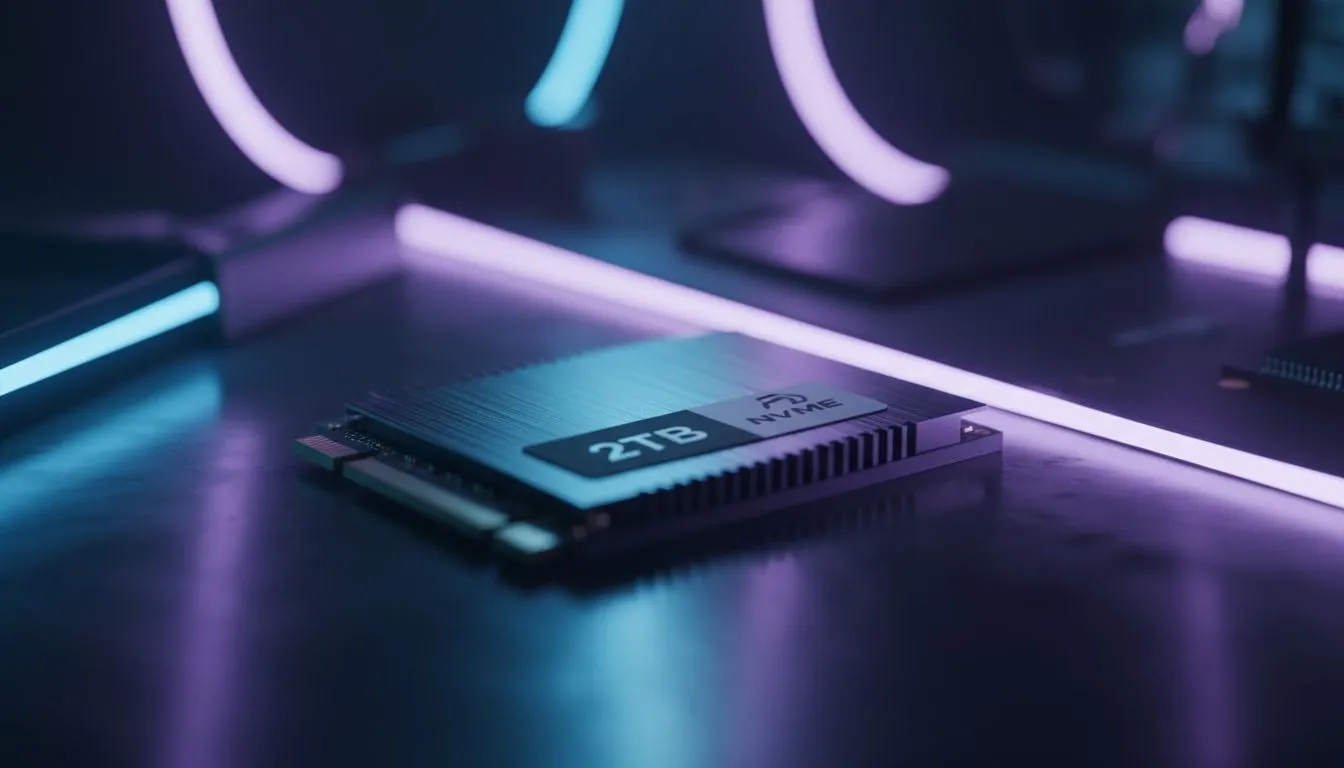
Most desktop PCs use 2280 NVMe drives, which are about 80mm long. However, compact devices require something much smaller to fit inside their tightly packed shells. Enter the M.2 2230 SSD. It is roughly the size of a postage stamp but packs the same incredible speeds as its bigger brothers.
Whether you own a Steam Deck or one of the newer Windows-based handheld gaming consoles, storage anxiety is a shared experience across the board. Fortunately, upgrading these drives is generally user-friendly if you have a steady hand and a precision screwdriver.
The Pre-Flight Checklist 🔧
Before you crack open your expensive hardware, you need to prep. This isn't just about swapping parts; it's about data safety.
- The Drive: Ensure you buy a single-sided M.2 2230 NVMe SSD (1TB or 2TB).
- The Tools: A PH0 or PH00 screwdriver and a plastic pry tool (spudger) are essential.
- The Software: You will need a way to reinstall your OS. Most modern handhelds support Cloud Recovery via the BIOS, but having a USB-C flash drive with Windows installation media is a smart backup plan.
Battery Safety Tip ⚡
Always discharge your handheld's battery below 25% and put the device into 'Battery Storage Mode' via the BIOS if supported before opening the case. This prevents accidental power-ons and reduces the risk of shorting out components while you are working near the motherboard.
Device-Specific Upgrade Tips
While the general process involves removing the backplate, disconnecting the battery, and swapping the drive, every manufacturer has its quirks.
For the ROG Ally Owners
The ASUS ROG Ally is brilliant, but the screws on the back are not all the same length. Keep them organised! Once the new drive is in, ASUS Cloud Recovery in the BIOS is incredibly robust... it will download and reinstall Windows and all necessary drivers automatically. Just ensure you have a strong Wi-Fi connection, as it can take a few hours.
For the Legion Go Users
If you are team Lenovo Legion Go, you have a massive screen and a kickstand that cleverly hides some of the screws. Be gentle when prying off the backplate near the controllers. The Legion Go supports standard 2242 drives, but with an adapter, the 2230 fits perfectly fine too.
For the MSI Claw Enthusiasts
For the MSI Claw users, the thermal module is substantial. When you swap the drive, ensure you transfer any thermal pads or shielding foil from the old SSD to the new one. This helps dissipate heat and prevents the drive from throttling during intense gaming sessions.
Is the Upgrade Worth the ZAR?
Absolutely. A 2TB upgrade transforms your handheld from a "one game at a time" device into a comprehensive library. You can keep Cyberpunk 2077, Elden Ring, and Forza Horizon 5 installed simultaneously, with room to spare for indie gems. Considering the price of these consoles, spending a bit extra on storage ensures you get the premium experience you paid for. ✨
Ready to Supercharge Your Handheld? Don't let storage limits dictate what you play. Whether you need a lightning-fast 2230 NVMe SSD or are looking to buy your first portable console, we have you covered. Shop our range of handhelds and components and take your gaming library anywhere in South Africa.











