


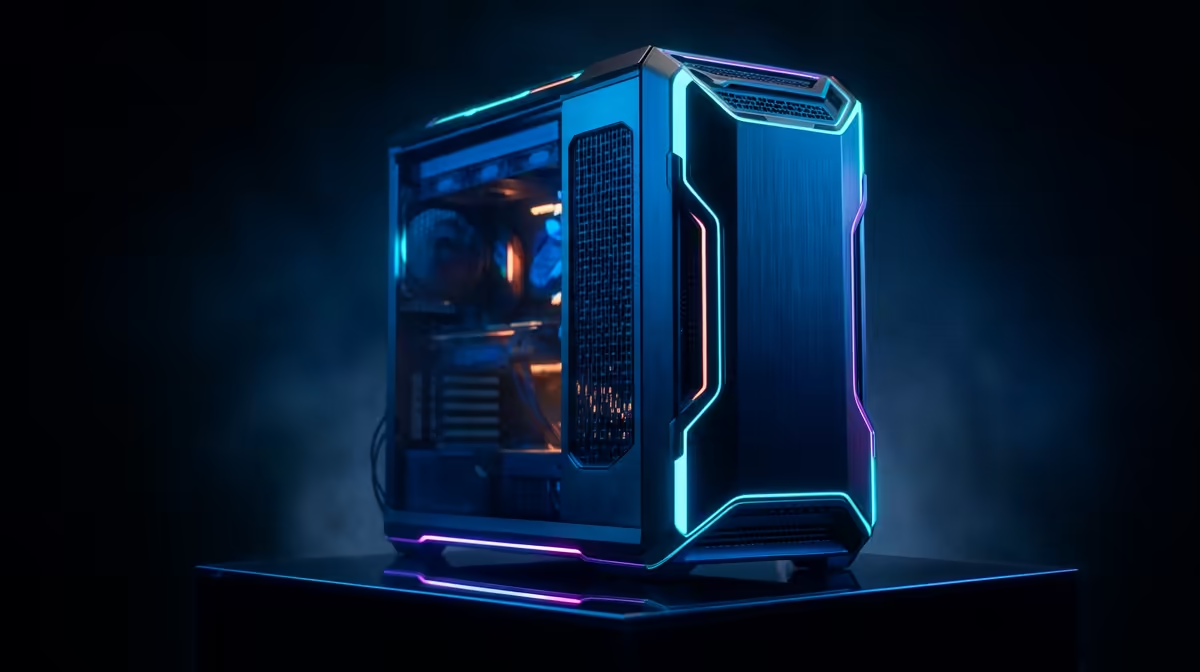
Is your PC choking on 4K footage? Stuttering timelines, endless render queues, and the dreaded "Not Responding" message can kill any creative flow. You might think a powerful video editing rig costs a fortune in South Africa, but what if you could dramatically boost your performance for less? We're diving into the smartest, most affordable video editing PC upgrades under R30k in SA, turning your frustrating setup into a content-creation powerhouse. Let's get building. 🚀
Why Your Current PC Hates Your Video Files
Before we spend a cent, let's diagnose the problem. Video editing is one of the most demanding tasks for a computer, stressing four key components. When your PC lags, it's usually one of these culprits crying for help:
- CPU (The Brain): This handles encoding and rendering. Too few cores or slow speeds mean your export times will be painfully long.
- RAM (The Workspace): Think of RAM as your desk space. Editing high-resolution video with effects requires a lot of it. 16GB is a minimum, but with only 8GB, you're going to have a bad time.
- GPU (The Visual Muscle): Your graphics card accelerates real-time playback, colour grading, and visual effects. A weak GPU leads to a choppy timeline.
- Storage (The Filing Cabinet): Editing directly from a slow Hard Disk Drive (HDD) is a major bottleneck. Your PC struggles to read the large video files fast enough.
The R30k Blueprint: Core Components for a Smooth Editing PC
Getting a smooth editing experience doesn't mean buying the most expensive parts. It means investing smartly. With a budget of around R30,000, you can build or buy a machine that crushes 1080p and 4K projects. Here’s where to focus your rands for the best performance boost.
CPU: More Cores, More Power
For video editing, the CPU is king. When you hit "Export," the processor does the heavy lifting. Look for a modern CPU with at least 6 cores and 12 threads. An AMD Ryzen 5 or Intel Core i5 from a recent generation offers a fantastic balance of price and performance, making them ideal for an affordable video editing PC upgrade. Pushing closer to the R30k mark gets you into a different league. The machines in our PCs above R20k selection often feature more powerful CPUs that will slash your render times significantly.
RAM: Give Your Workflow Room to Breathe
Running your editing software, a web browser, and other apps simultaneously eats up RAM. For 1080p editing, 16GB is the recommended starting point. If you're working with 4K footage or complex After Effects compositions, upgrading to 32GB is one of the most effective changes you can make. It’s a relatively cheap upgrade that delivers a massive real-world difference.
Storage Pro Tip ⚡
For a massive speed boost, use at least two drives. Install your Operating System and editing software on a fast NVMe SSD. Use a second, larger SSD for your active project files and cache. Finally, use a cheap, high-capacity HDD for long-term storage and archiving old projects. This setup prevents system bottlenecks and is a hallmark of a pro editing rig.
GPU & Storage: The Keys to a Snappy Timeline
A stutter-free timeline is the dream, and your GPU and storage drive are what make it happen.
- Graphics Card (GPU): Modern editing software like DaVinci Resolve and Adobe Premiere Pro uses the GPU to accelerate effects and playback. An NVIDIA GeForce RTX 3050 or RTX 4060 provides excellent value, offering dedicated video encoding hardware (NVENC) that makes a huge difference. You'll find many of these in the best gaming PC deals, as a great gaming PC is also a brilliant editing PC. ✨
- Storage (SSD): Moving from a mechanical hard drive to a Solid-State Drive (SSD) is non-negotiable. An NVMe M.2 SSD is the gold standard, offering lightning-fast read/write speeds that allow your system to load footage and scrub through timelines instantly. Even many of our budget gaming PCs come standard with an NVMe SSD, providing a fantastic base for an editing build.
Upgrade Path vs. Fresh Build: What's Your Move?
So, should you upgrade your old PC part-by-part or just get a whole new machine?
If your PC is only a few years old, a targeted upgrade (like adding an SSD and more RAM) can work wonders. However, if your processor or motherboard is outdated, you can run into compatibility issues and bottlenecks. Sometimes, the cost and hassle of a big overhaul just aren't worth it.
This is where pre-built systems shine. You get a balanced, optimised machine with all-new components, a full warranty, and zero assembly headaches. You can find incredibly capable systems in our range of PCs under R20k, leaving you cash for a lekker monitor or other peripherals. Often, the most reliable and cost-effective route is opting for one of our expertly assembled pre-built PC deals, ensuring every component works perfectly together right out of the box.
Ready to Banish Render Lag for Good? 🚀 A powerful, responsive editing PC is well within your reach. Stop waiting and start creating. Explore our massive range of Pre-Built PC Deals and find the perfect machine to bring your creative vision to life.









