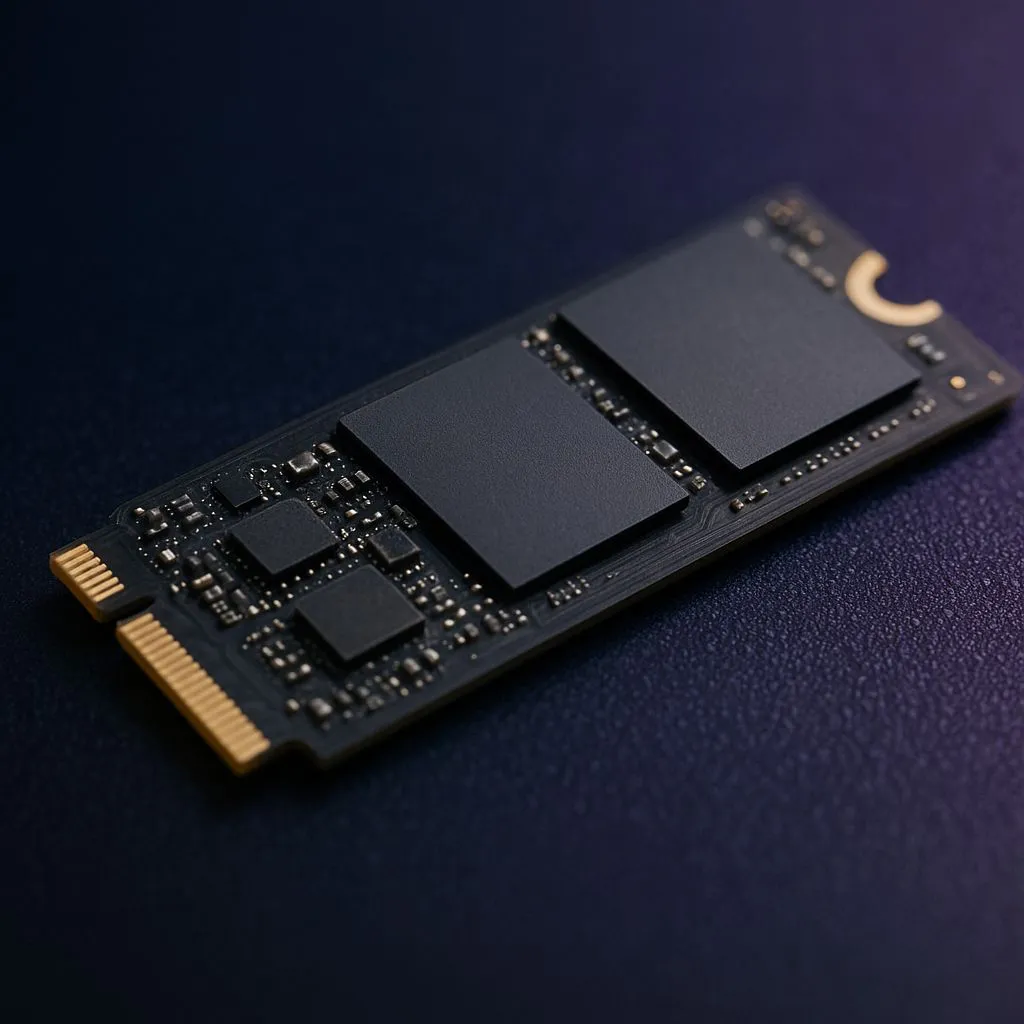
That dreaded "Storage Full" notification just flashed on your Steam Deck, didn't it? Right when you were about to install the latest patch for Helldivers 2. We've all been there. Your handheld gaming beast, whether it's a Steam Deck or an ROG Ally, is a portal to incredible worlds... but its stock storage can feel smaller than a bakkie's glovebox. It's time for one of the best M.2 2230 SSD upgrades to unlock its true potential.
Why Your Handheld Demands a 2230 SSD Upgrade
The default 64GB or even 512GB drives in these handhelds fill up shockingly fast. Modern AAA titles can easily chew through 100GB a piece. Beyond just raw space, upgrading to a larger, faster M.2 2230 SSD brings tangible benefits. You'll experience significantly quicker loading times, both for games and the operating system itself. This simple hardware swap is arguably the most impactful performance boost you can give your device, making upgrading to a new solid-state drive a top priority for any serious handheld gamer in South Africa.
Key Factors for the Best M.2 2230 SSDs
Choosing the right drive isn't just about picking the biggest capacity. For a Steam Deck or ROG Ally 2230 SSD upgrade, you need to consider a few key specs to ensure optimal performance and battery life. 🚀
Capacity: How Much is Enough?
While a 512GB drive is a decent step up, 1TB is the sweet spot for most gamers, offering a great balance of space and price. If you want to build a massive library without constantly juggling installs, a 2TB drive is the ultimate goal. For the best value in ZAR, it's always smart to check out the latest SSD deals before making a final decision.
Performance: PCIe Gen 3 vs. Gen 4
The Steam Deck uses a PCIe Gen 3 interface, while the ROG Ally boasts a faster Gen 4 interface. Does this mean you need a Gen 4 drive for the Ally? Not necessarily. A high-quality Gen 3 drive will still be a massive improvement and often runs cooler. However, for maximum performance on the Ally, one of the latest NVMe SSDs with a Gen 4 interface will deliver the fastest possible speeds.
Power Efficiency
This is a crucial, often overlooked factor for battery-powered devices. A drive that sips power will give you more precious minutes of gameplay away from the charger. Look at reviews that specifically test power consumption under load, as this can make a real difference to your mobile gaming sessions.
Check Before You Buy! 🔧
Before you add that shiny 2TB drive to your cart, double-check the latest firmware support for your Steam Deck or ROG Ally. While both generally support up to 2TB, confirming compatibility ensures a smooth installation. Also, invest in a good quality electronics toolkit—those tiny case screws are notoriously easy to strip!
Our Top M.2 2230 SSD Upgrade Picks for 2025
While specific models and prices fluctuate, the best M.2 2230 SSD upgrades for your Steam Deck or ROG Ally generally fall into two categories.
The Value Champion
These are typically high-quality PCIe Gen 3 drives from reputable brands. They offer a fantastic performance-per-rand, delivering a huge speed and capacity boost over the stock drive without breaking the bank. They are the perfect choice for most Steam Deck owners and budget-conscious Ally users. You can explore options across different brands in our full range of SSDs to find a fit.
The Performance King ✨
For ROG Ally owners looking to max out their hardware, a top-tier PCIe Gen 4 2230 SSD is the way to go. These drives push the boundaries of read/write speeds, shaving every possible millisecond off loading times. They might cost a bit more, but for those who demand the absolute best, the investment is worth it.
A Quick Note on the Upgrade Process
Swapping the SSD in a Steam Deck or ROG Ally is a surprisingly straightforward process, with countless guides available online. The main steps involve opening the device, disconnecting the battery, swapping the drive, and then reinstalling the OS. One pro-tip is to use an external SSD enclosure. This allows you to clone your old drive to the new one before installation, saving you the hassle of redownloading everything from scratch.
Ready to Unleash Your Handheld's Full Potential?
Running out of space is a choice, not a sentence. An M.2 2230 SSD upgrade is the single best performance boost you can give your Steam Deck or ROG Ally. It means more games, faster loading, and less waiting. Browse Evetech's massive range of NVMe SSDs and find the perfect drive to conquer your library.