


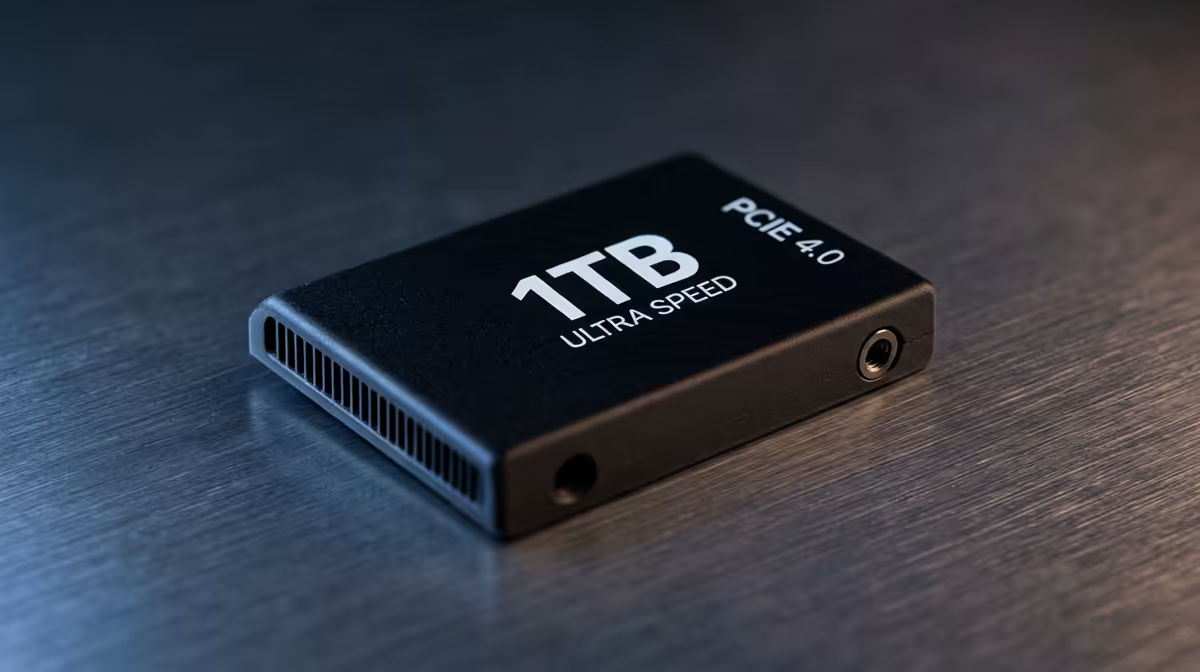
So, you’ve just captured that perfect 4K footage or an epic gaming session… only to see your C: drive glowing a furious red. Welcome to video editing in South Africa, where massive files and tight budgets often collide. Don't stress. You don't need a Hollywood-tier budget to get smooth playback and fast renders. The secret lies in a smart strategy for your budget video editing PC storage, especially when you're aiming to keep the whole build under R30k.
Why Your Storage Is More Important Than You Think
When your PC feels sluggish during editing, everyone blames the CPU or RAM. But often, the real culprit is a slow hard drive. Every action—scrubbing through your timeline, loading effects, previewing clips—depends on how fast your PC can read and write data. This is where the type of storage you choose becomes critical for a responsive budget video editing PC.
Here’s a quick breakdown:
- HDD (Hard Disk Drive): The old-school spinning platters. They offer massive storage for a low price, making them perfect for archiving old projects and storing raw footage you aren't actively using. But they are far too slow for editing directly from.
- SATA SSD (Solid-State Drive): A huge leap in speed over HDDs. These are fantastic for holding your active project files, scratch disks, and cache files. They provide a massive performance boost for a reasonable price.
- NVMe SSD (Non-Volatile Memory Express): The king of speed 👑. These drives plug directly into the motherboard and offer blistering read/write speeds. This is the perfect home for your operating system (Windows) and editing software (like DaVinci Resolve or Premiere Pro) to ensure everything launches and runs in a flash.
Many creators starting out with budget gaming PCs quickly discover that a single drive just doesn't cut it for serious editing work.
The Ideal Storage Setup for a Budget Editing PC
Forget putting everything on one giant, expensive drive. The most cost-effective and powerful approach is a multi-drive strategy. This setup ensures that different tasks have a dedicated, high-speed lane, preventing bottlenecks.
The Three-Tier System
- Boot Drive (NVMe SSD | 250GB - 500GB): This is for your OS and software only. A snappy NVMe ensures your PC boots in seconds and your editing apps load instantly. It’s a non-negotiable for a modern editing rig.
- Project/Scratch Drive (SATA SSD | 1TB+): This is your main workspace. All your current project files, media cache, and preview files live here. Using an SSD means no more stuttering timelines. Many excellent PCs under R20k can be configured with a secondary drive like this.
- Archive Drive (HDD | 4TB+): Once a project is complete, move the entire folder here. HDDs offer the cheapest price-per-gigabyte, making them ideal for long-term storage without clogging up your precious SSD space. 📦
This tiered approach is the core of building a smart budget video editing PC storage system that performs like a much more expensive machine.
Editing Pro Tip: Use Proxies! ⚡
If you're editing 4K or high-bitrate footage on a budget machine, create low-resolution "proxy" files. Most editing software can do this automatically. You edit using the small, smooth proxy files, and when you're ready to export, the software swaps in the original high-quality files for the final render. It's a lifesaver for performance!
Building Your Rig Without Breaking the Bank
Now, how do you fit this into an under-R30k budget? It's all about smart allocation. When you're browsing for a new machine, prioritise a build that either includes a fast NVMe boot drive or has the motherboard slot to add one later.
You can find powerful systems in the PCs above R20k category that often come with a 1TB NVMe as standard. This is a brilliant starting point—you can use it as a combined OS and project drive initially, then add a large HDD for archiving later when your budget allows. This upgrade path gives you immediate performance without a massive upfront cost.
Remember, a great editing PC can also be a fantastic gaming machine. Balancing these needs is key, and exploring some of the best gaming PC deals can often land you a rig with a great CPU and GPU combo, leaving you room in the budget to perfect your storage setup. By focusing on a multi-drive system, you ensure your PC is optimised for both work and play.
Ultimately, managing your files effectively is what separates a frustrating editing experience from a smooth, creative flow. With the right strategy, your budget video editing PC storage won't just be adequate; it'll be a powerhouse. You can start with one of our excellent pre-built PC deals and customise the storage to perfectly match this workflow.
Ready to Stop Lagging and Start Creating? A smart storage setup is the backbone of any great editing rig. Instead of guessing, why not start with a solid foundation? Explore our incredible pre-built PC deals and find a machine you can customise to crush your creative goals.











