


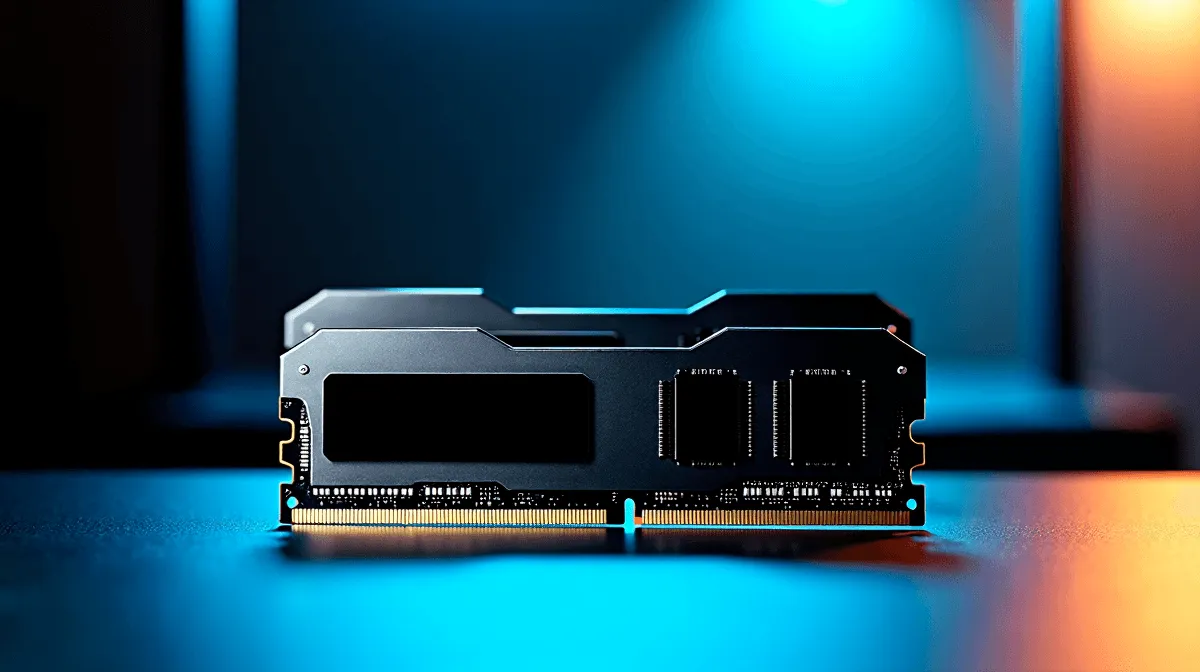
RAM upgrades for beginners in SA: what actually matters ⚡
If your PC feels sluggish when a match loads, the browser stutters, or Discord plus a game becomes a headache, RAM may be the fix. For South African gamers, a smart memory upgrade often costs far less than replacing the whole system. The trick is knowing what to buy, what to keep, and what your motherboard can handle. That saves rands, avoids mistakes, and gets you back to smooth play faster.
RAM upgrades for beginners in SA: start with the basics
Random Access Memory, or RAM, is short-term working space for your PC. More RAM helps when you run multiple apps, large games, or heavy browser tabs. It does not replace a fast CPU or SSD, but it can remove one of the biggest bottlenecks in an older build.
Before you buy, check your current setup. You need to know:
- DDR generation, such as DDR4 or DDR5
- Total capacity, like 8GB, 16GB, or 32GB
- Number of slots on the motherboard
- Whether you have free slots or must replace existing sticks
If you want to compare current memory options, start with the latest DDR5 memory range and see what fits your upgrade path.
RAM upgrades for beginners in SA: matching your motherboard
Your motherboard decides what RAM you can use. DDR4 and DDR5 are not interchangeable, so don’t assume a faster-looking stick will work. If your board supports DDR5, great... but if it doesn’t, stick to compatible memory only. Evetech’s motherboard range is a useful reference when planning a future upgrade or full rebuild.
A simple rule helps here: if you’re not sure, check the board model first, then choose RAM. That one minute of checking can save you a costly return.
How much RAM do you really need?
For everyday use, 8GB is the bare minimum. For modern gaming and multitasking, 16GB is the sweet spot. If you stream, edit video, or keep many apps open, 32GB gives more breathing room. These are practical buying tiers, not hype. They match what most PC builders see in real-world use.
RAM upgrades for beginners in SA: buying smart, not twice
A common beginner mistake is buying a single stick when dual-channel kits would perform better. Another is mixing speeds and timings without checking compatibility. If possible, buy a matched kit so the modules work together properly. That’s where upgrade kit deals can help stretch your budget in ZAR.
Useful upgrade checks before checkout
- Confirm your CPU and motherboard support the RAM type
- Match capacity across sticks when possible
- Prefer a kit over random mixed modules
- Keep your old RAM only if it still fits your new plan
- If you’re unsure, compare against a complete system like best gaming PC deals
Quick RAM Buying Tip 🔧
If you want the safest upgrade, take a photo of your motherboard model and current RAM label before shopping. It makes compatibility checks much easier, especially when comparing speed, generation, and slot layout on the same day.
RAM upgrades for beginners in SA: what to expect after the upgrade
A RAM upgrade won’t fix everything. If your storage drive is old or your CPU is overloaded, performance gains may be limited. Still, for many South African PC owners, extra memory is the difference between constant stutter and a machine that finally feels responsive.
If you’re upgrading an older desktop, remember this: the best value comes from balancing RAM with the rest of the system. A new kit, a compatible board, and a sensible GPU plan often outperform one flashy part bought in isolation. That’s the real upgrade path.
RAM upgrades for beginners in SA: final checklist before you buy 🚀
Before ordering, ask yourself:
- Do I know my DDR type?
- Do I know my motherboard model?
- Am I buying enough capacity for the next two years?
- Is this a matched kit?
If the answer is yes, you’re ready.
Ready to Find Your Perfect Match? The Mac vs Windows debate is complex, but for maximum power, choice, and value in South Africa, Windows is hard to beat. Explore our massive range of laptop specials and find the perfect machine to conquer your world.









