


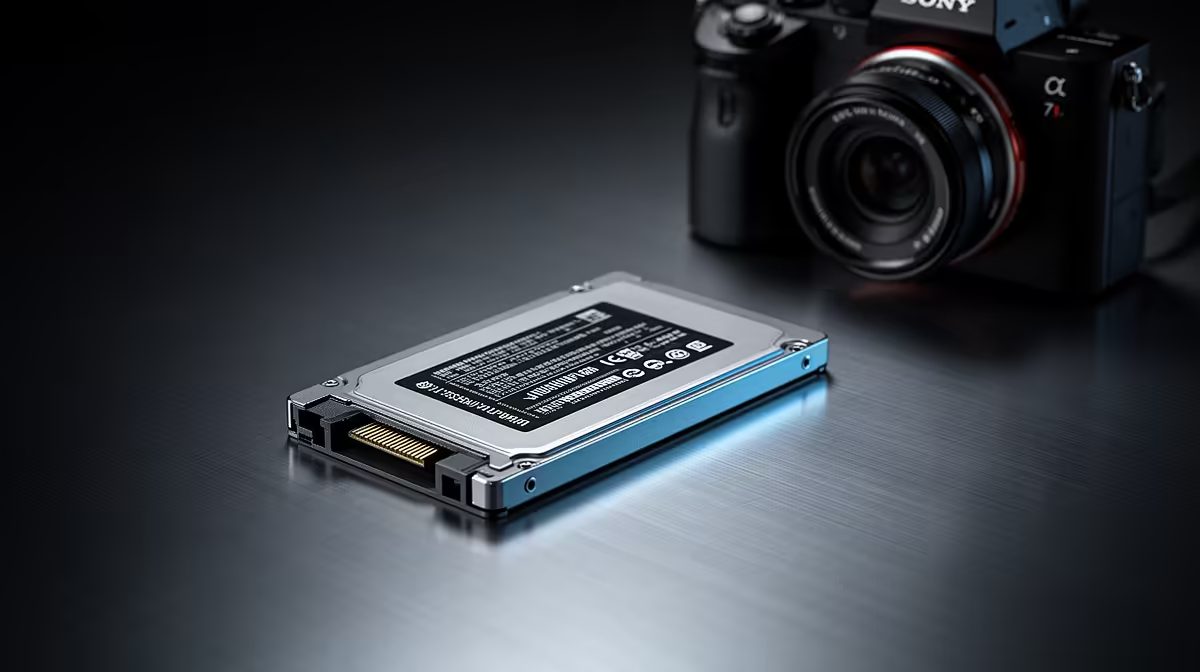
Is your Dell laptop taking its sweet time to boot up? That flashing cursor while you wait for a critical file to open can test anyone's patience, especially with a client on the line. In today's fast-paced South African business world, every second counts. An aging hard drive isn't just an annoyance… it's a bottleneck holding back your productivity. A simple upgrade can transform your machine from a sluggish crawler into a responsive workhorse. ⚡
Why a Dell Laptop SSD Upgrade in South Africa is a Business Essential
For professionals relying on their tech day-in and day-out, speed is everything. A Solid-State Drive (SSD) replaces the old, mechanical spinning platters of a traditional Hard Disk Drive (HDD) with flash memory. The result? A monumental leap in performance. We’re talking about boot times cut from minutes to mere seconds and applications that launch instantly. For many businesses, a Dell laptop SSD upgrade in South Africa is the single most cost-effective way to extend the life and boost the performance of their existing hardware, from versatile work machines like those in the Dell Vostro laptop deals to older personal devices.
The Tangible Benefits: More Than Just Speed
While the speed increase is the most immediate benefit, the advantages of an SSD go much deeper, especially for mobile professionals.
Key Advantages for Your Business
- Enhanced Durability: SSDs have no moving parts, making them far more resistant to the bumps, drops, and vibrations that come with travel. Your data is safer on the road.
- Improved Battery Life: Because they don't have a motor spinning platters, SSDs consume significantly less power. This means more unplugged time during an unexpected outage or when you’re working from a coffee shop. 🔋
- Silent Operation: Say goodbye to that clicking and whirring sound of an old HDD. SSDs are completely silent, creating a more focused work environment.
- Peak Performance for Demanding Tasks: If your work involves large spreadsheets, graphic design, or video editing, an SSD is crucial. It drastically reduces load times for complex files, a feature essential in high-performance machines like the incredible Dell Precision workstation laptops.
Pro Upgrade Tip 🔧
Before you perform the upgrade, use free software like Macrium Reflect or Clonezilla to clone your existing hard drive to the new SSD. This creates an exact copy of your Windows installation, programs, and files, saving you the massive headache of starting from scratch. It’s a true set-it-and-forget-it solution!
Is an SSD Upgrade Right for Your Dell?
Honestly, almost every Dell laptop still running on an HDD will benefit immensely. However, it's also a good time to assess your overall needs. If your processor and RAM are also lagging, it might be time for a complete system refresh. For a modern office setup, a sleek Dell All-in-One desktop PC can declutter your workspace while delivering fantastic performance. For power users who need the absolute best, exploring the latest Dell workstation laptop deals ensures you have a machine built for the future. But for most, the Dell laptop SSD upgrade remains the champion of performance-for-rand value. Whether you choose to upgrade your current machine or invest in a new one from our wide range of laptop specials for sale in South Africa, moving to an SSD is a decision you won't regret. 🚀
Ready to Unleash Your Dell's True Potential? Don't let a slow hard drive dictate your workflow. An SSD upgrade is the key to unlocking speed and reliability. Explore our massive range of laptop specials and find the perfect machine to conquer your workday.











