


Staring at a loading screen while your mates are already dropping into the lobby? We've all been there. In South Africa, where every second of online gaming counts, your PC's storage isn't just about space… it's about speed. This gaming PC storage guide for ZA will cut through the jargon, comparing SSD vs HDD vs NVMe, and help you choose the right drive to eliminate lag and get you back in the action, faster.
The Old Faithful: Hard Disk Drives (HDDs)
Think of an HDD as a digital library with a mechanical arm that has to physically find your data on a spinning platter. It's a classic for a reason.
Why You Might Still Want an HDD
For pure, unadulterated storage space per Rand, nothing beats a Hard Disk Drive. They offer enormous capacities (we're talking multiple terabytes) for a fraction of the cost of their solid-state cousins. This makes them absolutely perfect for storing your massive library of older games, movies, or gameplay recordings. They are a cost-effective solution for builds like our budget-friendly Minecraft gaming PCs, where raw speed isn't the top priority.
The Downside for Gamers
That physical movement is an HDD's biggest weakness. It means slower boot times for Windows, longer loading screens in games, and potential texture pop-in in vast open worlds. While great for bulk storage, you wouldn't want your primary OS or a fast-paced competitive shooter running on one.
The Modern Standard: SATA SSDs
A Solid State Drive (SSD) is the new baseline for any serious gaming rig. With no moving parts, it uses flash memory to access data almost instantly.
The Sweet Spot for Speed and Value
A SATA SSD is one of the most impactful upgrades you can make. The difference is night and day. Your PC will boot in seconds, and games will load dramatically faster. This is crucial in competitive titles where getting into the match quickly matters, making it a must-have for our Overwatch 2 gaming PCs. For sprawling open-world games, an SSD ensures a smoother experience, which is why they're standard in our recommended GTA V gaming PCs.
The Speed Demon: NVMe M.2 SSDs 🚀
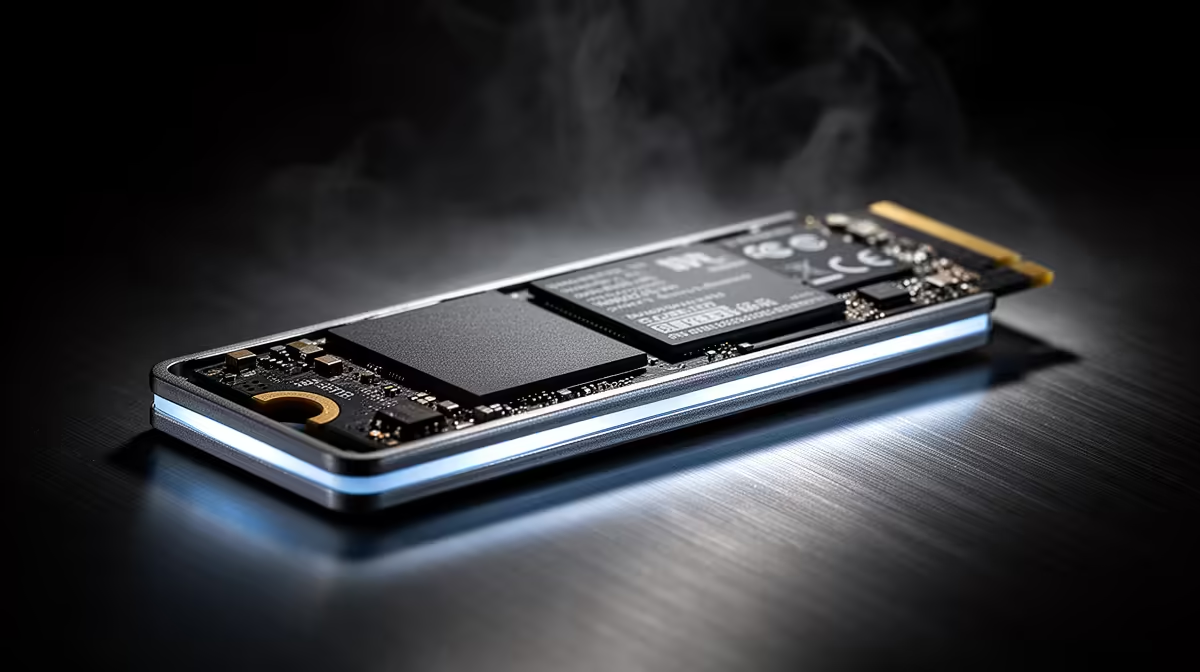
If a SATA SSD is a sports car, an NVMe (Non-Volatile Memory Express) M.2 SSD is a Formula 1 machine. These drives plug directly into a special slot on your motherboard, bypassing the slower SATA interface entirely for mind-blowing read and write speeds.
When Only the Best Will Do
Is an NVMe essential for every gamer? Not necessarily. The in-game loading time difference between a good SATA SSD and a top-tier NVMe can be just a few seconds. However, for enthusiasts and those playing incredibly demanding games with huge assets, those seconds add up. They shine in rigs built to handle the breathtaking detail of our Microsoft Flight Simulator gaming PCs or the dense, futuristic world of our Cyberpunk 2077 gaming PCs.
Check Your Motherboard! 🔧
Before you rush out and buy a super-fast NVMe M.2 drive, double-check your motherboard's specifications. You need to ensure it has an M.2 slot and, crucially, that it supports the PCIe generation of the drive (e.g., PCIe 4.0) to get the maximum advertised speed. Mismatched components can leave performance on the table!
Your Perfect Gaming PC Storage Strategy for ZA
So, what's the ultimate setup? This gaming PC storage guide wouldn't be complete without a practical recommendation. For most South African gamers, a hybrid approach offers the best of both worlds.
Use a zippy NVMe or SATA SSD (250GB - 1TB is a great start) as your boot drive for Windows and your most-played games. This ensures your system is responsive and your favourite titles load in a flash. This is the ideal setup for our Fortnite gaming PCs, where quick loading is key.
Then, add a large-capacity HDD (2TB or more) for mass storage. This is where you'll keep your other games, media files, and backups. It's the perfect way to manage the colossal install sizes of modern titles, a common issue for players on our Call of Duty: Warzone 2.0 gaming PCs. This strategy keeps costs down without sacrificing the speed you need for competitive play on our PUBG gaming PCs.
Ultimately, the best storage for your gaming PC depends on your budget and needs. But one thing is clear: moving on from a purely HDD-based system is the single best performance upgrade you can make today. ✨
Ready to Build Your Speed Machine? Choosing the right storage is a crucial step in building a balanced and powerful PC. Let our experts help you configure the perfect rig with the ideal mix of SSD and HDD storage for your favourite games and budget. Design your dream PC with our Custom PC Builder and leave loading screens in the dust.










