


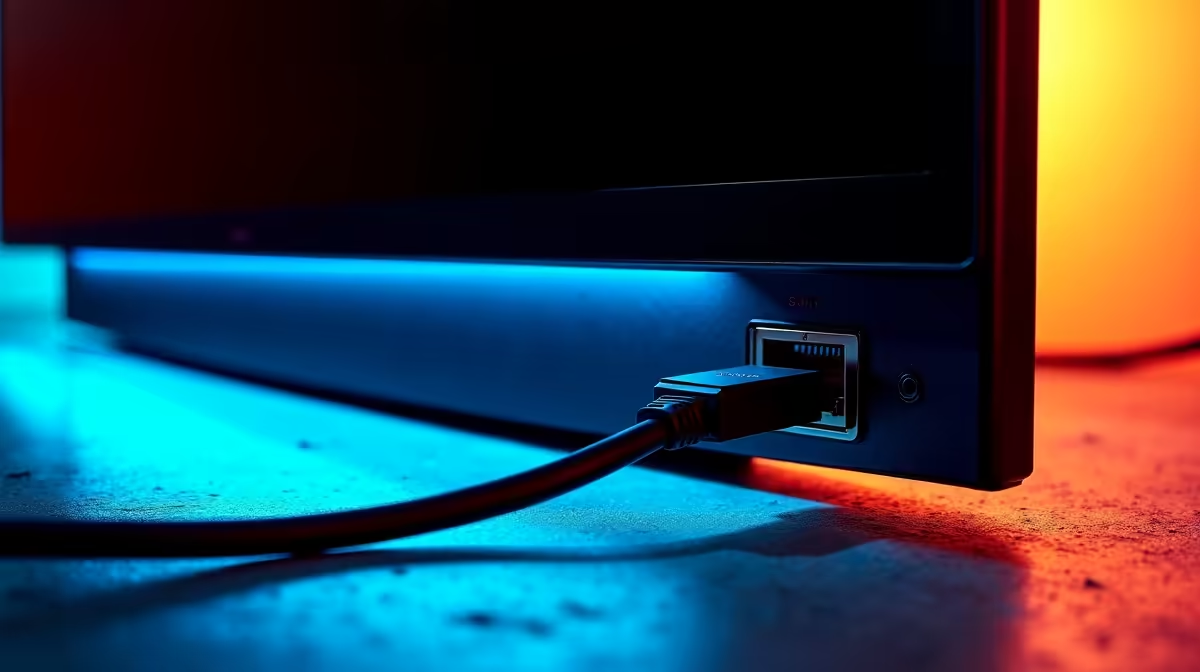
Tired of that tangled mess of cables cluttering your desk? For years, laptop users have dreamed of a single-cable setup that handles everything: power, display, and a stable internet connection. What if the solution was hiding in plain sight? The monitor with an Ethernet port is here, and it’s not just a gimmick. It’s a powerful step toward the ultimate minimalist, high-performance workspace, especially for South African hybrid workers and gamers. 🔌
How Does a Monitor with an Ethernet Port Work?
Let's be clear: this isn't just a standard screen with a random LAN port tacked on. A monitor with an Ethernet port is essentially a display with a built-in docking station. The magic happens through a single, powerful USB-C or Thunderbolt cable connected to your laptop.
This one cable can simultaneously:
- Send video signal to the monitor.
- Deliver power to charge your laptop.
- Provide a wired internet connection via the monitor's RJ45 Ethernet port.
- Connect peripherals like your keyboard, mouse, and external drives to the monitor's extra USB ports.
It’s a streamlined solution that turns your display into the true hub of your workspace.
The Real-World Benefits for Your Setup
Beyond just looking tidy, a USB-C monitor with an Ethernet port offers tangible advantages that are perfect for the modern South African professional and gamer.
A Cleaner, More Organised Desk ✨
The most immediate benefit is the radical reduction in cable clutter. One cable replaces your chunky power brick, HDMI or DisplayPort cable, and that long Ethernet cord snaking across the floor. This minimalist approach not only looks better but also makes it incredibly easy to connect and disconnect your laptop. For an even tidier setup, consider pairing it with the right monitor accessories like a monitor arm and cable sleeves.
Rock-Solid Internet for Gaming and Streaming
Let's face it, Wi-Fi can be unreliable, especially during peak hours or when the whole family is online. For competitive gaming or high-quality streaming, a wired connection is non-negotiable. A monitor with a LAN port gives your laptop direct access to your fibre line, ensuring lower latency, stable speeds, and zero dropouts during a crucial match. It’s a must-have feature to look for across all gaming monitors that support this hub functionality.
Check Your Cable! ⚡
Not all USB-C cables are created equal. To use a monitor with an Ethernet port to its full potential, you need a USB-C or Thunderbolt cable that supports DisplayPort Alternate Mode (for video) and Power Delivery (for charging). Always use the high-quality cable that comes with the monitor or purchase a certified one.
Is This The Ultimate Desktop Replacement?
So, can a single docking station monitor truly replace a traditional desktop tower? For many people, the answer is a resounding yes.
If your primary machine is a powerful laptop, a monitor with an Ethernet port offers the best of both worlds. You get the portability of your laptop when you're on the go and a full, single-cable desktop experience when you're at your desk. Imagine docking your laptop and instantly having access to a massive, immersive screen and a stable internet connection. It’s perfect for productivity on stunning 5K and 4K monitors or for getting lost in your favourite titles on sweeping curved monitors.
However, for dedicated PC gamers and power users with a desktop tower, the benefit is less pronounced, as their motherboard already has an Ethernet port. The true value here is for the laptop-centric user.
Who Should Consider a Monitor with an Ethernet Port? 💻
This technology is a perfect fit if you are:
- A Hybrid Worker: Effortlessly switch between your home office and corporate office with a single cable.
- A Laptop Gamer: Get desktop-level internet stability without sacrificing portability.
- A Content Creator: Streamline your workflow with a clean, powerful hub for all your peripherals.
- A Minimalist: You simply want the cleanest, most efficient desk setup possible.
While these hub-enabled screens are fantastic, they are just one part of a diverse ecosystem. For those who need connectivity on the move, portable monitors offer a different kind of flexibility. The key is to find the right tool for your specific needs.
Ultimately, the rise of the monitor with an Ethernet port is a fantastic evolution in desktop convenience. It simplifies, declutters, and boosts performance where it matters most. If you're ready to upgrade your workspace, be sure to check out the best PC monitor deals to find a screen that matches your ambition.
Ready to Declutter Your Desk? A monitor with a built-in hub is the key to a cleaner, more powerful setup. From high-refresh gaming panels to crisp 4K displays, the right screen is waiting for you. Explore our massive range of PC monitors and find the perfect centerpiece for your world.









