


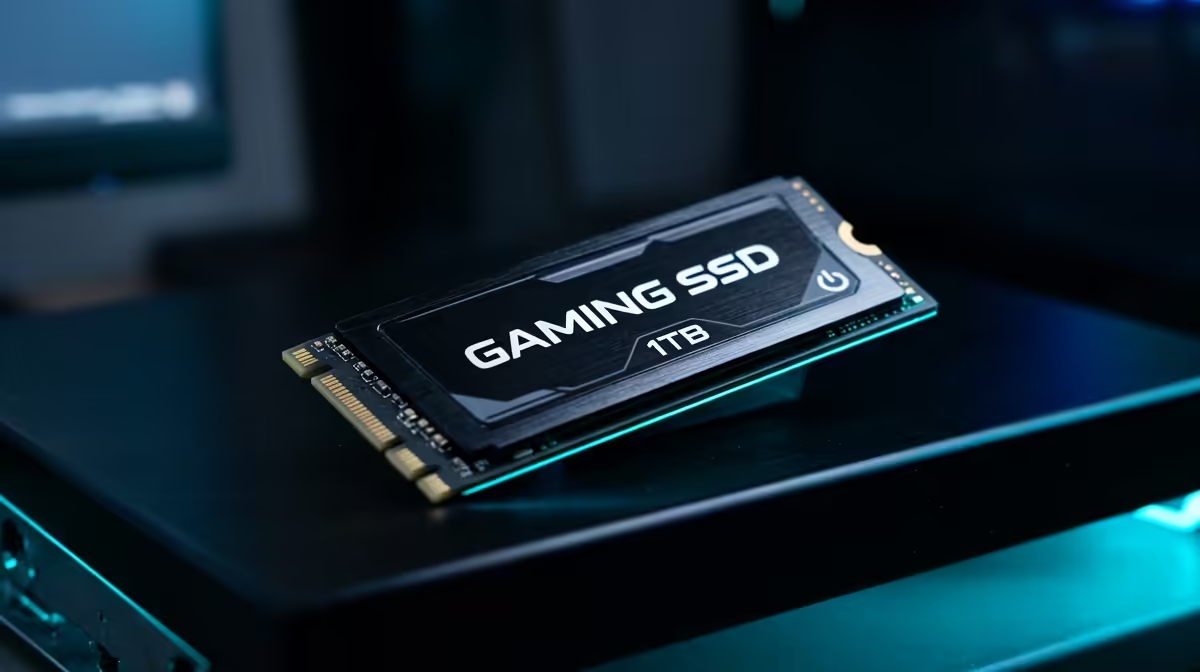
Why the GPU impacts your Nioh 3 timing ⚔️
Anticipating the brutal difficulty of Team Ninja’s next masterpiece? When you’re facing a Yokai boss in Nioh 3, every millisecond counts. You might be staring at your ageing rig and wondering about a Nioh 3 upgrade SSD vs GPU: Which to Prioritize? In the South African market, where hardware prices fluctuate, making the right investment is the difference between victory and a broken controller.
The GPU is the heart of your visual experience. In a fast-paced action game, frame rates are everything. If your frame rate dips below 60 FPS, your parry timing will suffer. High-resolution textures require significant VRAM... especially if you want to see every detail of the dark realm. If you are currently rocking an entry-level card, your priority should be the GPU to ensure smooth combat.
However, hardware costs in ZAR can be steep. Before you commit thousands to a new card, check our best SSD deals to see if a smaller investment can tide you over. Often, stuttering is caused by slow data streaming rather than raw graphical power.
How storage affects the Yokai experience ⚡
We all know the cycle in Nioh. You enter a boss arena... you die... you reload. If you are using an old mechanical hard drive, those loading screens will feel like an eternity. This is where the Nioh 3 upgrade SSD vs GPU: Which to Prioritize debate gets interesting. Modern titles use DirectStorage technology to pull assets directly to the GPU.
If your storage is lagging, you will see texture pop-in and micro-stuttering. Upgrading your general ssds is the most cost-effective way to make your entire system feel new. For a game as demanding as Nioh 3, you should ideally buy nvme ssds to match the speeds of current-gen consoles. This ensures that when you respawn, you are back in the action in seconds... not minutes.
Performance Pro Tip ⚡
To reduce stuttering in high-action games, ensure your Windows Page File is located on your fastest NVMe drive. This allows the system to swap data much quicker when your RAM is full, preventing those annoying frame drops during intense boss fights.
The verdict: SSD or GPU for Nioh 3? 🔧
So, which one wins the Nioh 3 upgrade SSD vs GPU: Which to Prioritize battle? If you already have a mid-range GPU like an RTX 3060 or equivalent, the GPU upgrade can wait. Your money is better spent on high-speed storage. Modern solid state drives offer much better value for money right now in South Africa.
If you find your internal storage is already packed with your Steam library, you might even consider a high-speed external option. You can buy external ssd units that offer incredible transfer speeds via USB-C. This keeps your main drive clear for the OS while Nioh 3 runs smoothly from the external unit.
Ultimately, if your frames are low, go for the GPU. If your frames are fine but the game hitches or takes too long to load, the SSD is your best friend. In the world of Nioh, patience is a virtue... but nobody wants to practice it on a loading screen. ✨
Ready to Find Your Perfect Match? The Nioh 3 upgrade SSD vs GPU: Which to Prioritize debate depends on your current build, but Evetech has the best hardware to get you battle-ready. Explore our massive range of SSD specials and find the perfect component to conquer the Yokai realm.










