


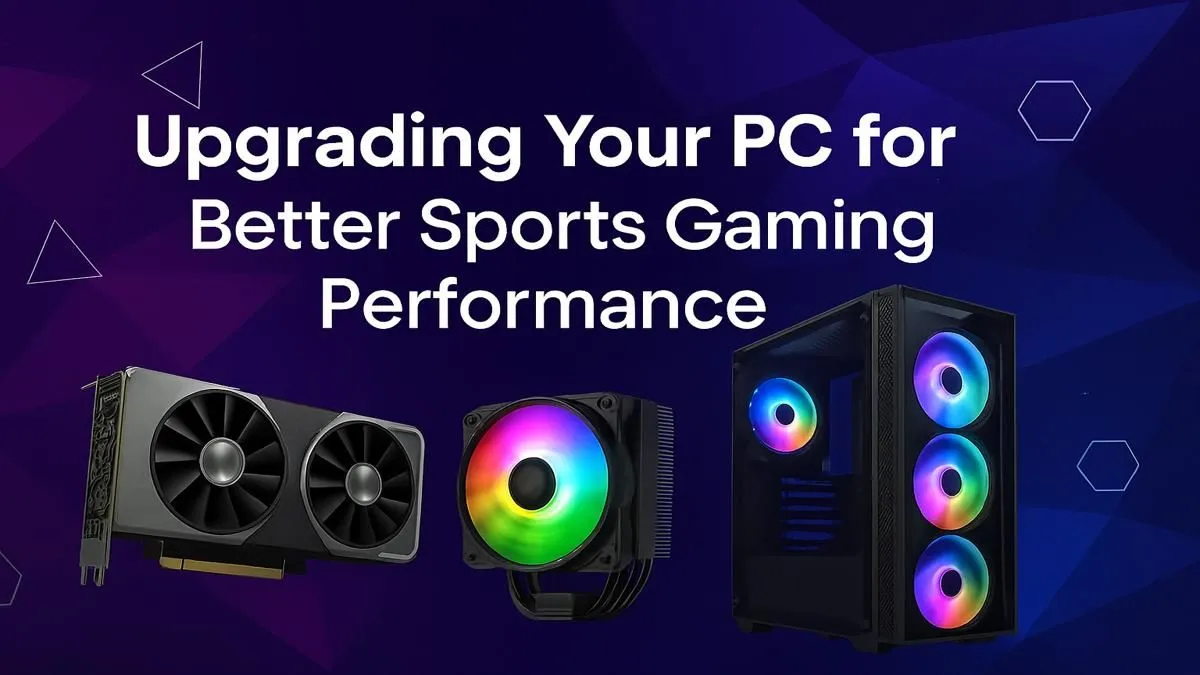
Is there anything more frustrating? You’re lining up the winning penalty in EA Sports FC 24, the tension is electric... and your PC stutters. The moment is gone. For South African gamers, a smooth experience isn't a luxury; it's essential for victory. A targeted PC upgrade for sports games isn't about chasing insane graphics; it's about securing the fluid, responsive gameplay you need to compete. Let's get your machine match-fit. 🚀
Why Your PC Might Be Benched
Unlike sprawling open-world titles that heavily tax your graphics card, sports games present a unique challenge. They are often a balancing act between complex physics, thousands of individual AI calculations for players and crowds, and the need for lightning-fast responsiveness. This is why a simple PC upgrade for sports games can yield such dramatic results.
The core issue is often a bottleneck. Your CPU might be struggling to process all the on-field action, or your GPU can't push the high frame rates needed for your 144Hz monitor. While not as graphically intense as a rig built for a neon-drenched metropolis on a Cyberpunk 2077 gaming PC, the constant physics calculations can be surprisingly demanding, sometimes rivalling the complexity found in a detailed Microsoft Flight Simulator PC build.
Key Components for a Sports Gaming PC Upgrade
To boost your performance now, you need to focus on the components that matter most for this genre. It's not always about having the absolute best of everything, but having the right hardware for the job.
The CPU: Your Digital Playmaker 🧠
The Central Processing Unit (CPU) is the brain of your operation. In sports titles, it's responsible for player AI, ball physics, and managing the game logic. A weak CPU leads to stuttering and inconsistent frame times, even with a powerful graphics card. An effective sports gaming PC upgrade often starts here.
For the snappy reaction times needed to dominate the pitch, you want a CPU with strong single-core performance. This ensures that the main game thread runs without a hitch, a principle that also applies to high-FPS competitive titles running on systems like our Counter-Strike 2 gaming PCs. Even games with simpler graphics like those on a Minecraft gaming PC can become CPU-bound, proving how crucial this component is for smooth gameplay.
The GPU: For Silky-Smooth Visuals
Your Graphics Processing Unit (GPU) renders the image on your screen. For sports games, the goal is high refresh rates. Playing on a 120Hz or 144Hz monitor gives you a tangible competitive advantage with smoother motion and reduced input lag. Your GPU is what makes this possible.
You don't necessarily need a top-tier card that can handle the chaos of a Call of Duty: Warzone 2.0 PC, but you need one that can consistently push frames well above 60fps at your desired resolution. This focus on high FPS is a shared trait with builds designed for fast-paced action, from Fortnite gaming PCs to those optimised for team-based shooters on an Overwatch 2 PC.
Find Your Bottleneck ⚡
Not sure what to upgrade first? Use the Windows Task Manager (Ctrl+Shift+Esc) while your game is running. Go to the 'Performance' tab. If your CPU usage is consistently at 100% while your GPU is lower, your CPU is the bottleneck. If the GPU is maxed out, it's time for a graphics card upgrade. This simple check can save you a lot of ZAR!
RAM and Storage: The Unsung Heroes
Don't overlook your memory and storage! 16GB of RAM is the sweet spot for modern gaming, preventing hitches when the action gets intense. More importantly, upgrading from a hard disk drive (HDD) to a Solid-State Drive (SSD) is one of the most impactful upgrades you can make. It drastically cuts down on loading times for matches and navigating menus, getting you into the game faster. The quick-loading advantage is crucial, whether you're dropping into the map on a PUBG gaming PC or firing up a new career mode.
Your Smart Upgrade Path 🔧
So, what's the best PC upgrade for sports games on a budget?
- SSD First: If you're still using an HDD, an SSD is your number one priority. The quality-of-life improvement is massive.
- Assess Your Bottleneck: Use the tip above. If your CPU is the problem, look for a modern processor with high clock speeds. If it's the GPU, find a card that comfortably exceeds 100fps in your favourite sports titles.
- RAM Check: If you have 8GB of RAM, moving to a 16GB dual-channel kit is a cost-effective way to improve stability.
A well-planned upgrade ensures you get the best performance for your money, making your PC ready for anything from a casual match to a competitive tournament. It’s about building a balanced system that can handle the classics on a GTA V gaming PC just as well as it handles the latest sports simulation.
Ready to Dominate the Digital Pitch? A well-timed PC upgrade for sports games is your ticket to smoother gameplay and more victories. Stop letting lag dictate the score. Explore Evetech's massive range of PC components and find the perfect hardware to secure your championship title.









