


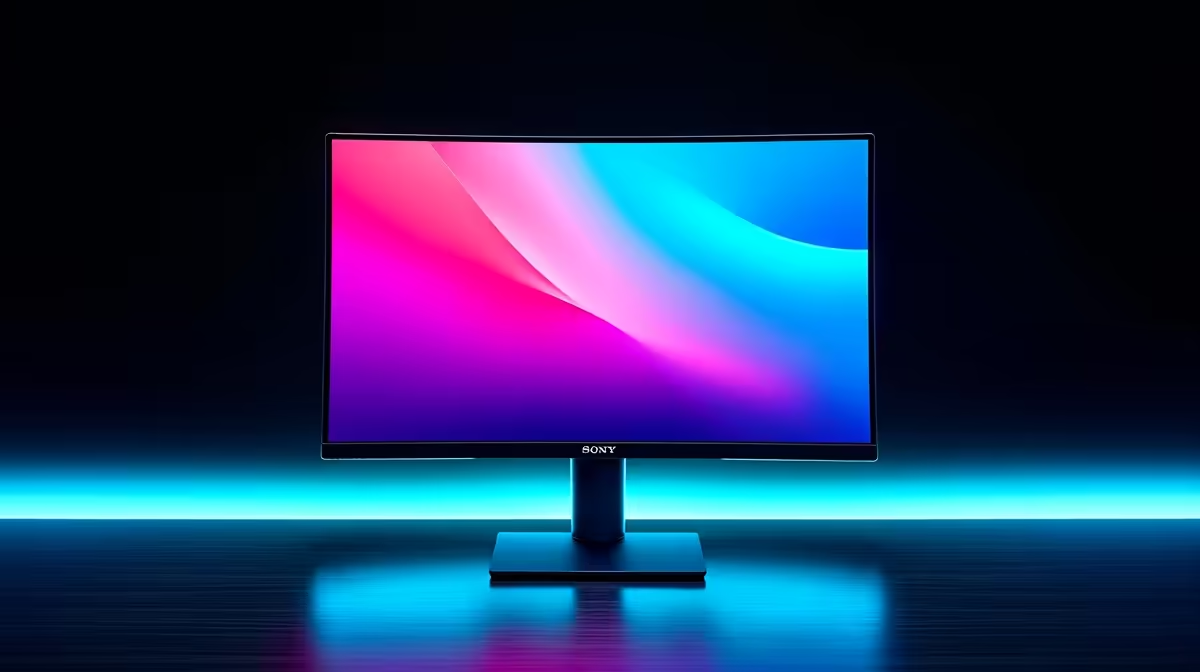
Tired of the cable spaghetti taking over your desk? The power brick, the clunky HDMI cable, the separate USB hub... it’s a mess. What if you could connect your laptop to a big screen, charge it, and access all your peripherals with a single, elegant cable? That’s the promise of a USB-C monitor for your laptop, and it’s the ultimate way to create a clean, powerful, and efficient setup right here in South Africa. 🚀
Why a USB-C Monitor is the Ultimate Laptop Upgrade
At its core, a monitor with USB-C connectivity is all about simplification and power. Unlike older connections that only handle video, a single USB-C cable can manage three crucial jobs at once:
- Video Signal (DisplayPort Alt Mode): It sends the high-resolution video from your laptop to the screen, just like HDMI or DisplayPort.
- Power Delivery (PD): It charges your laptop while it's connected. No need for your laptop's original power adapter!
- Data Transfer: Most USB-C monitors have a built-in USB hub. This means you can plug your keyboard, mouse, webcam, and external drives directly into the monitor, and they'll all connect to your laptop through that one cable.
This three-in-one functionality transforms your desk. It’s the closest you can get to a true docking station experience without the extra box, making it one of the smartest upgrades you can find among modern PC monitors.
Choosing the Right USB-C Monitor for Your Laptop
Getting the perfect single-cable setup means matching the monitor's specs to your laptop and your needs. A graphic designer has different priorities than a competitive gamer, but the convenience benefits everyone. When browsing for a USB-C monitor for your laptop, focus on these key features.
Power Delivery Wattage is Key
This is crucial. The Power Delivery (PD) spec, measured in watts (W), tells you how much charging power the monitor can send to your laptop.
- 45W-65W: Perfect for ultra-portable notebooks like a Dell XPS 13 or MacBook Air.
- 90W-100W: Ideal for more powerful machines like a 15-inch MacBook Pro or a high-performance workstation laptop.
Using a monitor with too little wattage might mean your laptop charges very slowly... or even drains its battery under heavy load. Always check your laptop's power requirements first.
Resolution, Size, and Panel Type
Once you’ve sorted out the power, think about the screen itself. For creative work or multitasking, nothing beats the pixel density of high-resolution 4K or 5K monitors. They deliver incredibly sharp text and vibrant images. If you want a more immersive experience for work or play, the wraparound view of modern curved monitors can make a massive difference to your focus.
Check Your Port! ⚡
all USB-C ports are created equal. Before you buy, confirm your laptop's USB-C port supports DisplayPort Alternate Mode (for video) and Power Delivery (for charging). This is standard on Thunderbolt 3 and 4 ports, but it's worth checking your laptop's spec sheet to be 100% sure. A high-quality cable is also essential, so consider browsing for certified [monitor accessories](https: www.evetech.co.za PC-Components buy-monitor-accessories-368) to complete your setup.
For the Gamers: Refresh Rate and Response Time
Yes, you can absolutely have a clean single-cable setup without sacrificing performance. Many high-refresh-rate USB-C monitors for laptops are designed for gaming. Look for panels with 144Hz or higher for that buttery-smooth gameplay. A USB-C connection has plenty of bandwidth to handle high frame rates and resolutions, so you can dock your gaming laptop with one cable and jump straight into the action on our wide selection of gaming monitors.
The Verdict: A Cleaner, Smarter Workspace ✨
Is a USB-C monitor worth the investment? Absolutely. It streamlines your workspace, reduces clutter, and makes connecting and disconnecting your laptop effortless. Whether you're a professional working from home, a student needing a versatile study station, or a gamer who values a tidy battlestation, this is the upgrade you've been waiting for. And for those who need a second screen on the go, the same single-cable convenience is now available in many amazing portable monitors as well.
The sheer convenience of plugging in one cable to power up your entire workflow is a huge win for productivity. You can find some incredible value across our constantly updated best PC monitor deals, making this powerful upgrade more accessible than ever.
Ready to Ditch the Cable Clutter? A single-cable setup isn't just clean; it's a massive productivity and quality-of-life boost. From crisp 4K displays to high-refresh-rate gaming panels, the perfect USB-C monitor for your laptop is waiting. Explore our massive range of monitor deals and find the perfect match to conquer your workspace.









